音声文字起こしの外注相場はいくら?【安く依頼するコツも解説】
Mr. Transcription: Supported Files & Easy Conversion Guide
Nov. 12, 2026


I want to transcribe a 3-hour file, but how can I do it?
You just need to convert it to a file format and audio length that Mr. Transcription supports!

Supported Files for Mr. Transcription
Mr. Transcription supports the following file types. Uploading any other type will result in an error.
*Uploading multiple files is not supported. Please upload one file at a time.
If you upload a file in an unsupported format, an upload error will occur.
Audio and video files that exceed the supported duration are not rejected; the part from the beginning up to the time limit of your plan is transcribed.
You can enable successful uploads by reducing the file size, converting the file, or splitting the file.
[Image Files]
File size: Up to 32MB
Supported file formats: .jpg .jpeg .png .webp .avif .tiff
*If the text is sideways or upside down, transcription may not be possible, so please correct the orientation.
[Document Files]
File size: Up to 20MB for unregistered users, up to 50MB for free members, and for paid plans, 300MB (Basic), 500MB (Value), or 1GB (Premium)
Supported file format: .pdf
[Audio Files]
Audio duration: For paid plans, up to 90 minutes (Basic), 3 hours (Value), or 5 hours (Premium) (unregistered users: up to 3 minutes per day; free members: up to 10 minutes per day)
File size: Up to 1GB for unregistered users and free members, up to 30GB for paid plans
Supported file formats: .mp3 .wav .wma .mp4 .aifc .flac .aac .aiff .aifc
[Video Files]
Audio duration: For paid plans, up to 90 minutes (Basic), 3 hours (Value), or 5 hours (Premium) (unregistered users: up to 3 minutes per day; free members: up to 10 minutes per day)
File size: Up to 1GB for unregistered users and free members, up to 30GB for paid plans (videos are converted to audio before processing, so even original files of several GB can be used)
Supported file formats: .mp4 .mov .avi .flv .mkv .webm .wmv .3gp
What happens if you upload an unsupported file?
If you try to upload a file that is not supported, errors such as the upload not completing will occur.
Example: WAV file, file size 40GB, audio duration 1 hour
Unsupported files cannot be transcribed, no matter how many times you try to upload them.
Also, unexpected operations might consume transcription time even if transcription is not possible.
Please be careful.
How to Transcribe Unsupported Files
When you want to transcribe files that are too large or too long, we recommend:
- Converting them to a supported file format
- Splitting them to match the supported file duration
By changing the file format or splitting the file, the file size will naturally decrease.
Example: Converting an M4A file (video) to an MP3 file (audio only)
Example: Splitting a 3-hour MP3 file into three 1-hour files
1. Convert to a compatible file format (with automatic video conversion)

The video file is too large to upload...
Mr. Transcription can handle such situations!
If you select a large video file on the Mr. Transcription homepage, it will automatically convert it to an audio file and transcribe it!
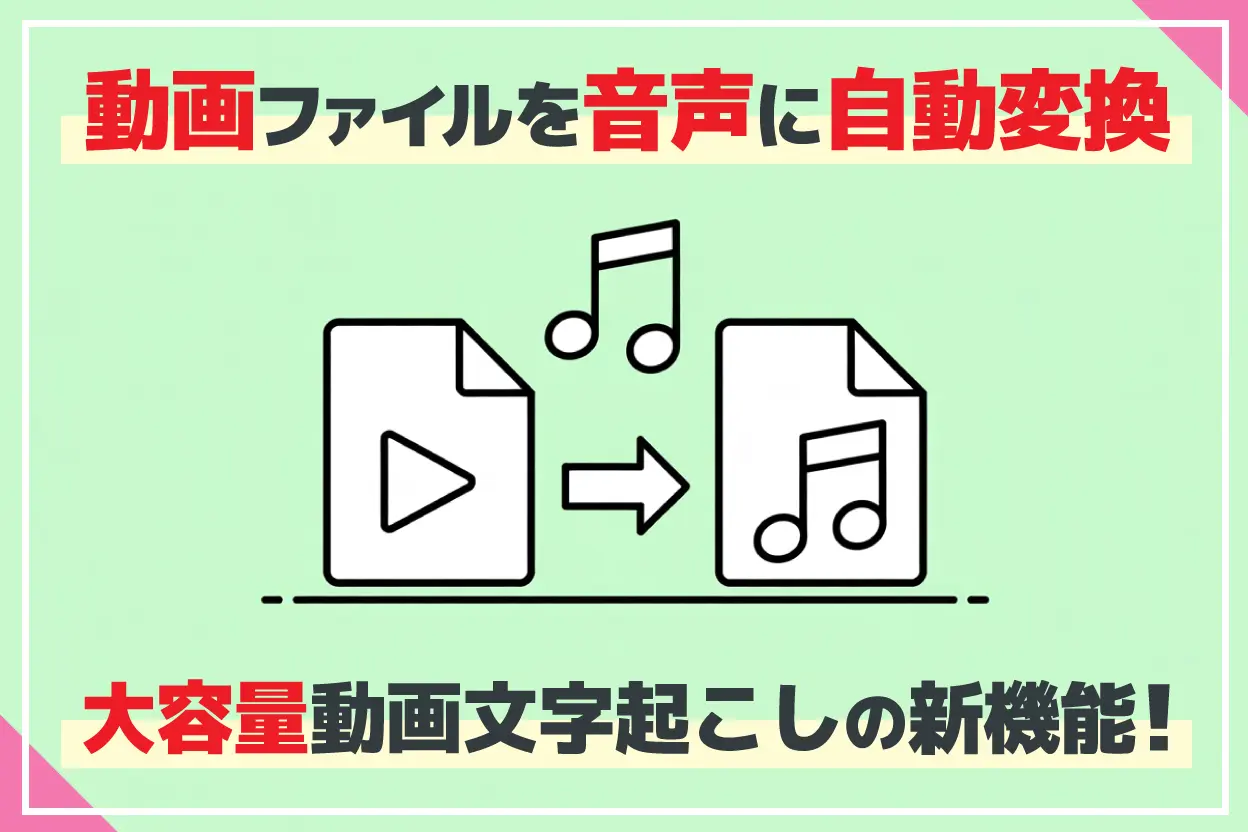
[Free] Video to Audio Conversion Feature Released! How to Transcribe Large Video Files
This article explains how to transcribe large video files with Mr. Transcription, with images. It covers the feature that converts video to audio before uploading, and the file size limits of the free and paid plans. Paid plans support up to 30GB per file.
This article explains the feature for converting video to audio.
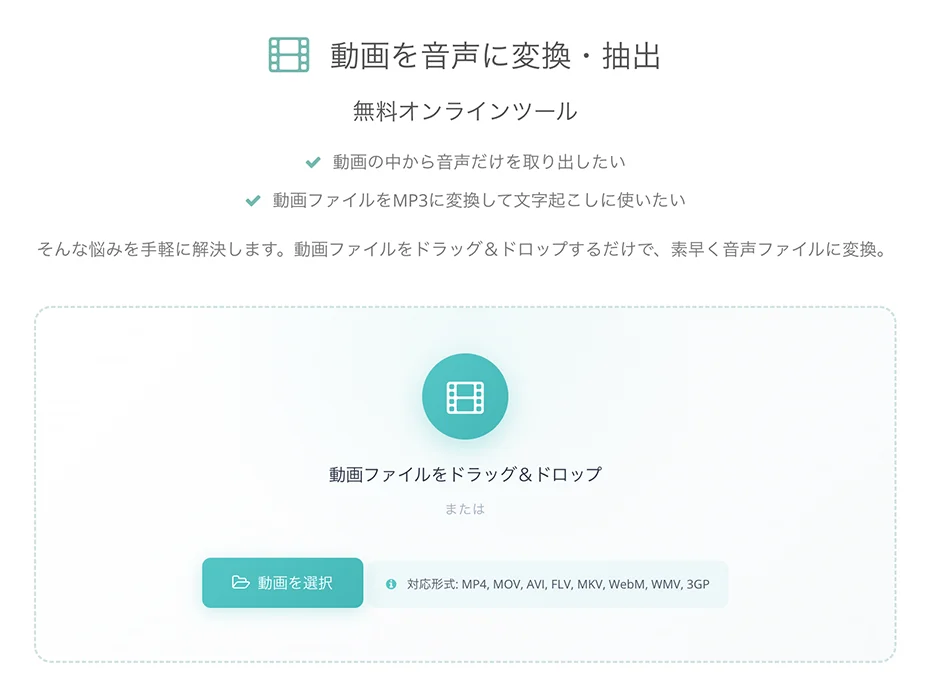
In addition to automatic conversion on the top page, it's also possible to use only the conversion function on this page.
2. How to split files according to the compatible file duration
To split files according to the compatible file duration, please use an external service.
The sites introduced here are just examples, so please search for and use a service that fits your needs.
Split MP3 Files
Splitting MP3 files is easy with online tools or free installable software.
For online tools, MP3 Cutter is convenient and user-friendly.
※When splitting by time, if you split at 90 minutes, transcription can take longer, and file sizes tend to become large. Therefore, it's recommended to split into segments of 1 hour or less.
3. Upload to Mr. Transcription
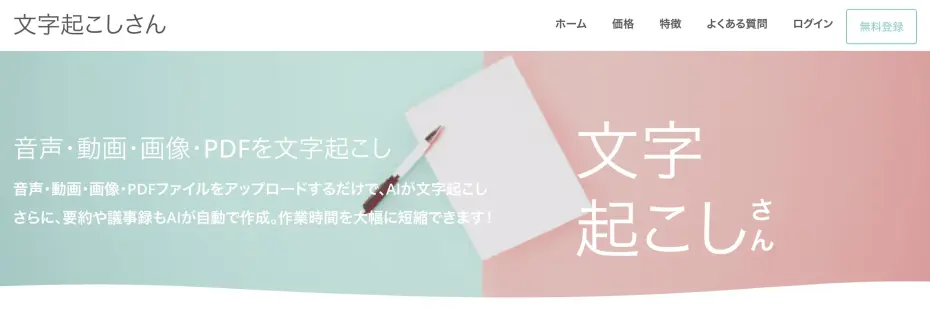
Once you've split the audio files or converted them to a compatible format, upload them to Mr. Transcription.
Select the language and then choose the audio file, and uploading and transcription start automatically.
If you split the audio file to fit the supported duration, you can transcribe it all the way to the end.
4. Transcription Complete

Once the upload is complete, wait a little and the transcription will be completed.
By splitting the audio according to the remaining time, we were able to transcribe everything without missing a beat!
Please give it a try.
■ AI transcription service "Mr. Transcription"
"Mr. Transcription" is an online transcription tool that can be used from zero initial cost and 1,000 yen per month (* free version available).
- Supports more than 20 file formats such as audio, video, and images
- Can be used from both PC and smartphone
- Supports technical terms such as medical care, IT, and long-term care
- Supports creation of subtitle files and speaker separation
- Supports transcription in approximately 100 languages including English, Chinese, Japanese, Korean, German, French, Italian, etc.
To use it, just upload the audio file from the site. Transcription text is available in seconds to tens of minutes.
You can use it for free if you transcribe it for up to 10 minutes, so please try it once.

It is "Mr. Transcription" who can easily transcribe from audio, video, and images.
Mr. Transcription allows you to transcribe for up to 10 minutes for free.
You can copy, download, search, delete, etc. the transcribed text.
You can also create subtitle files, which is ideal for transcription of interview videos.
HP: mojiokoshi3.com
Email: mojiokoshi3.com@gmail.com
Email: mojiokoshi3.com@gmail.com
Related article
Mr. Transcription for audio / video / image transcription. It is a transcription service that anyone can use for free without installation.
- What is Mr. Transcription?
- Transcript images, sounds, and videos with Mr. Transcription
- Free registration
- Rate plan
- manual
- Try other free services