文字起こしサービス(AIアプリ・個人・業者)比較まとめ【3種7選】
Top 15 Free AI Transcription Apps & Services [Comparison]
June 8, 2025
![Top 15 Free AI Transcription Apps & Services [Comparison] | AI Transcription Service - Mr. Transcription](https://storage.googleapis.com/mojiokoshi3/post/image/laptop-with-hands.jpeg)

I don't really understand AI, but automatic transcription tools seem convenient.
Many people probably think, "I want to try AI transcription at least once!"
But when they hear "AI tool,"
You probably can't use it well without programming knowledge, right...?

Many people are likely hesitant for this reason.
Even if you try to research it yourself, various companies like Google, IBM, and Microsoft have developed their own unique AI systems for transcription, making it hard to understand the differences, which can make you even more reluctant.
Don't worry.
AI can be easily used even by those who don't understand how it works!
This time, we've compiled a list of recommended transcription tools that even AI beginners can use.
There's also a simple explanation of AI transcription tools and speech recognition engines, so even if you're not familiar with AI or programming, you'll be able to use convenient automatic transcription tools right away.
Please read to the end.
Top 15 AI Transcription Apps & Services (Free Options Available)
Let's dive right into our recommended AI transcription tools!
1. Mojiokoshi-san
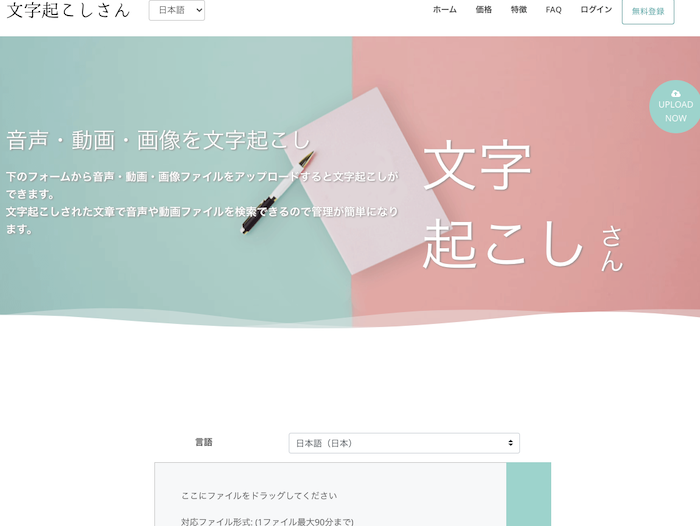
For those looking for an AI transcription service, we first recommend 'Mojiokoshi-san'.
Mojiokoshi-san is a transcription (tape transcription) service using the latest AI.
It's a web browser-based service, so you can use it from any environment as long as you have a computer, tablet, smartphone, and an internet connection.
It's possible to use the latest AI transcription engines, and the transcription accuracy is top-tier.
It can transcribe audio from a wide range of fields, including interviews and meeting minutes, with high quality in a short amount of time.
It supports a very wide variety of file formats, and in addition to audio, it can also transcribe video files and extract text from image data and PDFs.
Employs Two Types of Latest AI Transcription Engines
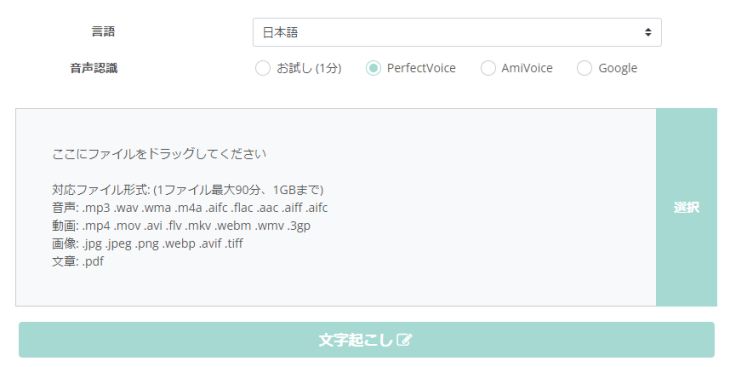
Two types of AI transcription engines are available, each with distinct features:
PerfectVoice: Transcribes long audio files in about 10 minutes, supports 100 languages. AmiVoice: Includes speaker diarization (can transcribe per speaker), transcribes in about the same time as the audio file length.
By choosing the appropriate engine, such as PerfectVoice for transcribing foreign languages like English or Chinese, and AmiVoice for meeting minutes where many people speak simultaneously, you can transcribe even more conveniently.
Many other AI transcription services don't allow you to choose which AI transcription engine to use, but with Mojiokoshi-san, you can select the AI transcription engine that best suits your needs, which is a key advantage.
Of course, it's also strong with specialized terminology in fields like medicine and IT, and you can further improve accuracy with its dictionary function.
Free AI Transcription Service Available
Multiple pricing plans are available, so you can choose the optimal usage based on your purpose and frequency of use.
Audio up to 1 minute can be transcribed for free without registration or login, so short audio files can be transcribed without payment.
Even if you plan to subscribe to a paid plan, you can check the transcription accuracy beforehand, so it's highly recommended to try it for free first!
- AI Transcription Engine: PerfectVoice, AmiVoice
- Supported Media: Audio, Video, Images, PDF
- 1 minute of audio/month, 3 images/month (no free membership registration or login required)
2. Ai PLANET-Voice Convert
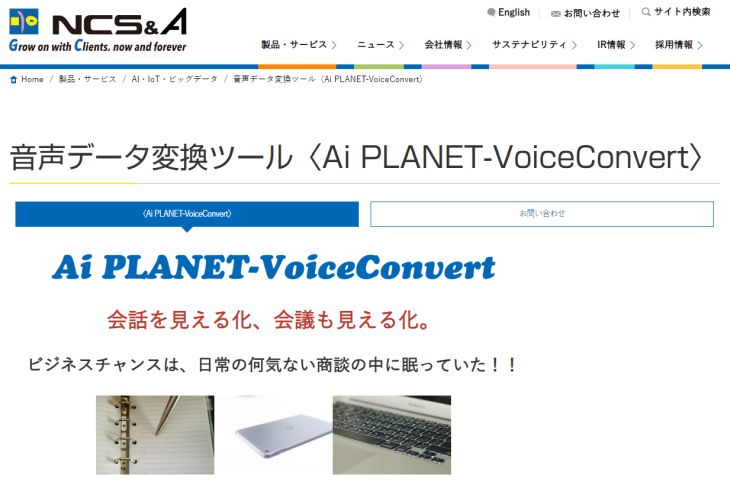
Ai PLANET-VoiceConvert is an AI transcription service designed for meeting minutes and general transcription.
Unusually for an easy-to-use tool, it utilizes IBM's "Watson" (Speech to Text) as its speech recognition engine.
This service also allows AI transcription from various environments, including PCs and smartphones, as long as you have an internet connection.
In addition to supporting audio transcription from video data, it also offers features to improve accuracy by creating custom common and individual dictionaries.
There is no free plan available.
Beyond the more affordable "ASP (shared environment)" pricing plan, users can also opt for dedicated environments like "Cloud" or "On-premise," making it versatile for various business needs.
- AI (Speech Recognition Engine): IBM Watson (Speech to Text)
- Supported Media: Audio, Video
- Free Features: None (However, a 1-month, 30-hour free trial is available)
3. Smart Shoki
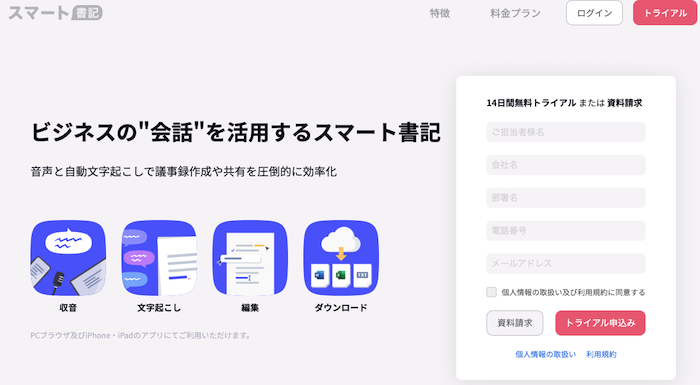
Smart Shoki is an AI transcription service specifically designed for meeting minutes, as its name suggests.
It's a cloud-based AI transcription service that allows transcription via the Google Chrome browser on PCs and through an app on iPhones.
Developed based on a demonstration experiment conducted by Media Do Co., Ltd. and Tokushima Prefectural Government from 2017, it boasts over 1,200導入実績 (implementation successes) with major corporations and local governments.
There is no free plan, and the pricing is on the higher side, making it less suitable for individual use. However, it offers specialized plans with enhanced security measures, making it recommended for businesses that prioritize safety.
- AI (Speech Recognition Engine): Google
- Supported Media: Audio, Video
- Free Features: None (However, a 14-day free trial is available)
4. Texter
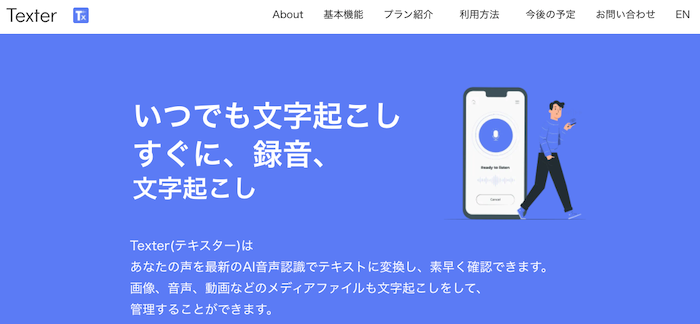
Texter is also a transcription service aimed at meeting minutes.
It features an automatic transcription function for web conference content to create meeting minutes, and also supports transcription from audio data.
Usage is very simple: just log in and click the "Start Meeting Minutes" button.
Recorded data can also be downloaded, providing peace of mind even if real-time transcription doesn't work perfectly.
The pricing plan is a single price of 30,000 yen per month, allowing up to 100 hours of use per month.
While a bit pricey, it's recommended for those who need to use AI transcription extensively and in bulk.
*Previously, there was a mention of a free plan, but this information is no longer available.
- AI (Speech Recognition Engine): Google
- Supported Media: Audio, Video
- Free Features: None ul>
- AI (Speech Recognition Engine): Google, Azure, AmiVoice
- Supported Media: Audio, Video
- Free Features: First 60 seconds of audio are free
- AI (Speech Recognition Engine): Google
- Supported Media: Audio
- Free Features: None (*3-minute trial version available)
- AI (Speech Recognition Engine): Proprietary
- Supported Media: Audio, Video
- Free Features: 300 minutes/month for real-time transcription only
- AI (Speech Recognition Engine): Whisper
- Supported Media: Audio
- Free Features: Up to 1 hour free (requires purchase of a dedicated IC recorder)
- AI (Speech Recognition Engine): Proprietary
- Supported Media: Audio
- Free Features: Up to 60 minutes of audio only (for personal use only)
- AI (Speech Recognition Engine): Proprietary
- Supported Media: Audio
- Free Features: All features
- AI (Speech Recognition Engine): Google, Azure, Amazon, AmiVoice, etc.
- Supported Media: Audio, Video
- Free Features: 120 minutes/month
- AI (Speech Recognition Engine): Proprietary
- Supported Media: Audio
- Free Features: 10 hours (during a 2-week trial period only)
- AI (Speech Recognition Engine): Proprietary
- Supported Media: Audio
- Free Features: 7 days free after registration
- AI (Speech Recognition Engine): Azure
- Supported Media: Audio
- Free Features: All features (real-time only)
- AI (Speech Recognition Engine): Google
- Supported Media: Audio
- Free Features: All features are free (real-time transcription only)
- Using a system called a speech recognition engine to enable computers to recognize human voices.
- Converting the recognized content into text strings.
- Saving time and automating transcription tasks
- Improving accuracy through custom dictionaries and additional training
- Being more affordable than human transcription services
- Advanced Media AmiVoice
- Google Cloud Speech-to-Text
- Microsoft Azure Speech to Text
- IBM Watson Speech to Text
- Nuance Communications Dragon
- Apple Siri
- Amazon Transcribe
- NTT SpeechRec
- NEC Enhanced Speech Analysis
- Mojiokoshi-san
- Ai PLANET-VoiceConvert
- Smart Shoki
- Texta
- AI Mojiokoshi
- Voice Rep PRO 3
- Otter.ai
- AutoMemo
- RimoVoice
- Sloos
- Notta
- YOMEL
- One Minutes
- Group Transcribe
- Google Docs
5. AI Mojiokoshi (AI Transcription)
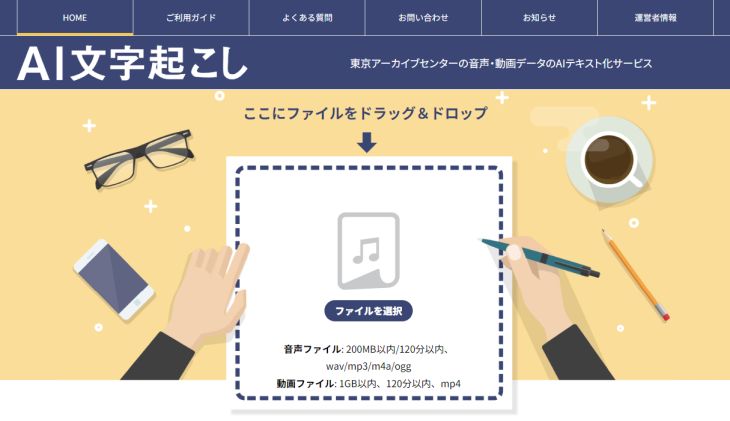
"AI Mojiokoshi" is an AI transcription service provided by Tokyo Archive Center, a group company of Tokyo Hanyaku, which is famous for professional transcription by skilled writers.
It allows you to use three AI transcription engines: Google, Azure, and AmiVoice.
You can try transcribing the first 60 seconds of audio without needing to register, and you only pay after reviewing the sample results.
In addition to audio data, it can also convert video files to text, supporting 9 languages.
This AI transcription service is particularly useful for creating meeting minutes from recorded web conferences.
6. Voice Rep PRO 3
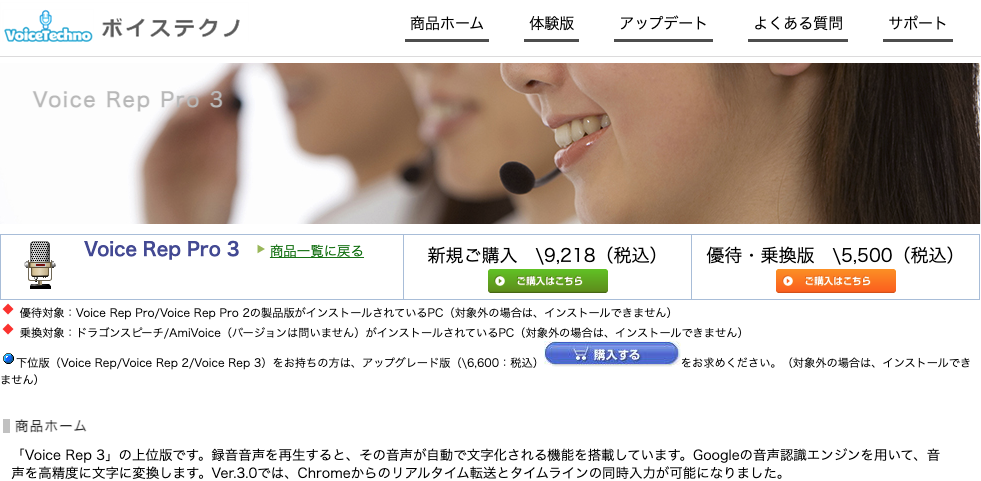
Voice Rep PRO 3 is an AI transcription software that is installed and used on a computer.
Many AI transcription services are web-browser based, making installed software like this quite rare nowadays.
It is only compatible with Windows OS.
It uses Google's AI engine for AI transcription and requires an internet connection to function.
The software combines an AI automatic transcription tool with a high-performance editor, offering a wealth of features for transcription editing, such as timeline (timestamp) insertion, automatic punctuation, numerical notation conversion, and a text proofreading tool.
It also includes a text-to-speech function, allowing you to check for errors not only visually but also by listening.
7. Otter
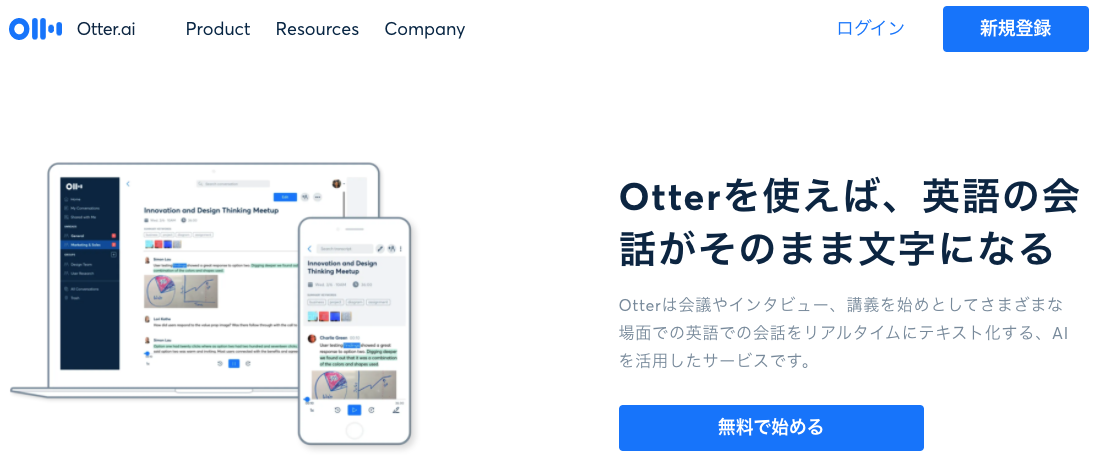
Otter is an AI transcription service specifically designed for English.
In terms of features, it boasts excellent speaker identification capabilities, allowing it to distinguish speakers by analyzing their voiceprints.
While many common transcription tools differentiate speakers by having users access from different devices, Otter can accurately distinguish speakers even within the same audio data.
This makes transcribing meetings in English a smooth process.
It also includes other convenient features for reviewing and editing transcribed data, such as keyword search and automatic synchronization (highlighting) between text and recorded audio.
8. AutoMemo
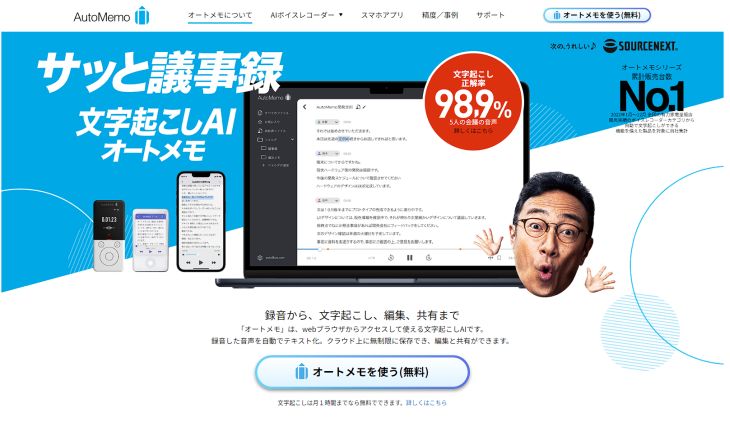
AutoMemo is an AI transcription service operated by SOURCENEXT, specifically designed for meeting minutes.
By purchasing a dedicated AI voice recorder, you can get up to 1 hour of transcription for free.
*For transcriptions exceeding 1 hour, a monthly or annual subscription allows up to 30 hours per month.
There are two types of AI voice recorders: "AutoMemo S" at 19,800 yen and "AutoMemo R" at 13,860 yen.
A welcome feature is that you don't need to bother setting up recording environments like microphones.
In addition, it also includes features for searching, organizing, and editing transcribed text.
9. RimoVoice
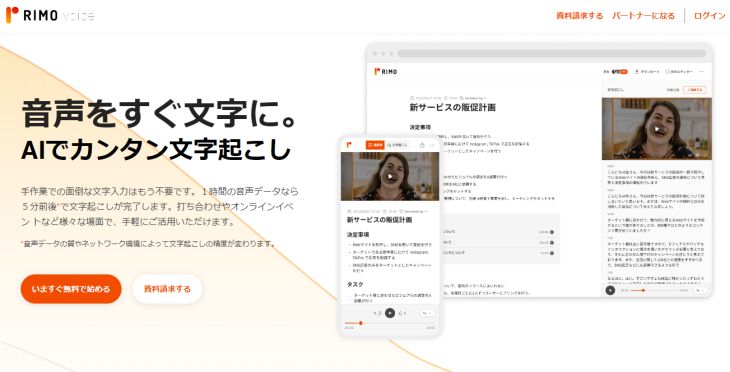
RimoVoice is an AI transcription service characterized by its specialization in Japanese transcription.
It's a browser-based AI transcription service that not only allows you to upload audio files for transcription but also includes an automatic text summarization feature powered by AI.
Pricing includes per-hour billing (for personal use) and monthly subscriptions (for corporate use), with a free trial available.
It's one of the convenient AI transcription services for business use, such as for meeting minutes and interviews.
10. Sloos
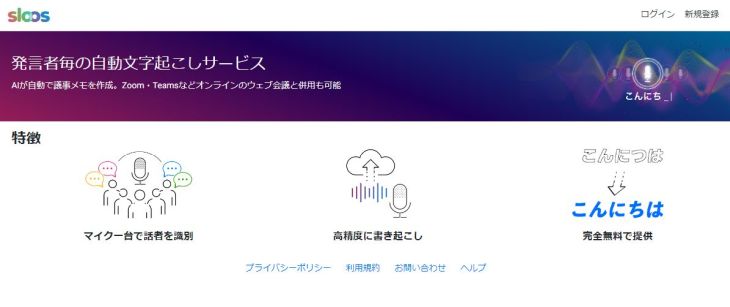
Sloos is an AI transcription service that can be used for purposes such as creating meeting minutes, taking notes in call centers, and online medical consultations.
It features robust speaker diarization capabilities, allowing it to accurately distinguish speakers and produce highly complete transcribed texts.
Another key point is its compatibility with web conferencing services like Zoom and Teams.
11. Notta
Notta is a feature-rich AI transcription service.
It supports multiple languages and uses the optimal speech recognition engine for each language, enabling highly accurate transcription for various languages (though users cannot select the engine themselves).
Key features include a Chrome extension and Zoom integration, offering diverse ways to use the service.
For web conferences, you can add the Notta Bot as a meeting member, and the web version of Notta will automatically transcribe the meeting content.
12. YOMEL
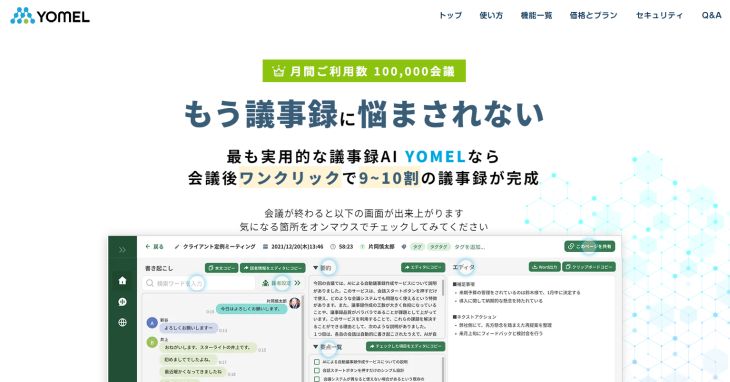
YOMEL is an AI transcription service specifically designed for creating meeting minutes.
Unlike other general-purpose AI transcription services, YOMEL is highly specialized in meeting minutes, boasting exceptionally high-quality transcription for this purpose.
It supports real-time transcription only, and it claims that 90-100% of the meeting minutes are completed with a single click after recording.
The trial period allows for 10 hours of free transcription (limited to 2 weeks), after which it switches to a monthly subscription.
This AI transcription service is recommended for anyone struggling with the effort of taking meeting minutes.
13. One Minutes
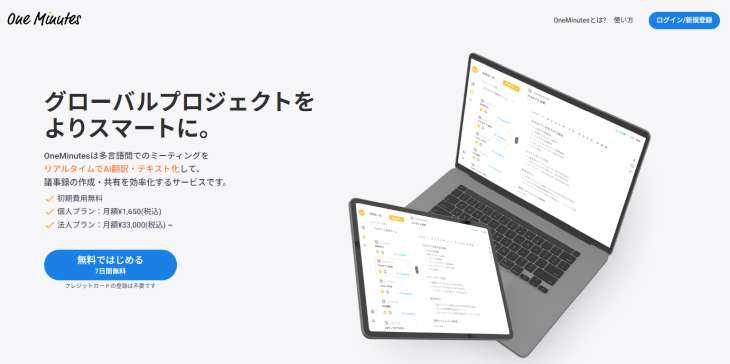
One Minutes is an AI transcription service accessible via web browser, designed for meeting minutes.
It not only transcribes meeting content in real-time to create minutes but also includes an automatic summarization feature.
A real-time translation function is also available.
Pricing is subscription-based, with plans for individuals (up to 3 hours/month) and corporations (10+ hours/month).
You can try it for free for 7 days after registration.
14. Group Transcribe

Group Transcribe is an iPhone app from Microsoft that enables meeting transcription and AI-powered transcription.
When installed on your iPhone and used in a meeting, the AI transcribes speech for each speaker.
However, all participants in the meeting must have this app installed to use it.
It is free to use.
As a Microsoft product, its AI transcription performance is high, and usability is excellent.
It also supports English.
This app is highly recommended for meetings where all participants use iPhones.
15. Google Docs

Google Docs is a very well-known service, but it actually has an AI transcription feature that is surprisingly not widely known.
Since it's a Google service, it uses Google's AI speech-to-text engine.
By turning on voice typing in the Google Docs editing screen, it automatically recognizes audio input from your microphone.
However, it is primarily designed for real-time voice input. To convert pre-recorded audio data into text, you'll need to route it through a microphone or use your computer's "stereo mixer function," which requires some technical workarounds.
This method requires computer knowledge and can be quite cumbersome. For uses other than real-time voice input, it's recommended to choose one of the other services introduced in this article.
What are AI Transcription Tools?

While you don't need to be an AI expert to use AI transcription tools, understanding their basic mechanisms can help you utilize them more effectively.
Here, we'll briefly explain how AI transcription tools work.
How AI Transcription Works
AI transcription services transcribe by:
Some AI transcription tools can analyze voice characteristics (like voiceprints) to identify speakers, making them useful for meeting minutes and similar applications.
While AI-powered speech recognition has been in development since the 1970s, recent advancements, particularly in deep learning technology, have dramatically improved its accuracy, making it accessible for personal use.
Benefits of AI Transcription Tools

The benefits of using AI transcription tools include:
AI transcription tools can dramatically streamline your transcription workflow.
They already offer very high accuracy, and since many people haven't adopted them yet, it's a great opportunity to get ahead and lead the pack!
Types of AI (Speech Recognition Engines)
New speech recognition engines are constantly being developed, but here are some examples:
Additionally, "Mojiokoshi-san" uses the "PerfectVoice" AI speech recognition engine.
Let's briefly explain the characteristics of each.
Advanced Media AmiVoice
AmiVoice is an AI engine specialized in transcription, boasting outstanding performance as a Japanese-specific transcription tool.
It's an evolution of the former popular transcription software "AmiVoice SP2," adapted to modern environments and needs, achieving high-performance transcription based on years of experience.
For Japanese, its recognition rate (transcription accuracy) feels higher than Google's.
Furthermore, it includes a speaker diarization function, which is very convenient for meeting minutes.
This AI engine is also available for use with "Mojiokoshi-san."
Google Cloud Speech-to-Text
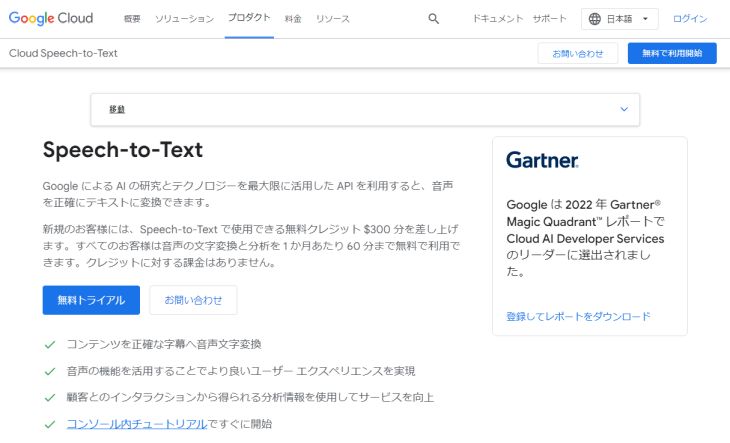
Google Cloud Speech-to-Text is Google's AI transcription engine, adopted by many AI transcription services.
It is characterized by high accuracy, supports multiple languages, and effectively handles dialects.
IBM Watson Speech to Text
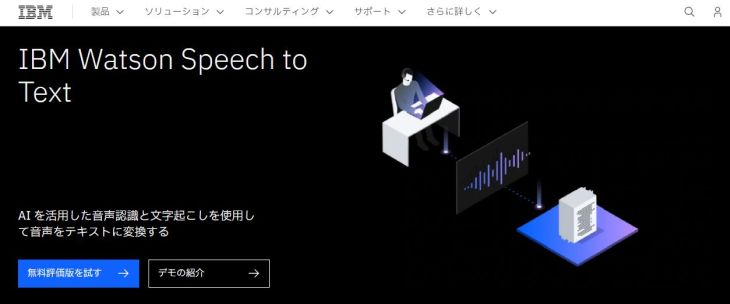
Watson Speech to Text is an AI speech recognition developed by IBM.
It is characterized by its accuracy in transcribing conversations, which is on par with Google's.
Accuracy can be further improved in specialized fields through additional training, making it widely used by users who require customization.
This AI transcription engine is more commonly adopted by large corporations for call centers rather than individual users.
Microsoft Azure Speech to Text
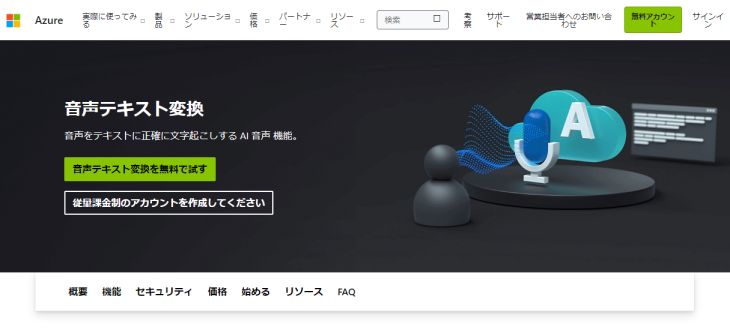
Microsoft Azure Speech to Text is an AI transcription engine developed by Microsoft.
It can transcribe with decent accuracy in fields such as healthcare and IT.
With Microsoft's acquisition of leading speech recognition company Nuance in 2021, further accuracy improvements and feature additions are expected.
Microsoft Azure Speech to Text
Nuance Communications Dragon
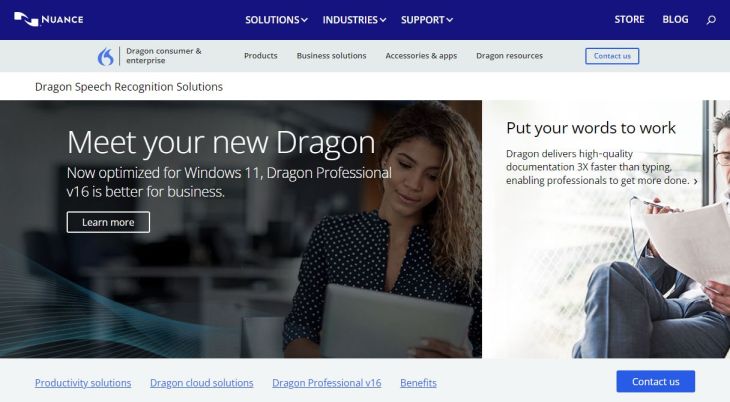
Nuance Communications Dragon is a transcription AI from Nuance, a long-established AI speech recognition company also known as the developer of Apple Siri.
※In Japan, it gained popularity as "Dragon Speech," a competitor to "AmiVoice SP2."
As mentioned above, since it was acquired by Microsoft in 2021, its features may be integrated into Microsoft Azure in the future.
Nuance Dragon Speech Recognition
Apple Siri
Apple Siri is a familiar speech recognition AI for iPhone and Mac users.
It can be used for voice input on iPhones and Macs, and with some effort, it can also be used for transcription.
The advantage is that it's free to use if you own an iPhone or Mac.
Amazon Transcribe
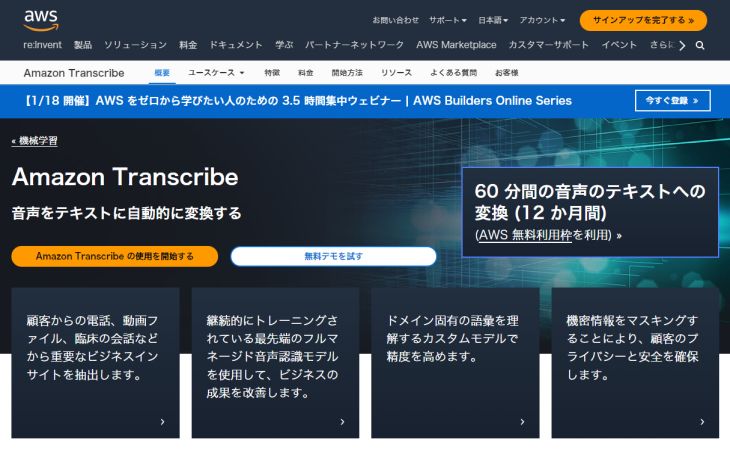
Amazon Transcribe is a service provided by Amazon that automatically converts speech to text.
Like other speech recognition AIs, it is used for various business purposes, including meeting minutes and call centers.
To use it, you need to subscribe through AWS (Amazon Web Services), just like other Amazon services.
NTT SpeechRec
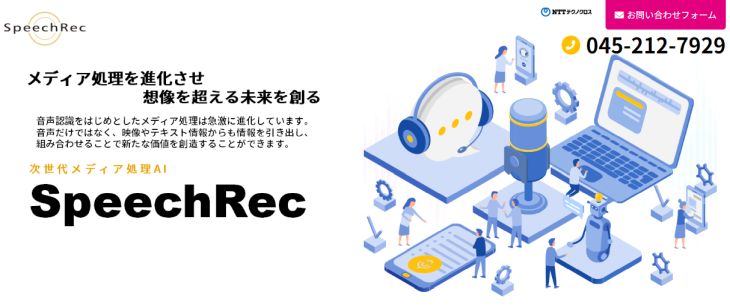
NTT SpeechRec is a speech recognition AI developed by NTT Laboratories in Japan.
It uses MediaGnosis, a media processing AI, and supports not only speech recognition but also information estimation from facial images and text processing.
It can also be tuned for specialized fields and proper nouns.
It is one of the AIs primarily used for business applications.
NEC Enhanced Speech Analysis
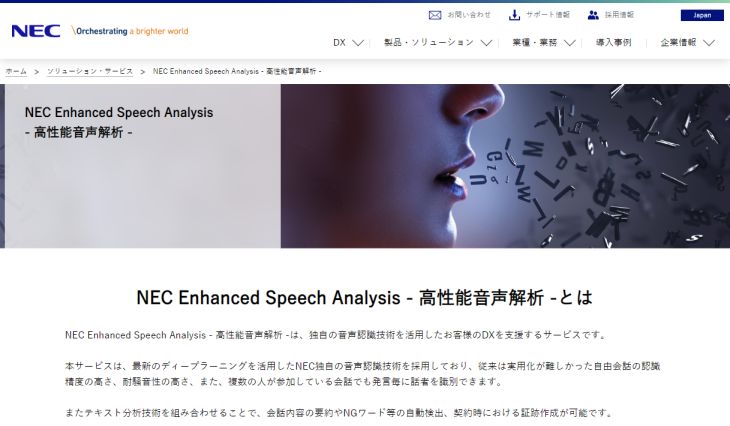
NEC Enhanced Speech Analysis is an AI transcription service that leverages NEC's proprietary speech analysis technology.
It supports business applications such as transcribing web conferences, taking notes during business negotiations, and voice memos for inspection tasks.
Its strength lies in its ability to function effectively even in noisy environments.
PerfectVoice
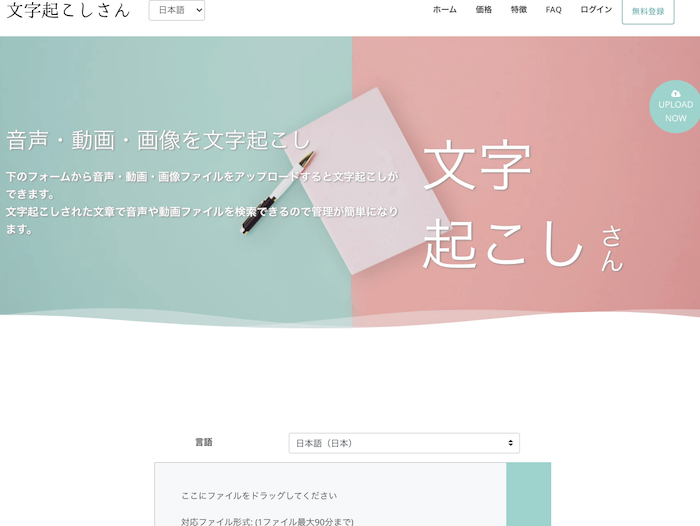
PerfectVoice is one of the AI speech recognition engines used by the AI transcription service 'Mojiokoshi-san'.
It features high speed, capable of transcribing even long audio files in about 10 minutes, and accuracy that is on par with or superior to other AI transcription engines.
Another appealing feature is its support for an impressive 100 languages.
If you're unsure which AI engine to use for transcribing audio or video files, this is definitely one to try.
You can try it for free and without registration on the official 'Mojiokoshi-san' website. Why not give it a try?
Summary
This time, we've explained automatic transcription tools that utilize AI (speech recognition engines).
Let's quickly review the AI transcription tools introduced in this article one more time.

AI sounds complicated and I don't really understand it...
If you have a preconceived notion like that, you might miss out on a big opportunity.
By using the tools introduced here, you can easily perform automatic transcription without any knowledge of AI or programming.
Whether or not you can effectively utilize such convenient tools is not only about making your own life easier, but also a crucial factor in differentiating yourself at work.
Why not try using an AI transcription service?
■ AI transcription service "Mr. Transscription"
"Mr. Transcription" is an online transcription tool that can be used from zero initial cost and 1,000 yen per month (* free version available).
- Supports more than 20 file formats such as audio, video, and images
- Can be used from both PC and smartphone
- Supports technical terms such as medical care, IT, and long-term care
- Supports creation of subtitle files and speaker separation
- Supports transcription in approximately 100 languages including English, Chinese, Japanese, Korean, German, French, Italian, etc.
To use it, just upload the audio file from the site. Transcription text is available in seconds to tens of minutes.
You can use it for free if you transcribe it for up to 10 minutes, so please try it once.

It is "Mr. Transcription" who can easily transcribe from audio, video, and images.
Transcription allows you to transcribe for up to 10 minutes for free.
You can copy, download, search, delete, etc. the transcribed text.
You can also create subtitle files, which is ideal for transcription of interview videos.
HP: mojiokoshi3.com
Email: mojiokoshi3.com@gmail.com
Email: mojiokoshi3.com@gmail.com
Related article
Transcription for audio / video / image transcription. It is a transcription service that anyone can use for free without installation.
- What is Mr. Transcription?
- Transcript images, sounds, and videos with Mr. Transcription
- Free registration
- Rate plan
- manual
- Try other free services