Mr. Transcription Powers Up: New AI & File Formats!
How to Convert Video to Audio for Free Without Uploading
Oct. 9, 2026


I want to know how to convert a video file to audio!
Thank you for always using Mr. Transcription.
When you are enjoying videos you have recorded or making videos for YouTube, you sometimes want to extract just the audio from a video file, don't you?
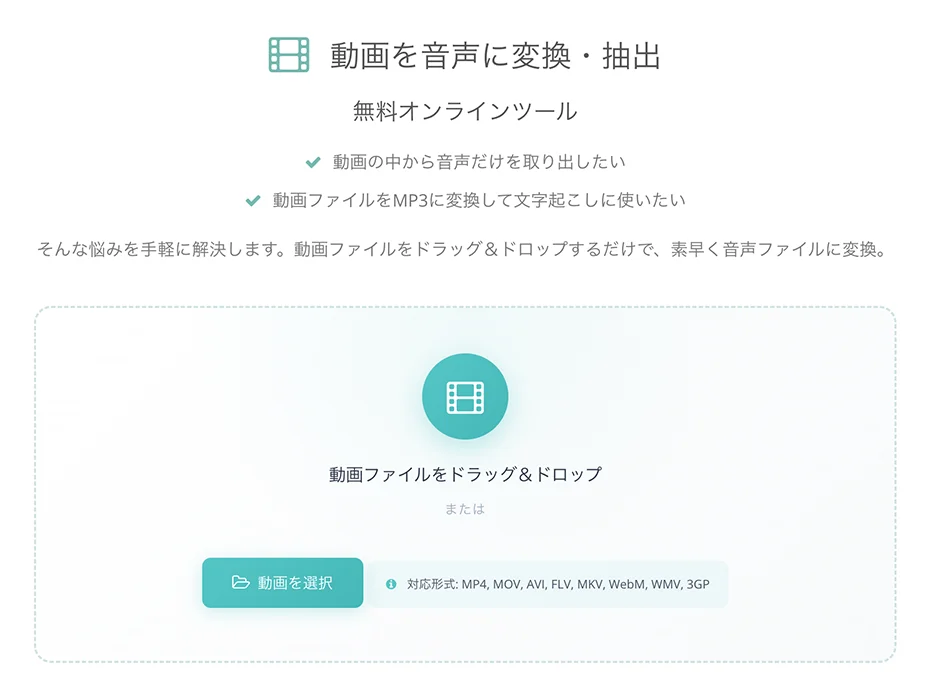
We have now released the "Convert and Extract Audio from Video" free online tool as a supporting feature to make Mr. Transcription even more convenient to use!
In this article, we introduce an easy way to convert a video to audio without uploading it.
[Free] No Upload Needed! How to Convert Video to Audio
Now, let us explain how to convert a video file into an audio file with Mr. Transcription's "Convert and Extract Audio from Video" free online tool.
Because the video is processed without being uploaded, the conversion runs smoothly even on a slow connection.
In addition, the file is processed on your own PC or smartphone without being saved on a server, so you can use it with peace of mind in terms of security.
1. Open the conversion tool page
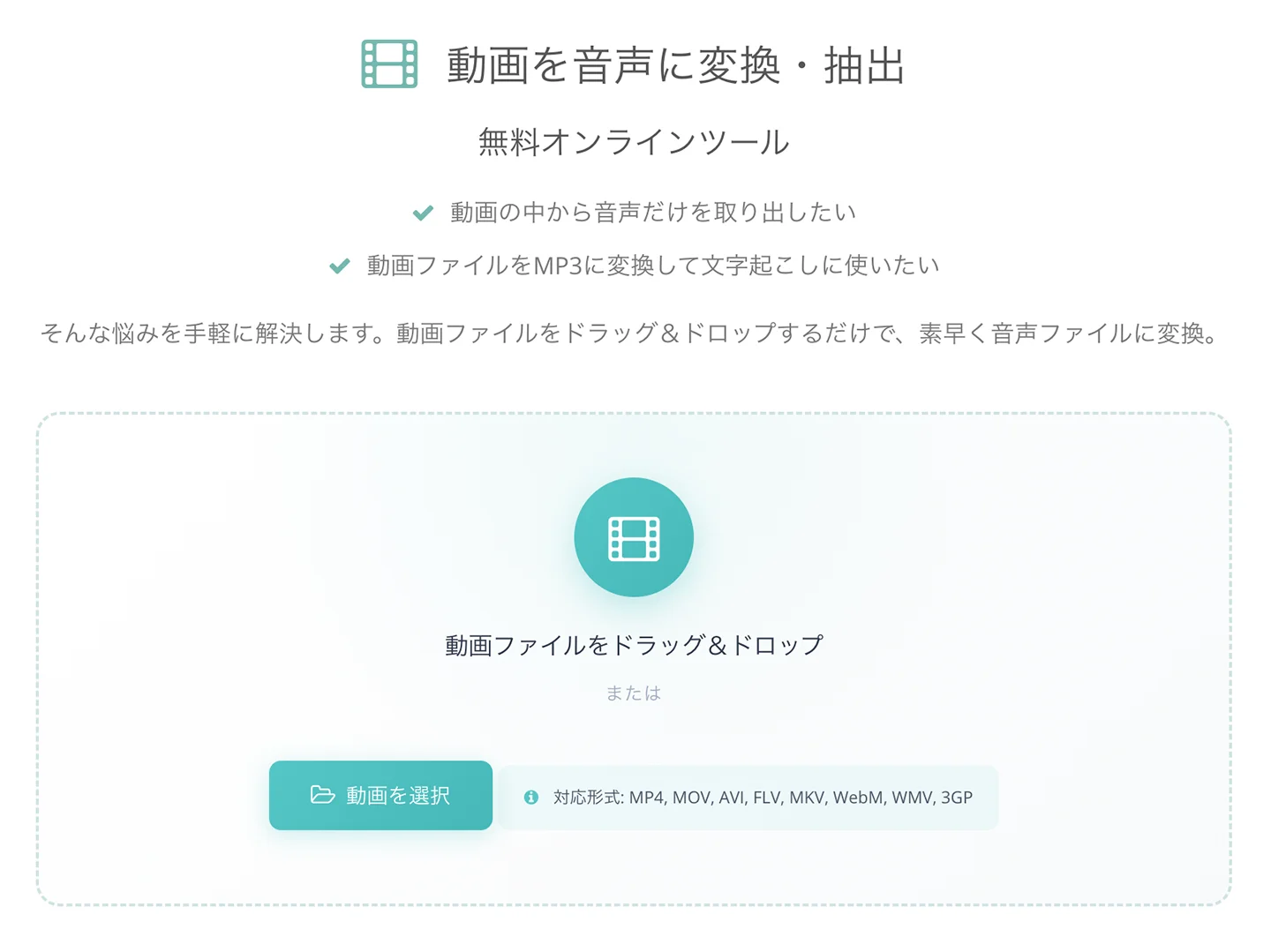
First, open the conversion tool page.
2. Select a video file
You can select the video file you want to convert by:
- dragging and dropping it into the box on the screen
- clicking the "Choose file" button
Use either method to select the file.
3. Conversion starts automatically
When you select a file, audio extraction starts automatically in your browser.
At this time, the video file is not uploaded; it is processed on your PC or smartphone.
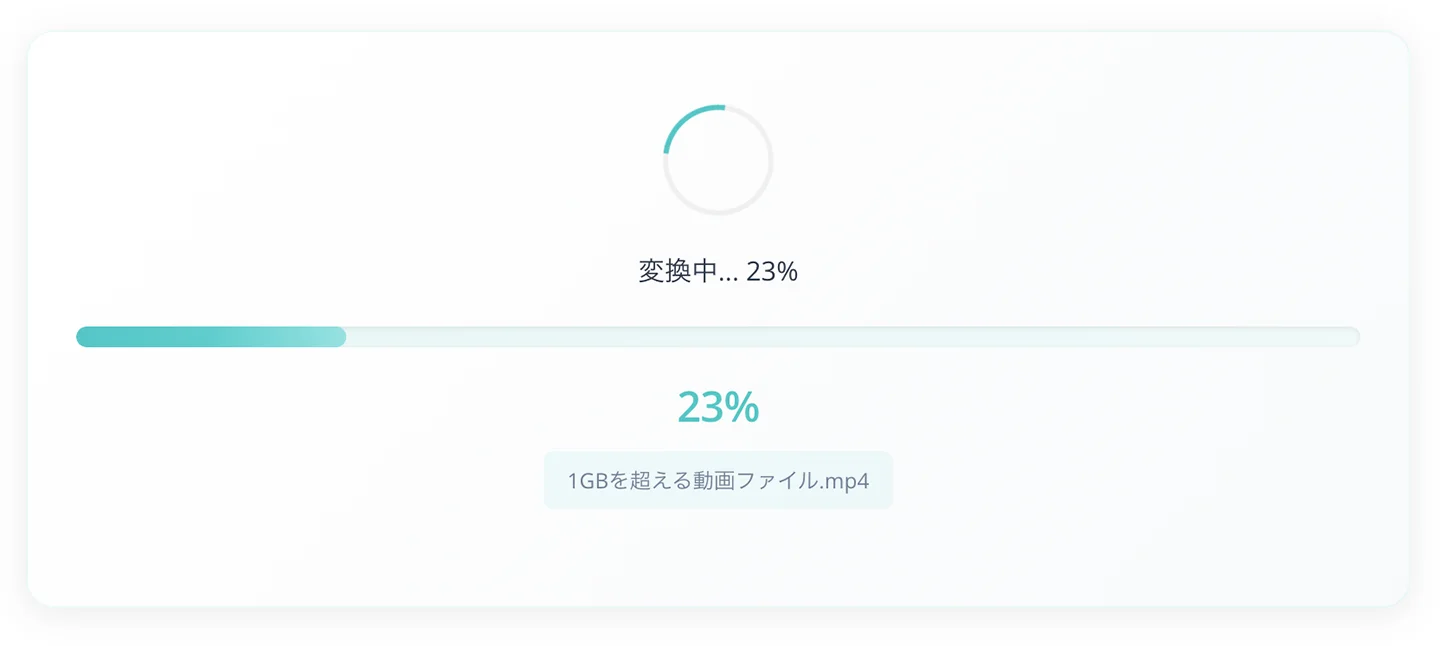
4. The audio file is downloaded automatically
The conversion finishes right away!
Even a long video file is processed automatically in about one minute.
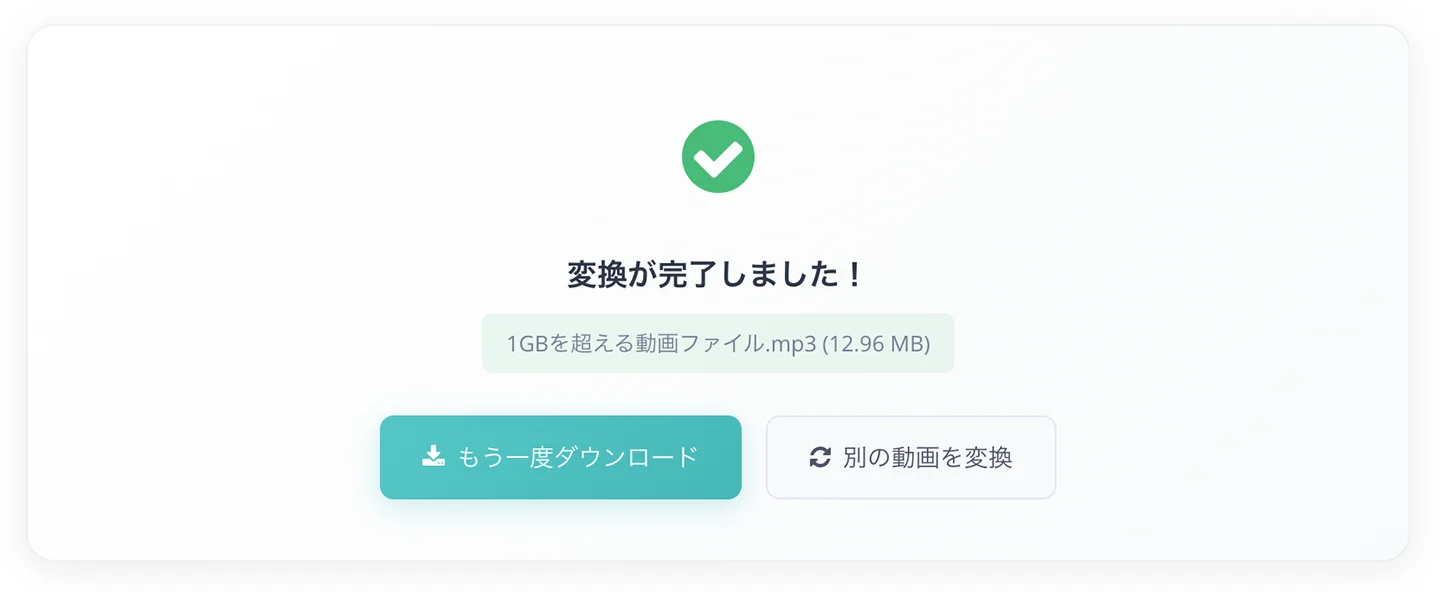
When the conversion is finished, an audio file in MP3 format is downloaded automatically.
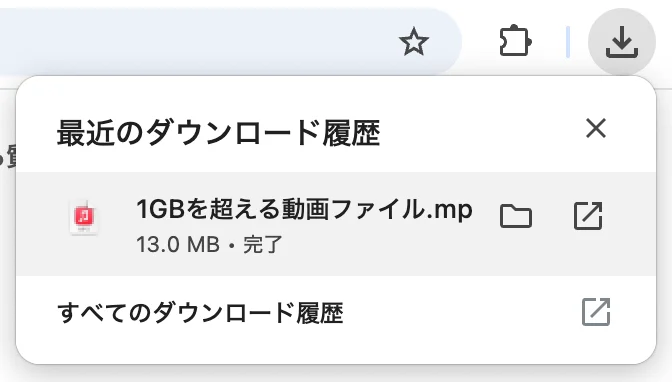
You have now converted the video file into an MP3 audio file and downloaded it.
Large Video Files Are Automatically Converted to Audio for Transcription
When you transcribe a large video file with Mr. Transcription, it is now automatically converted into an audio file when you select the file.
For details, please see the following article.
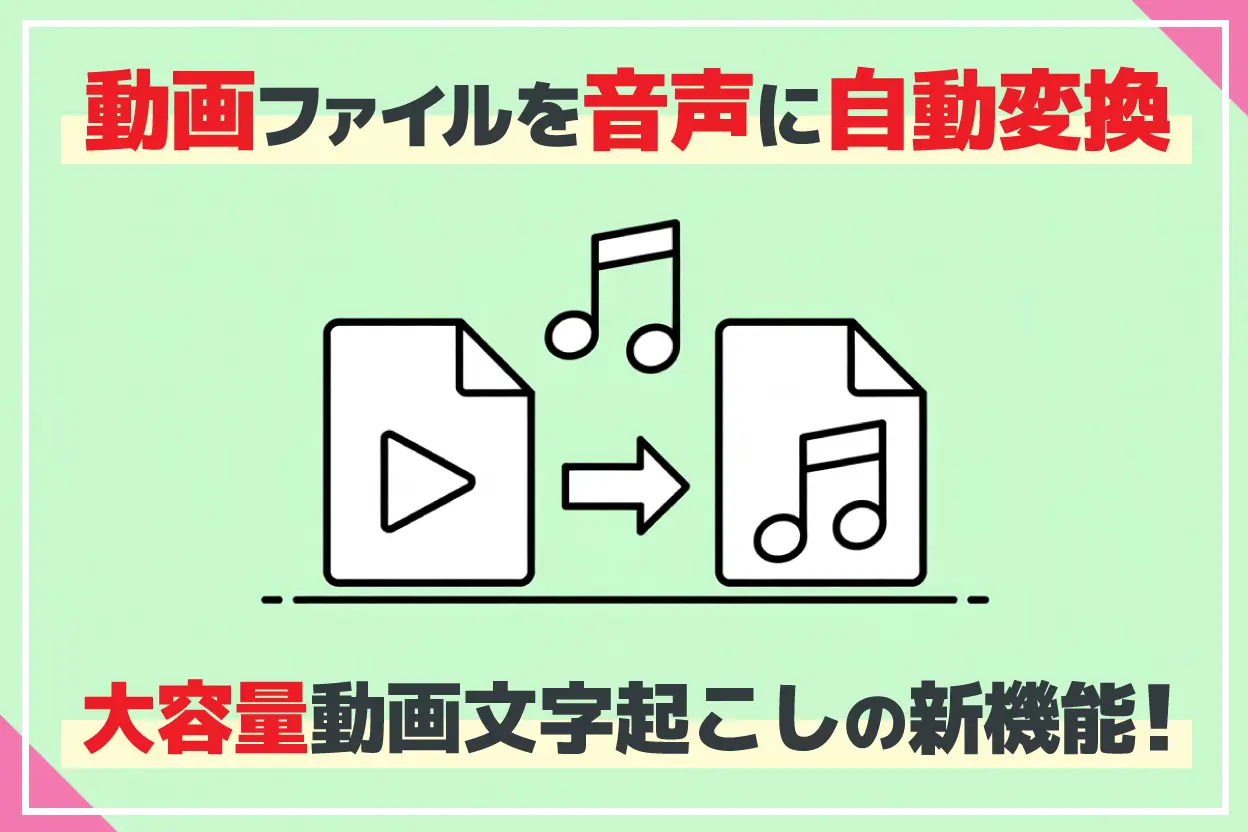
[Free] New Feature to Convert Video to Audio! How to Transcribe Large Video Files
We explain Mr. Transcription's new feature, "automatically convert large video files to audio and transcribe them," in detail. Because everything runs in your browser, it is fast and secure. Even large videos over 1 GB can now be transcribed. We introduce the easy steps with images.
If You Have Trouble Converting Video to Audio, Try Our Free Tool
In this article, we explained a supporting tool for converting large video files into audio files.
We will continue to improve usability so that all our users can use Mr. Transcription even more conveniently.
Thank you for your continued support of Mr. Transcription.
■ AI transcription service "Mr. Transscription"
"Mr. Transcription" is an online transcription tool that can be used from zero initial cost and 1,000 yen per month (* free version available).
- Supports more than 20 file formats such as audio, video, and images
- Can be used from both PC and smartphone
- Supports technical terms such as medical care, IT, and long-term care
- Supports creation of subtitle files and speaker separation
- Supports transcription in approximately 100 languages including English, Chinese, Japanese, Korean, German, French, Italian, etc.
To use it, just upload the audio file from the site. Transcription text is available in seconds to tens of minutes.
You can use it for free if you transcribe it for up to 10 minutes, so please try it once.

It is "Mr. Transcription" who can easily transcribe from audio, video, and images.
Transcription allows you to transcribe for up to 10 minutes for free.
You can copy, download, search, delete, etc. the transcribed text.
You can also create subtitle files, which is ideal for transcription of interview videos.
HP: mojiokoshi3.com
Email: mojiokoshi3.com@gmail.com
Email: mojiokoshi3.com@gmail.com
Related article
Transcription for audio / video / image transcription. It is a transcription service that anyone can use for free without installation.
- What is Mr. Transcription?
- Transcript images, sounds, and videos with Mr. Transcription
- Free registration
- Rate plan
- manual
- Try other free services