Free AI Transcription: Use Mojikoshi-san (10 Mins Daily)
PDF Transcription: AI OCR & Text Conversion with Mr. T
June 21, 2026
Can't copy text from a PDF file?

Have you ever encountered such a problem while working with PDF files?
Mr. Transcription is a web application that can automatically transcribe text from PDFs just by uploading the PDF file.
You can use the latest AI to perform free OCR (optical character recognition) on the content of your PDF files.
In this article, we will explain how to extract text from PDFs using Mr. Transcription with images.
If you want to convert a PDF into editable text, why not try using Mr. Transcription for free, following this guide?
Mr. Transcription: An AI app for easy PDF OCR [Free]
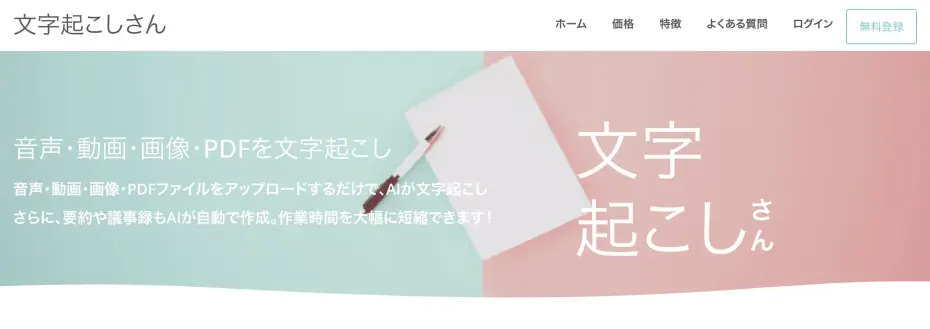
Mr. Transcription is a web application that uses AI to transcribe audio, video, images, and PDFs.
It's easy to use.
Simply upload your PDF file directly from your browser.
No special software installation is required, and it works on Windows, Mac, iPhone (iOS), and Android smartphones – any environment.
By registering an account, you can transcribe up to 10 pages of PDF files per day for free. So, if you need to convert a PDF to text, why not try Mr. Transcription first?
How to Transcribe PDFs with Mr. Transcription
The process of transcribing PDFs with Mr. Transcription is very simple.
Transcription is completed in just 3 steps.
Step 1: Select your PDF file
First, open Mr. Transcription's top page.

After selecting the file, check the "Language".
Select the language that matches your PDF file (usually, the language used by your browser is automatically selected).
Drag and drop the PDF file you want to transcribe, or click the "Select File" button to choose it.
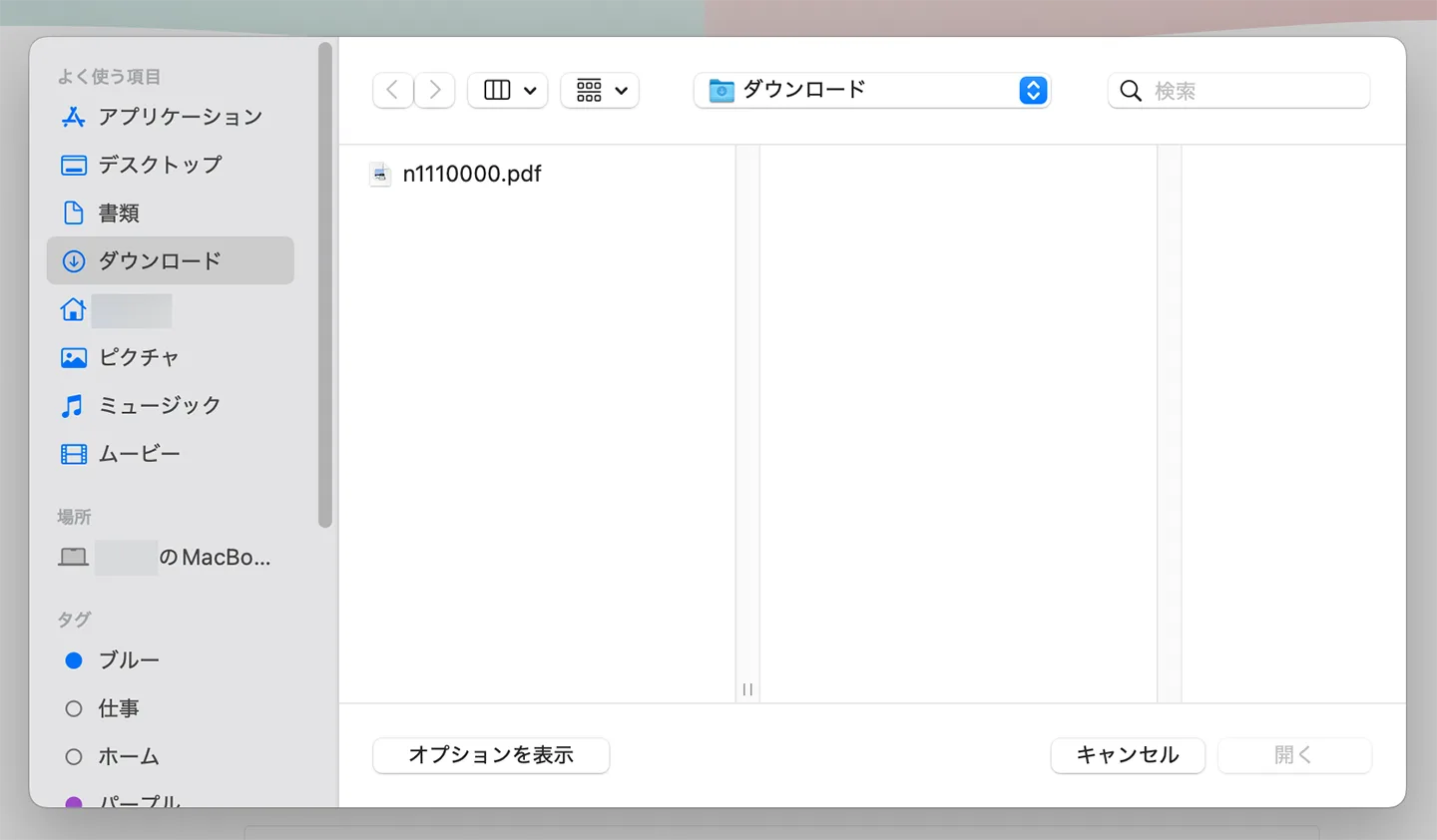
Once the file is selected, the upload and transcription process will start automatically.

Step 2: Check the transcription results
The transcription process will complete quickly, and the results will be displayed on the screen.
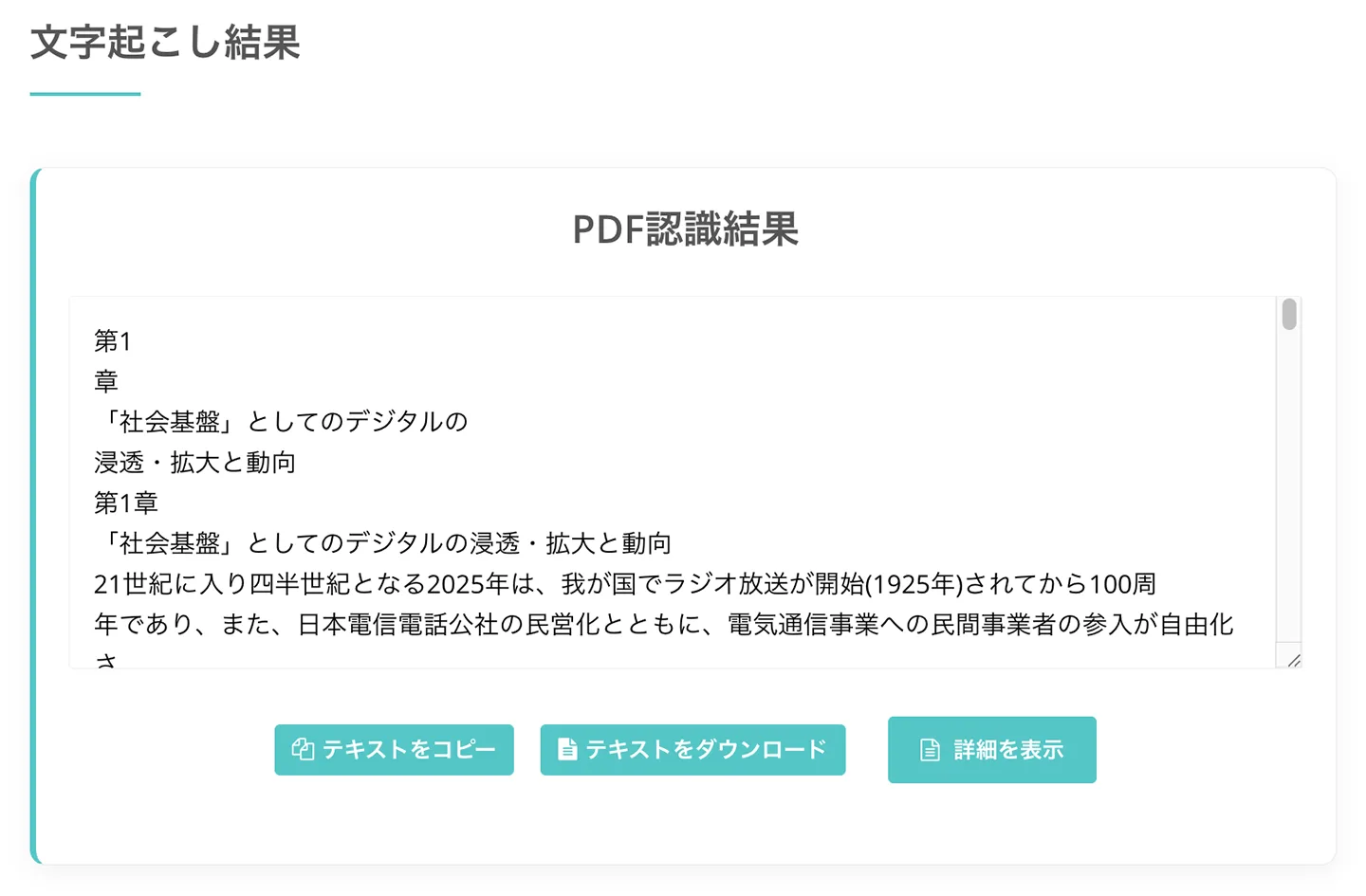
You can edit the resulting text directly or download it as a text file.
Clicking Show Details will open the detailed page.
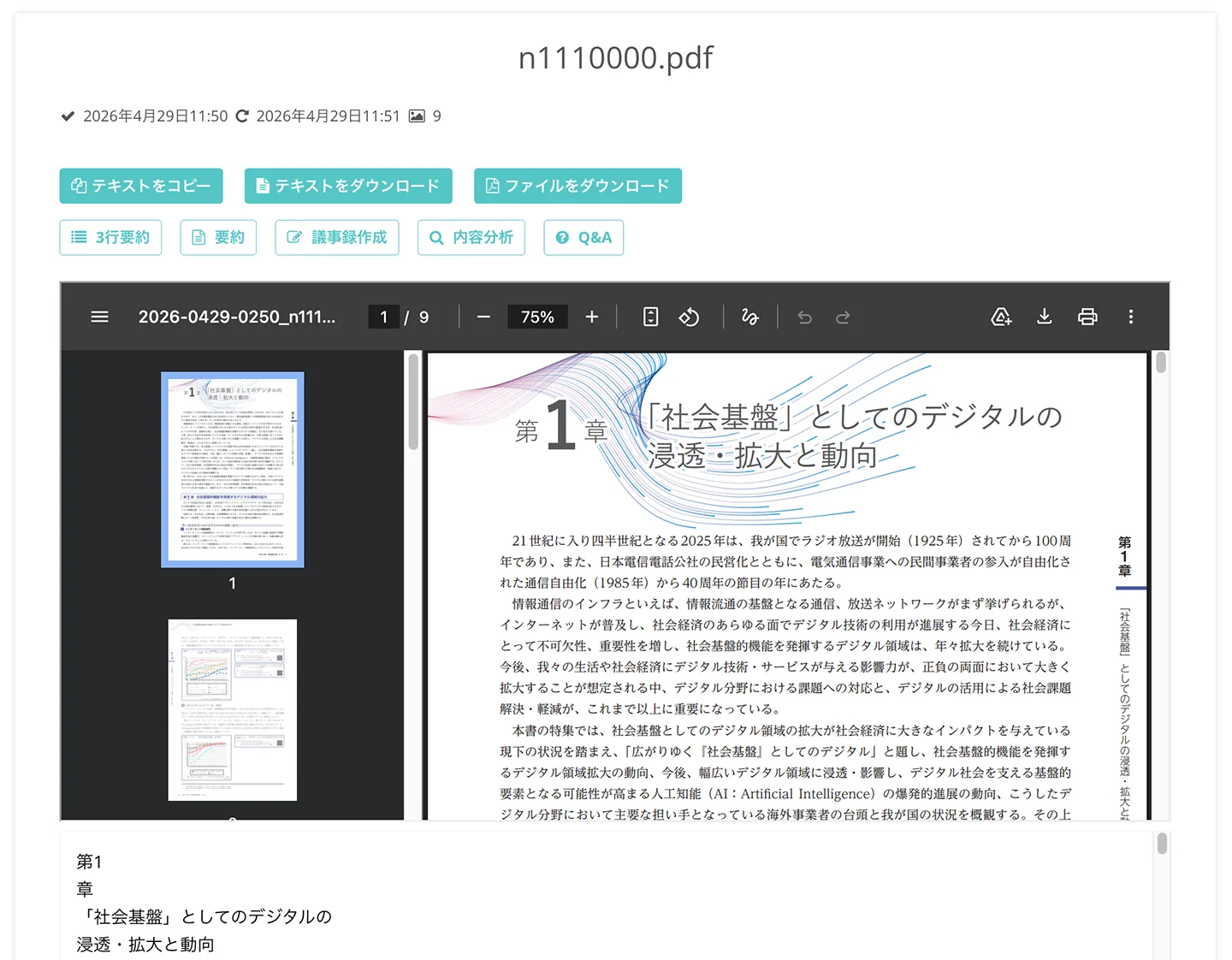
You can review the uploaded PDF file, and use the latest AI to summarize, create meeting minutes, or analyze content (Learn more about summary, meeting minutes, and content analysis features here).
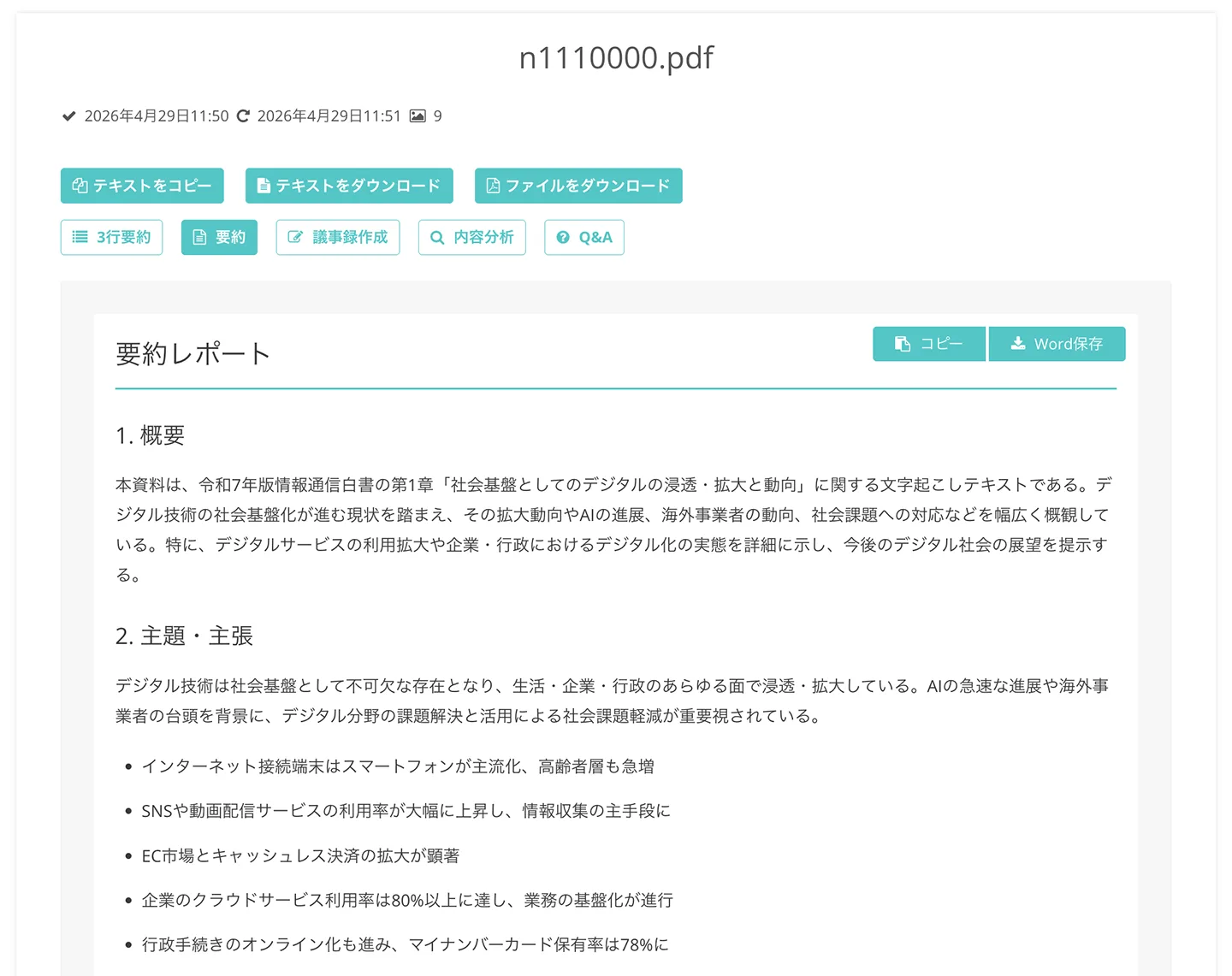
(For the PDF transcription sample, we used "Information and Communications White Paper 2025" (Ministry of Internal Affairs and Communications).)
This completes the process of using Mr. Transcription to recognize text in a PDF and extract it.
Mr. Transcription is also recommended for those looking for a PDF OCR solution!
It's free to use, so why not try using Mr. Transcription to conveniently transcribe your PDF files?
Tips for Transcribing PDF Files
Here are some tips for transcribing PDF files with Mr. Transcription.
File size limit is 50MB
The maximum size for an uploaded PDF file is 50MB per file.
PDFs exceeding this limit cannot be uploaded.
If you want to recognize text from a large PDF file, you can split the PDF or extract only the necessary pages and save them as a separate file to enable transcription.
How are transcription pages counted?
For PDF file transcription in Mr. Transcription, 1 page is counted as 1 image.
For example,
- A 3-page PDF file = 3 images
- A 10-page PDF file = 10 images
This is how it's calculated.
The number of pages that can be transcribed is limited by the maximum number of images that can be transcribed.
By registering for a free account, you can convert up to 10 pages of PDF files to text per day.
This article explains in detail the number of pages you can transcribe for free and what you can do for free.
Please take a look.
For vertical PDFs, it's recommended to convert them to images before processing
For PDFs written vertically (such as books, magazines, and newspapers), the text order or column layout may not be transcribed correctly.
If you want to accurately transcribe vertical text, it's recommended to convert the PDF to an image first, then use Mr. Transcription's vertical OCR feature.
This article explains Mr. Transcription's vertical OCR feature in detail.
How to extract and transcribe only a part of a multi-page PDF?
When performing OCR on a multi-page PDF file, you might sometimes only want to transcribe a few specific pages.
In such cases, "PDF Image Converter" is recommended.

Using "PDF Image Converter", it's recommended to break down the PDF into images (JPG/PNG) and then upload only the necessary page images to Mr. Transcription.
This allows you to smoothly convert only the required sections into text.
You can find more details about PDF Image Converter in this article.
Please take a look.
![[Free] How to use 'PDF Image Converter' to convert PDF to JPG/PNG | AI Transcription Service - Mr. Transcription](https://storage.googleapis.com/mojiokoshi3/post/image/pdf-to-image_tmb.webp)
Why not easily convert your PDFs to text with Mr. Transcription?
As shown, with Mr. Transcription, you can automatically recognize text and extract it from PDF files simply by uploading them.
Even PDF files with embedded text as images can be converted to editable text, allowing you to conveniently analyze and summarize them using AI services.
When you need to convert a PDF file to text, why not try Mr. Transcription's highly accurate AI transcription feature?
■ AI transcription service "Mr. Transscription"
"Mr. Transcription" is an online transcription tool that can be used from zero initial cost and 1,000 yen per month (* free version available).
- Supports more than 20 file formats such as audio, video, and images
- Can be used from both PC and smartphone
- Supports technical terms such as medical care, IT, and long-term care
- Supports creation of subtitle files and speaker separation
- Supports transcription in approximately 100 languages including English, Chinese, Japanese, Korean, German, French, Italian, etc.
To use it, just upload the audio file from the site. Transcription text is available in seconds to tens of minutes.
You can use it for free if you transcribe it for up to 10 minutes, so please try it once.

It is "Mr. Transcription" who can easily transcribe from audio, video, and images.
Transcription allows you to transcribe for up to 10 minutes for free.
You can copy, download, search, delete, etc. the transcribed text.
You can also create subtitle files, which is ideal for transcription of interview videos.
HP: mojiokoshi3.com
Email: mojiokoshi3.com@gmail.com
Email: mojiokoshi3.com@gmail.com
Related article
Transcription for audio / video / image transcription. It is a transcription service that anyone can use for free without installation.
- What is Mr. Transcription?
- Transcript images, sounds, and videos with Mr. Transcription
- Free registration
- Rate plan
- manual
- Try other free services