Audio Transcription Costs: Tips for Affordable Outsourcing
PDF to JPG/PNG: Free & Easy Converter 'Mr. Transcription'
June 21, 2026
I want to convert only the necessary parts of a multi-page PDF into images.


I'm looking for a free and secure tool to convert PDFs to JPG or PNG.
Have you ever encountered such problems when working with PDF files?
It can be challenging to directly embed PDF files as images in documents or use only specific pages, right?
In such cases, the free online tool "PDF Image Converter" comes highly recommended.
In this article, we will explain how to convert PDFs to JPG and PNG images using PDF Image Converter, with accompanying images.
Would you like to experience a web app that helps you utilize PDF files more conveniently?
Free Tool "PDF Image Converter" to Convert PDFs to JPG/PNG Images

"PDF Image Converter" is a free online tool that converts PDF files into JPG or PNG images.
No registration or login is required. Simply open the website, select your PDF, and it will be converted to an image instantly.
All processing is completed within your browser, so your PDF files are never sent to a server.
You can safely convert internal documents and PDFs containing personal information.
Key Features of PDF Image Converter
PDF Image Converter has three main features.
Secure and Fast Processing within Your Browser
PDF Image Converter processes PDF files on your PC without uploading them, ensuring secure usage.
Since the conversion process is completed entirely within your browser, your PDF files are never sent over the internet.
You can convert highly confidential documents or PDFs containing personal information into images without worrying about them being transmitted externally.
There's no need to wait for uploads, so conversions are fast.

Choose between JPG and PNG based on your needs
You can choose between JPG and PNG as output formats.
It's recommended to use them according to your specific needs.
- JPG: Smaller file size. Suitable for saving complex images like photos.
- PNG: Supports transparent backgrounds. Text and graphics are saved clearly.
You can choose PNG for high-quality images for documents, or JPG for lighter sharing via email or chat.
Batch conversion of multi-page PDFs, downloaded as a single ZIP file
When converting a multi-page PDF, each page is converted into an image file and can be downloaded as a single ZIP file.
Uploading a PDF file converts all pages in a single batch.
It's completely free to use, with no page count restrictions.
How to Use PDF Image Converter
Using PDF Image Converter is very simple.
Just select your PDF file, and it will automatically convert it to images and download them.
Step 1: Choose the conversion format (JPG/PNG)
After opening the PDF Image Converter page, first, select whether to output the converted images as JPG or PNG.
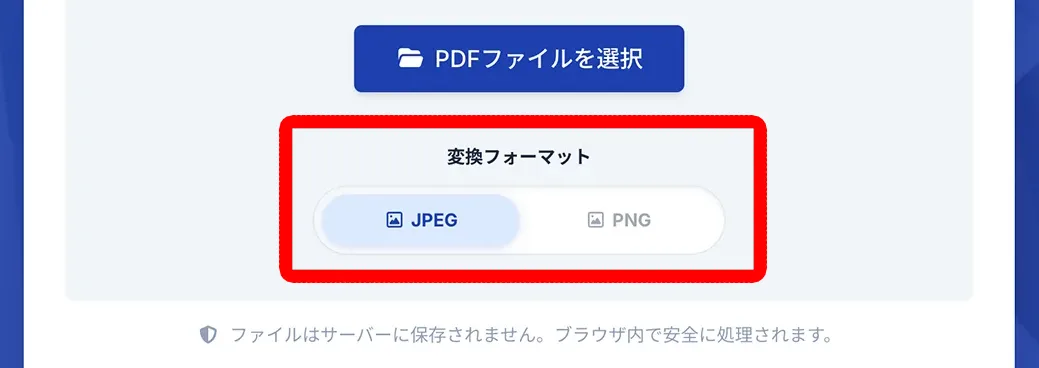
If file size is a priority, JPG is recommended; if image quality or transparency is needed, choose PNG.
Step 2: Select the PDF file
Drag and drop or click the "Select PDF file" button to choose your PDF file.
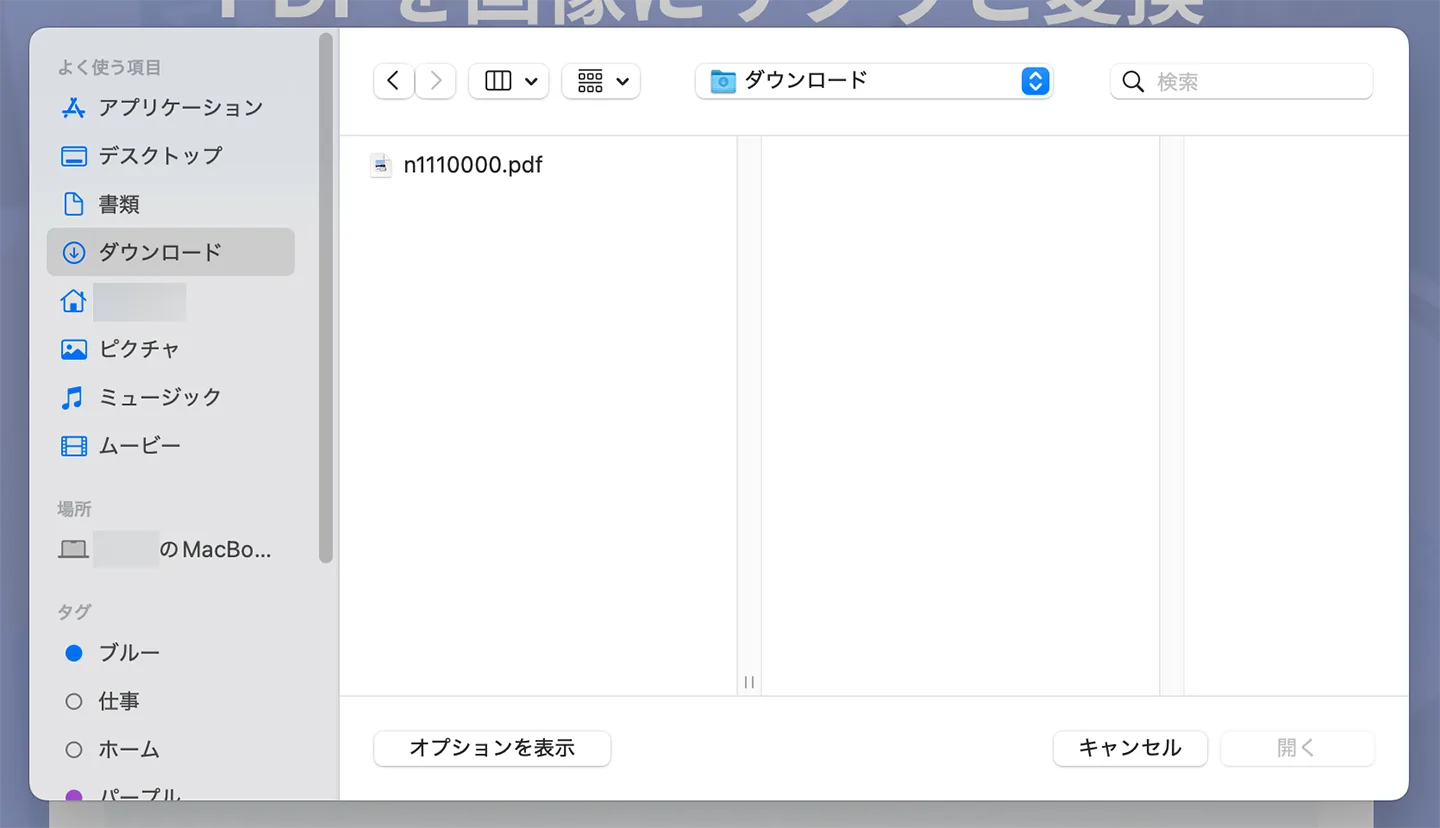
Once you select the file, the automatic image conversion process begins.

Step 3: Automatic conversion and ZIP file download
The conversion process completes quickly.
A ZIP file will be automatically downloaded.
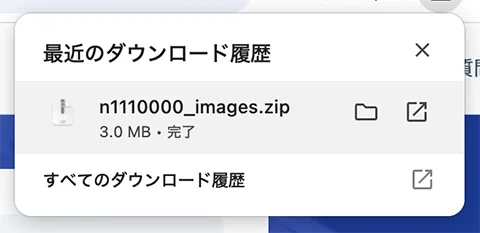
When you extract the ZIP file, you'll find that each page of the PDF has become a separate image file, as shown.
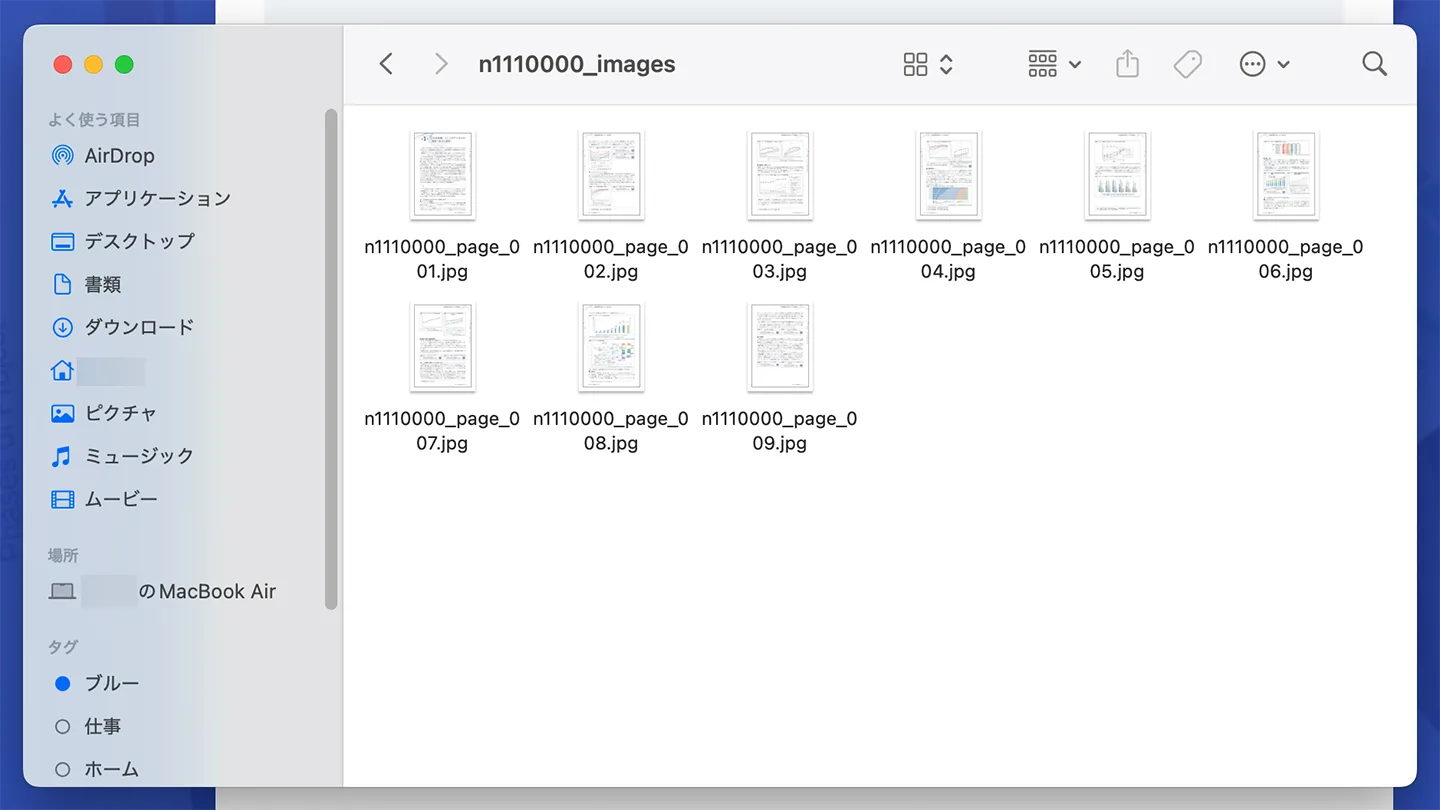
This completes the process of converting a PDF file to images using PDF Image Converter!
It's free and easy to use, so why not try PDF Image Converter to make your PDF files more convenient?
Recommended Usage in Combination with Mr. Transcription
PDF Image Converter becomes even more useful when combined with Mr. Transcription.
Transcribe only specific pages from a multi-page PDF
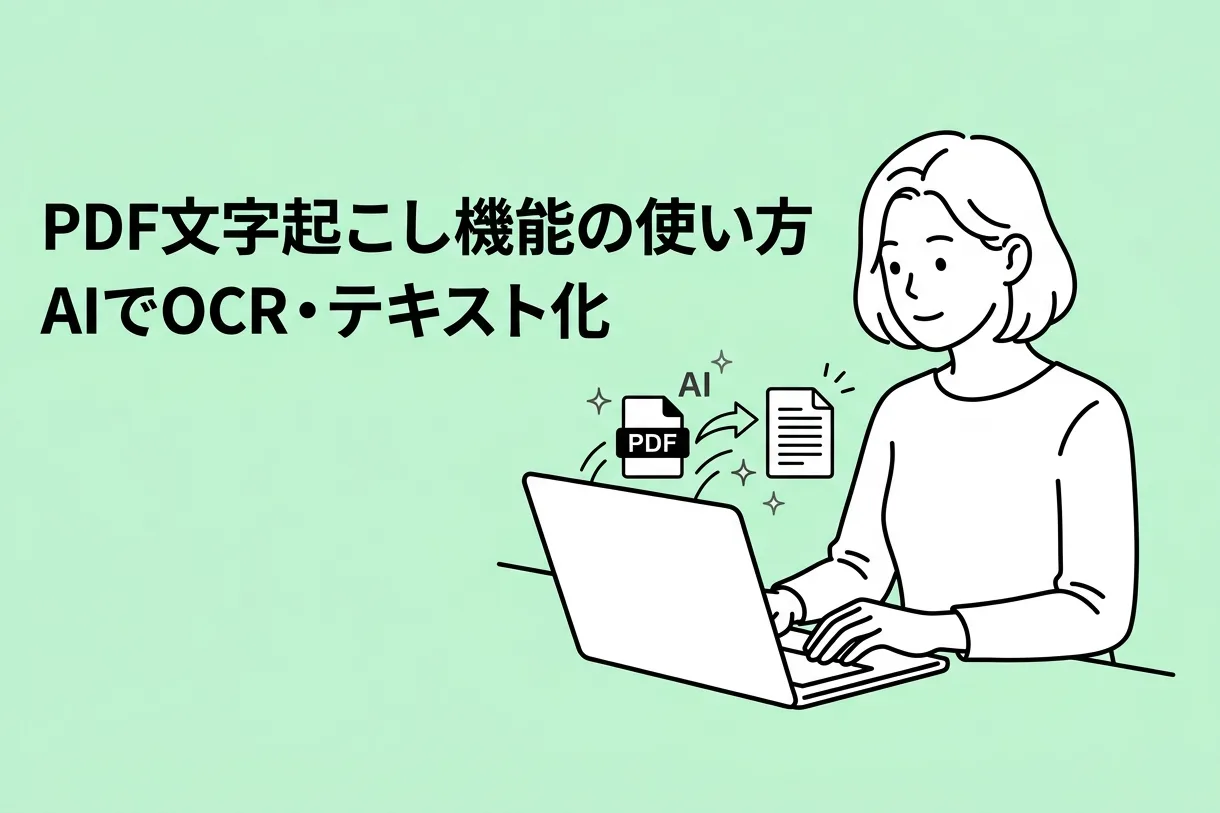
When you transcribe a PDF with Mr. Transcription, the content of all pages is output as a single text.
Therefore, if you want to transcribe "only a part of a multi-page PDF," combining it with PDF Image Converter is recommended.
The method is simple.
First, convert the target PDF file into images using PDF Image Converter.
Once converted, simply upload only the images of the pages you want to transcribe to Mr. Transcription.
You can then convert only the necessary pages into text.
Accurately transcribe vertical PDFs via images
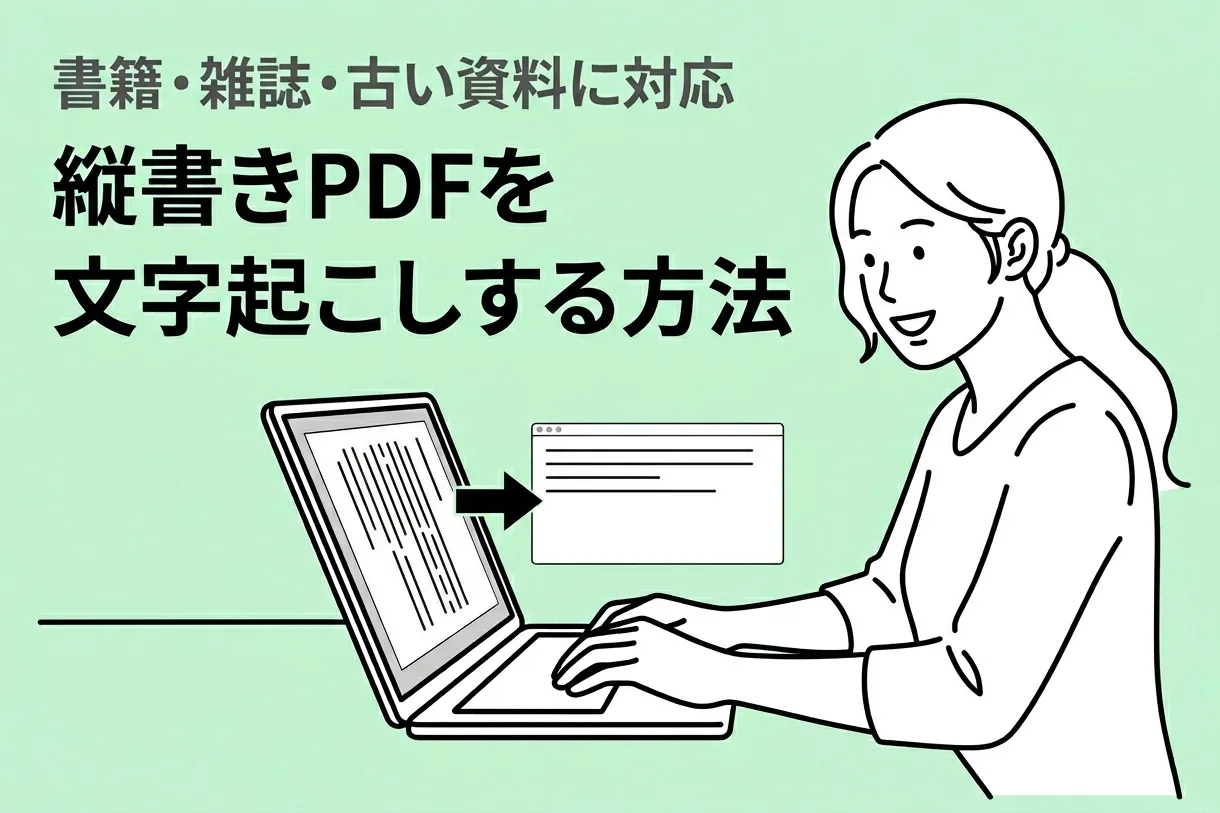
When transcribing vertically written PDFs (such as books, magazines, or newspapers) directly, line breaks and column layouts may not be transcribed correctly.
In such cases, converting the PDF to images with PDF Image Converter and then using Mr. Transcription's vertical OCR function can achieve high-accuracy text conversion.
You can find more details about Mr. Transcription's vertical OCR function in this article.
Please take a look.
Mr. Transcription can smoothly transcribe both images and PDFs
As you can see, by using PDF Image Converter, you can easily transcribe PDF files that are otherwise difficult to process with Mr. Transcription.
When transcribing PDF files:
- If you want to transcribe only a part of a PDF or vertical text: Convert to images and upload.
- If you want to transcribe the entire PDF at once: Upload the PDF file directly.
is recommended.
This article introduces Mr. Transcription's PDF transcription feature, so please check it out.

Frequently Asked Questions about PDF Image Converter
Here are some frequently asked questions about using PDF Image Converter.
Q. Are uploaded PDFs saved on the server?
A. No, they are not saved.
PDF Image Converter's conversion process is completed entirely within your browser.
Your PDF files are never transmitted over the internet or saved on any server.
You can safely convert highly confidential internal documents or PDFs containing personal information into images.
Q. Is there a fee for using the service?
A. It is completely free to use.
No registration or login is required.
You can start using it immediately by simply opening the website and selecting your PDF.
There are no charges based on page count or usage limits.
Q. Can I use it on smartphones and tablets?
A. Yes, you can.
It can be used on PCs (Windows/Mac), as well as smartphones (iPhone/Android) and tablets—any device with a browser.
Even when you're on the go and need to convert a PDF to an image, you can do it on the spot without installing any dedicated apps.
Q. What is inside the output ZIP file?
A. Each page of the PDF is included as a separate image file.
For example, if you convert a 10-page PDF, the ZIP file will contain 10 image files.
You can extract and use only the necessary pages or utilize them for other purposes.
Why not make your PDF files more convenient with PDF Image Converter?
With PDF Image Converter, you can easily convert PDFs to JPG and PNG images.
Since all processing is completed within your browser, you can securely convert even highly confidential PDFs into images.</
■ AI transcription service "Mr. Transscription"
"Mr. Transcription" is an online transcription tool that can be used from zero initial cost and 1,000 yen per month (* free version available).
- Supports more than 20 file formats such as audio, video, and images
- Can be used from both PC and smartphone
- Supports technical terms such as medical care, IT, and long-term care
- Supports creation of subtitle files and speaker separation
- Supports transcription in approximately 100 languages including English, Chinese, Japanese, Korean, German, French, Italian, etc.
To use it, just upload the audio file from the site. Transcription text is available in seconds to tens of minutes.
You can use it for free if you transcribe it for up to 10 minutes, so please try it once.

It is "Mr. Transcription" who can easily transcribe from audio, video, and images.
Transcription allows you to transcribe for up to 10 minutes for free.
You can copy, download, search, delete, etc. the transcribed text.
You can also create subtitle files, which is ideal for transcription of interview videos.
HP: mojiokoshi3.com
Email: mojiokoshi3.com@gmail.com
Email: mojiokoshi3.com@gmail.com
Related article
Transcription for audio / video / image transcription. It is a transcription service that anyone can use for free without installation.
- What is Mr. Transcription?
- Transcript images, sounds, and videos with Mr. Transcription
- Free registration
- Rate plan
- manual
- Try other free services