Report Mojimoji-san Errors & Get Free Transcription Time
Free Video to Audio Converter: Transcribe Large Files Easily
March 14, 2026
Thank you for always using Mr. Transcription.
When using Mr. Transcription,
Do you want to transcribe a video you shot, but the file size is too large to upload?


Is your internet connection slow, making uploads take too long?
Have you ever experienced that?
Recently, with the improved camera performance of iPhones, iPads, Android smartphones, and tablets, opportunities to shoot high-quality videos have increased, right?
Along with that, video file sizes tend to get larger.
But from now on, it's okay!
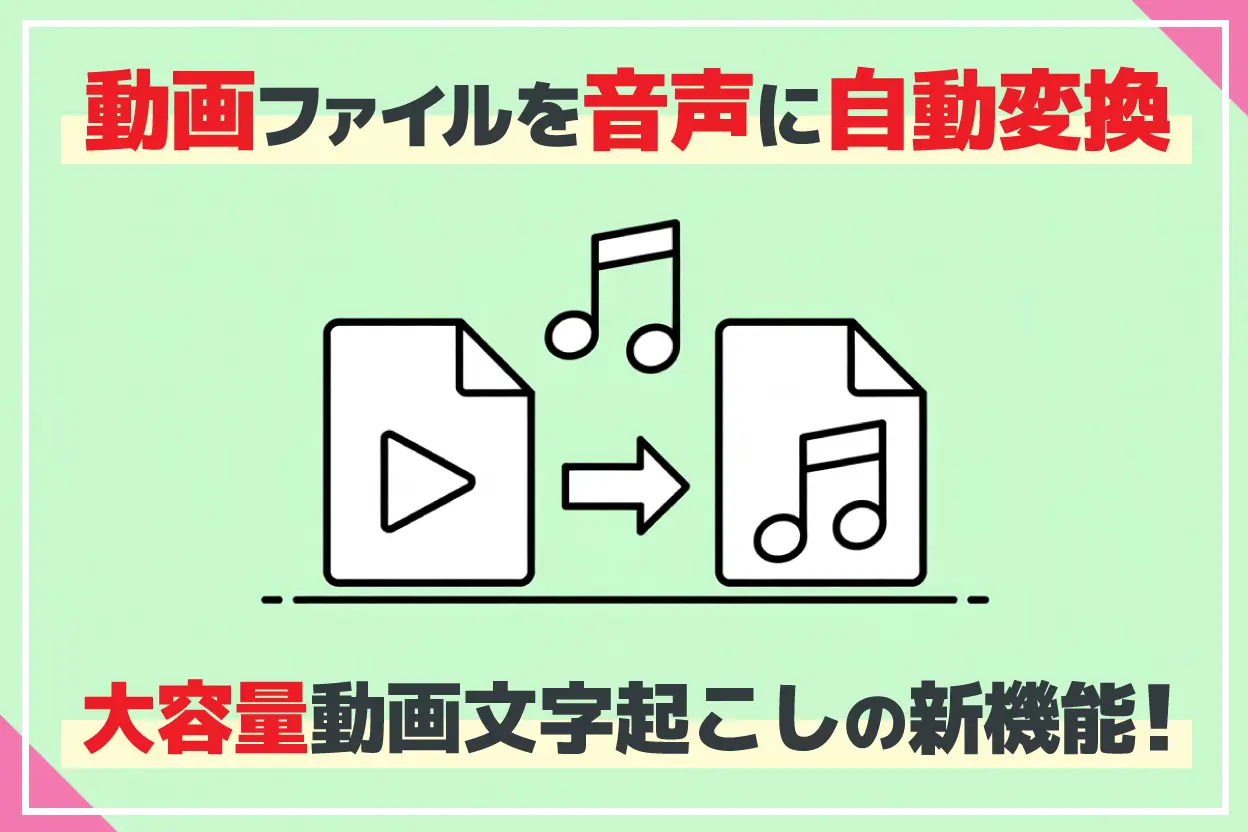
When you upload large video files to Mr. Transcription, it can now automatically convert and extract audio from the video for transcription!
This article will explain in detail the support features for transcribing large video files.
How to Solve the Problem When Video File Size Exceeds 1GB and Cannot Be Uploaded
Mr. Transcription's File Size Limit and New Free Tool
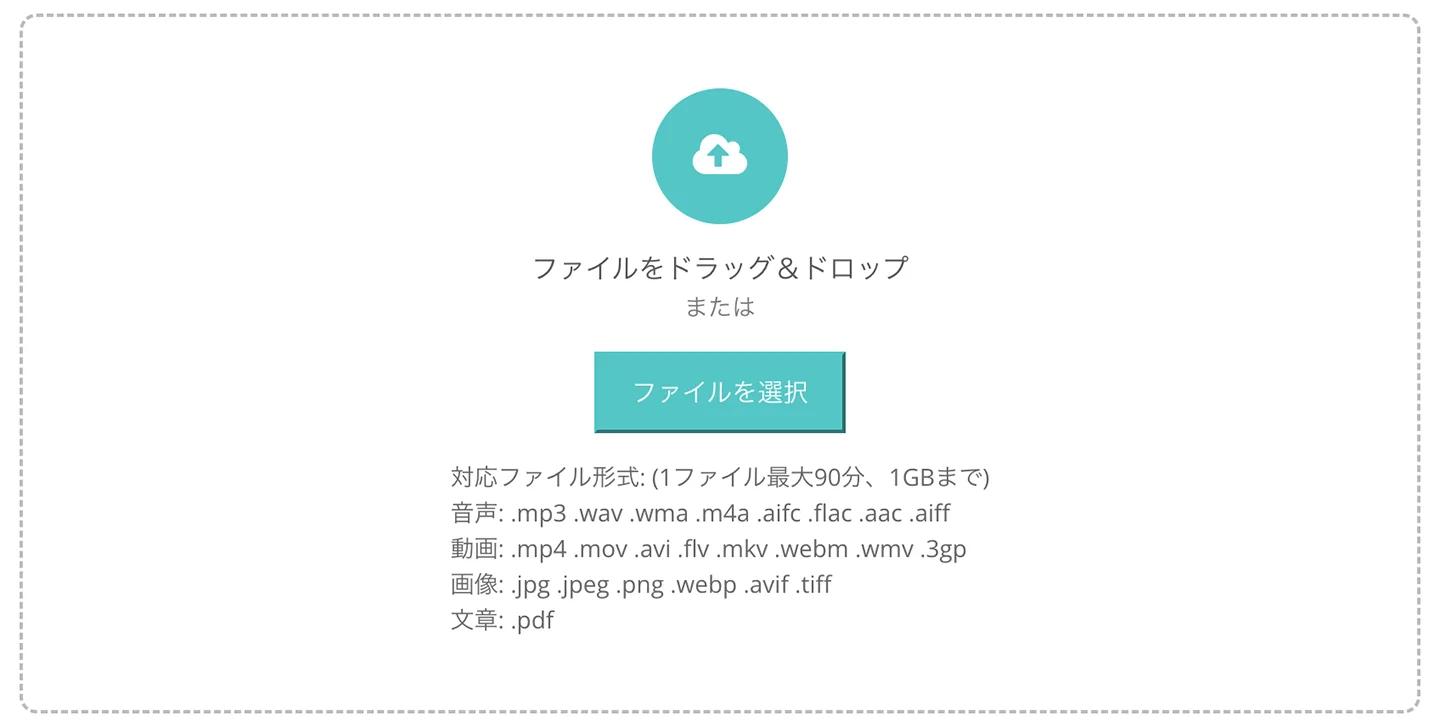
Currently, the maximum file size that can be uploaded to Mr. Transcription at once is:
- Up to 1GB per file
- Audio/video length within 90 minutes
These are the limits.
For audio data, it rarely exceeds 1GB.
However, video files containing high-quality video data can easily exceed 1GB even if they are only a few minutes long, right?
The file size is over 1GB, but I want to transcribe this video!

To respond to such requests from our users, we have now released a new free feature for transcribing large videos!
When you select a large video file in Mr. Transcription, it will extract and upload only the audio from the video file.
Since the video data is removed, the file size can be dramatically reduced.
Browser-Based, No Server Upload: Fast and Secure
The biggest feature of this conversion tool is that it processes everything in your browser.
Other video conversion sites require you to upload the file to a server first before conversion.
Uploading gigabytes of files can be very difficult depending on your internet speed.
In such cases, just use Mr. Transcription!
Since the conversion process is done in your computer or smartphone's browser, there's no need to send heavy video files to a server.
This significantly saves communication time, allowing you to smoothly convert and extract audio from videos.
Because files are not saved on the server, you can use it with peace of mind even for highly confidential data, such as internal meeting videos.
[New Feature] Automatically Convert Large Video Files to Audio
Now, let's explain how to use this convenient new feature!
However, no special operations are required.
First, select your video file on the Mr. Transcription homepage.
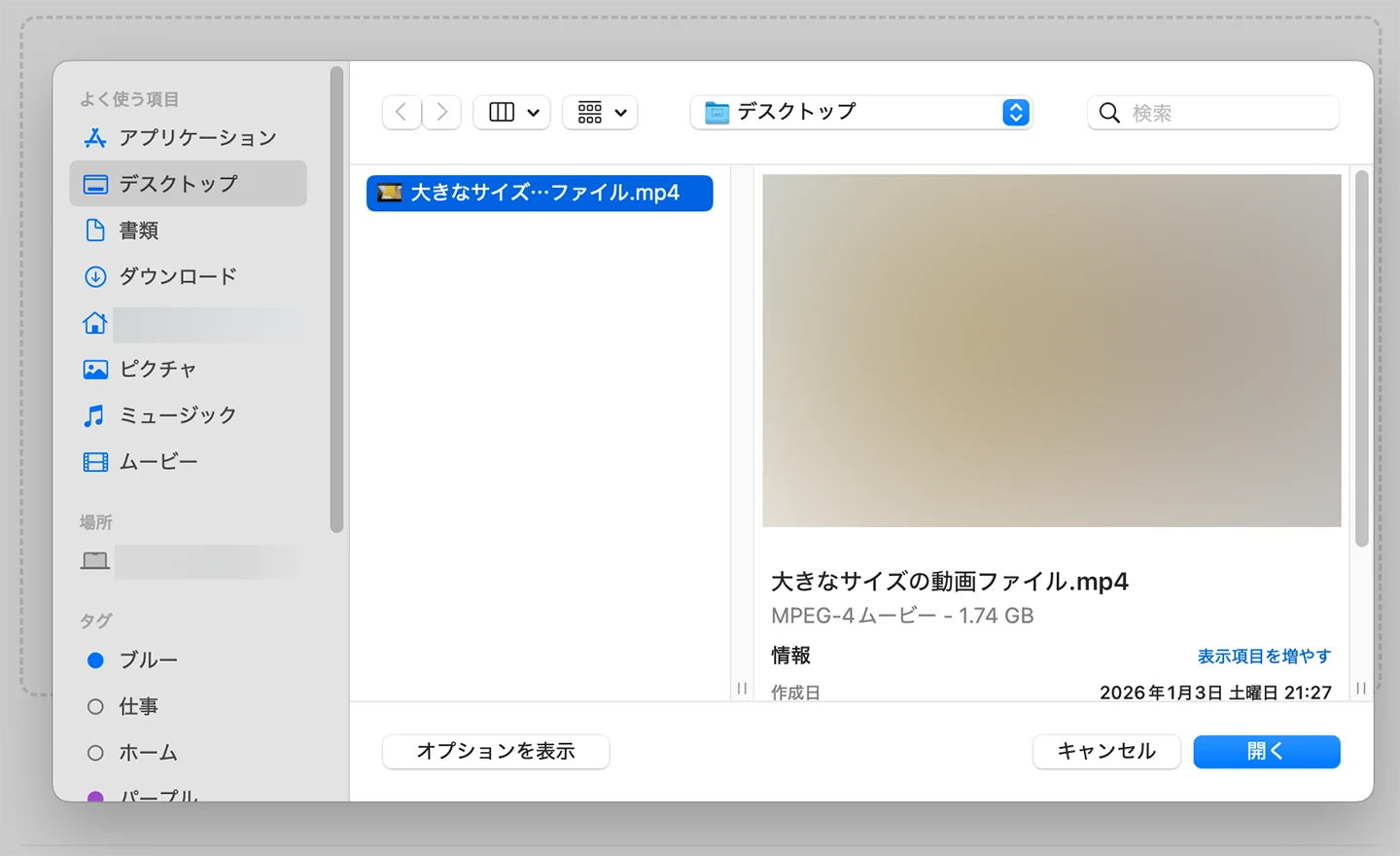
At this point, if the file size exceeds 100MB, the conversion process will start automatically.
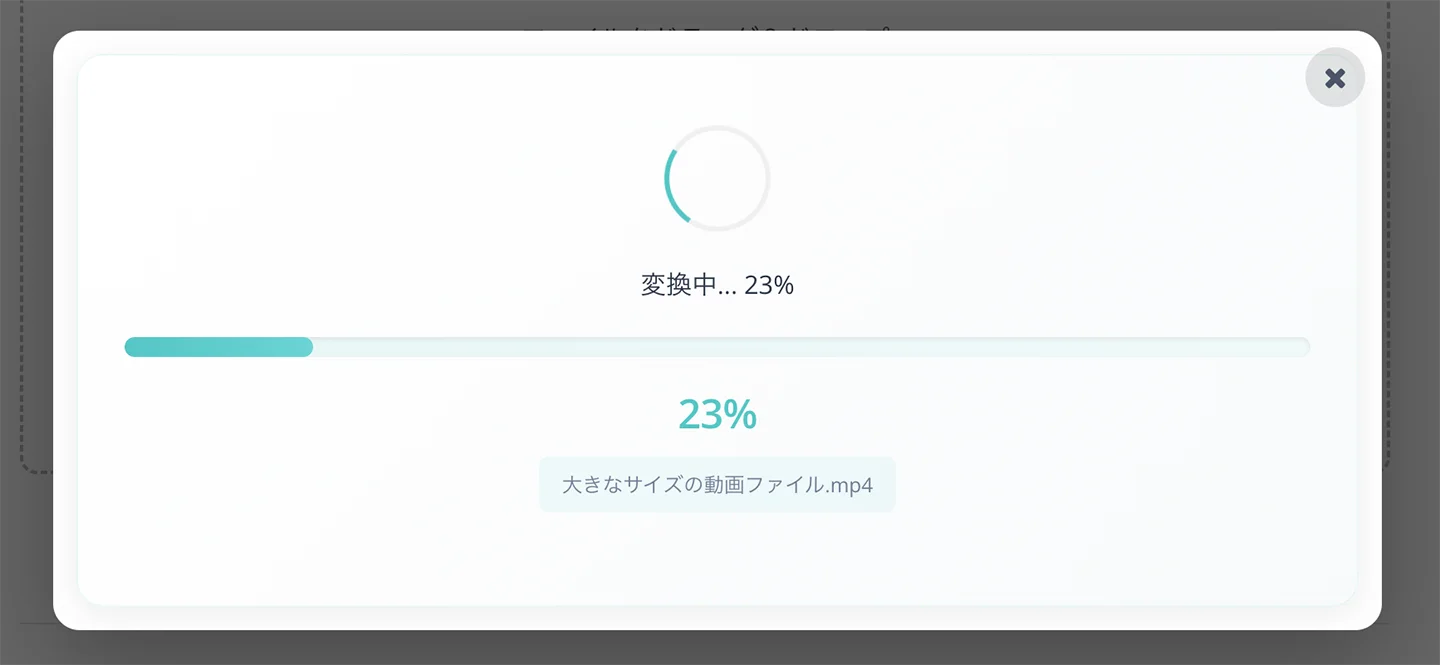
The conversion process is complete.
As you can see, only the audio has been extracted from the video file as an MP3 file.
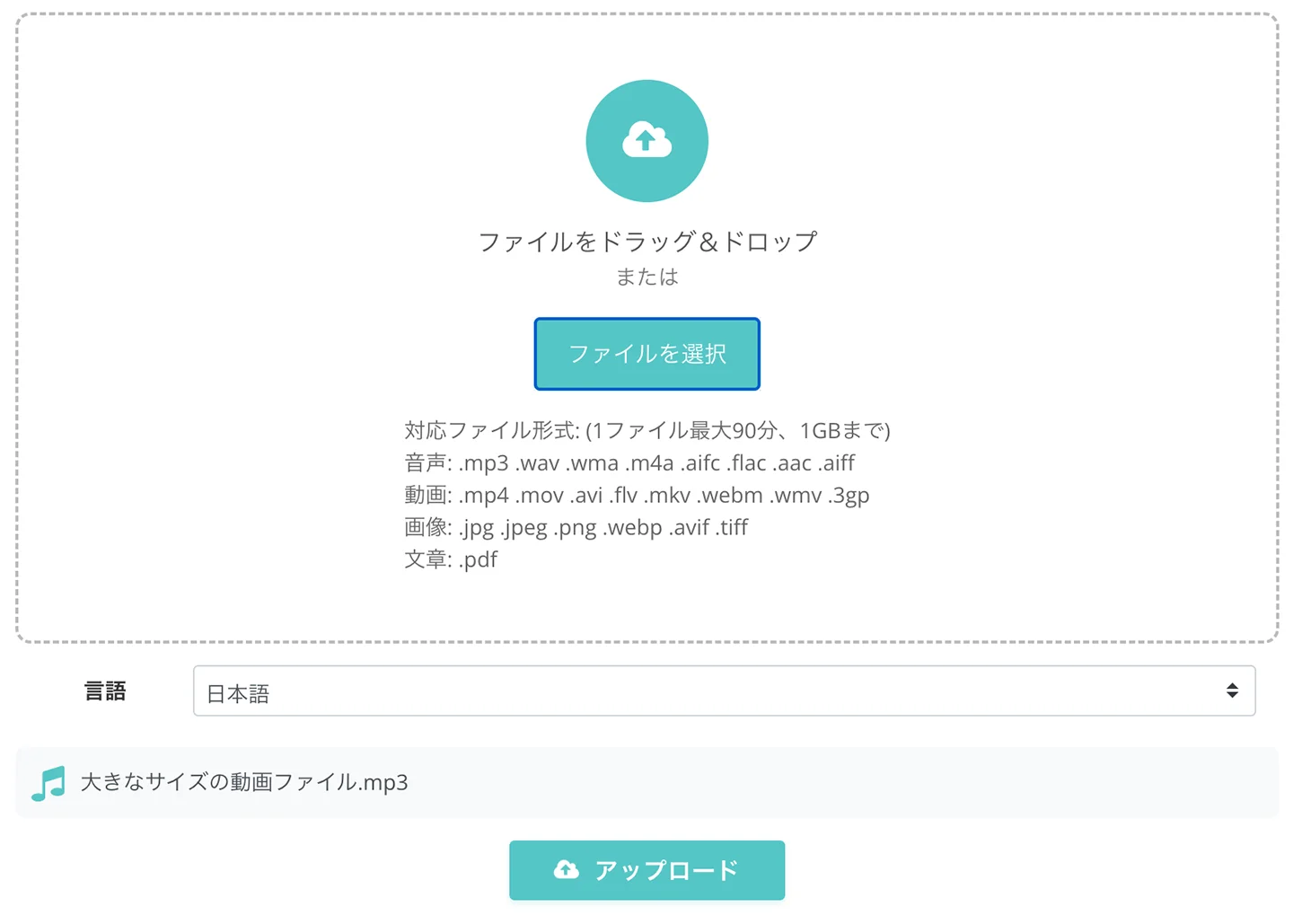
At this stage, the converted MP3 file is already selected, so all you need to do is click "Upload" and transcribe as usual!
Even if the original video had several GBs, the audio file will usually be only a few MBs to tens of MBs.
The upload will be completed in an instant, and you can finish the transcription right away.
Frequently Asked Questions When Transcribing Video Files with Mr. Transcription
Finally, we have compiled frequently asked questions about transcribing large video files with Mr. Transcription.
Q. What are Mr. Transcription's supported file formats and capacity limits?
A. Mr. Transcription supports the following file types:
Audio Files
Data from voice recorders, etc.
- Audio duration: Within 90 minutes
- File size: Less than 1GB
- Supported file formats: .mp3 .wav .wma .m4a .aifc .flac .aac .aiff .aifc
Video Files
Meeting recordings, video materials for YouTube uploads, etc.
- Audio duration: Within 90 minutes
- File size: Less than 1GB
- Supported file formats: .mp4 .mov .avi .flv .mkv .webm .wmv .3gp
Image Files
For extracting text from images.
- File size: Less than 10MB
- Supported file formats: .jpg .jpeg .png .webp
- Note: If the text is sideways or upside down, it may not be transcribed correctly, so please correct the image orientation before uploading.
Document Files
For transcribing PDF documents, etc.
- File size: Less than 50MB
- Supported file formats: .pdf
This page also explains Mr. Transcription's supported file formats and capacity.
Q. How much smaller does the file size become when converting video to audio?
A. For Full HD videos shot with an iPhone, the audio file size is significantly smaller, as shown below.
Video and Audio File Size Comparison (目安)
| Video Length | iPhone Video (1080p) | Converted Audio (MP3) |
|---|---|---|
| 10 minutes | Approx. 1.3 GB | Approx. 10 MB |
| 30 minutes | Approx. 3.9 GB | Approx. 30 MB |
| 60 minutes | Approx. 7.8 GB | Approx. 60 MB |
| 90 minutes | Approx. 11.7 GB | Approx. 90 MB |
*Assumes shooting with iPhone camera settings "Most Compatible (H.264)", 1080p HD/30fps. May vary depending on settings and shooting environment.
*Audio file size is an estimate when converted to MP3 with general sound quality (128kbps).
Use Mr. Transcription More Conveniently with the Free Conversion Tool!
In this article, we introduced in detail the new feature for transcribing large video files with Mr. Transcription.
We will continue to strive for improved usability so that our users can focus on their core tasks without being bogged down by tedious work.
Thank you for your continued support of Mr. Transcription.
■ AI transcription service "Mr. Transscription"
"Mr. Transcription" is an online transcription tool that can be used from zero initial cost and 1,000 yen per month (* free version available).
- Supports more than 20 file formats such as audio, video, and images
- Can be used from both PC and smartphone
- Supports technical terms such as medical care, IT, and long-term care
- Supports creation of subtitle files and speaker separation
- Supports transcription in approximately 100 languages including English, Chinese, Japanese, Korean, German, French, Italian, etc.
To use it, just upload the audio file from the site. Transcription text is available in seconds to tens of minutes.
You can use it for free if you transcribe it for up to 10 minutes, so please try it once.

It is "Mr. Transcription" who can easily transcribe from audio, video, and images.
Transcription allows you to transcribe for up to 10 minutes for free.
You can copy, download, search, delete, etc. the transcribed text.
You can also create subtitle files, which is ideal for transcription of interview videos.
HP: mojiokoshi3.com
Email: mojiokoshi3.com@gmail.com
Email: mojiokoshi3.com@gmail.com
Related article
Transcription for audio / video / image transcription. It is a transcription service that anyone can use for free without installation.
- What is Mr. Transcription?
- Transcript images, sounds, and videos with Mr. Transcription
- Free registration
- Rate plan
- manual
- Try other free services