Report Mojimoji-san Errors & Get Free Transcription Time
Free Video to Audio Converter: Extract Sound Securely & Fast
March 14, 2026


I want to know how to convert video files to audio!
Thank you for always using Mr. Transcription.
When you're enjoying videos you've shot or creating content for YouTube, you sometimes want to extract only the audio from a video file, right?
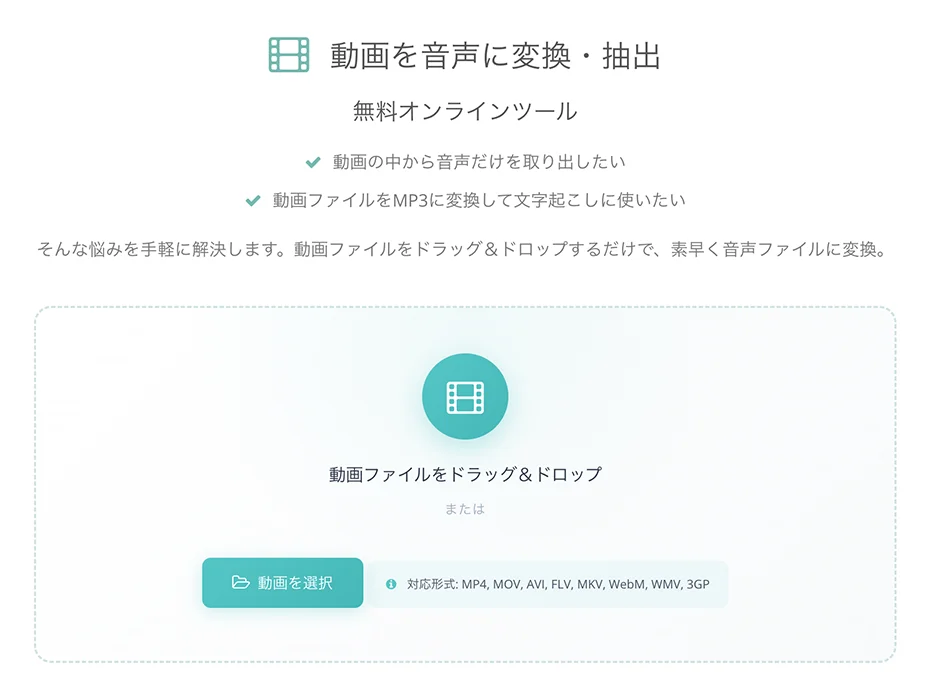
We have now released a free online tool, "Convert & Extract Video to Audio," as an auxiliary feature to make Mr. Transcription even more convenient for you!
This article will introduce a simple method to convert videos to audio without needing to upload them.
[Free] No Upload Required! How to Convert Video to Audio
Now, let's explain how to convert video files to audio files using Mr. Transcription's "Convert & Extract Video to Audio" free online tool.
Since the process doesn't require video uploads, conversion is smooth even with slow internet connections.
Additionally, files are processed directly on your PC or smartphone without being saved to a server, ensuring peace of mind regarding security.
1. Open the Conversion Tool Page
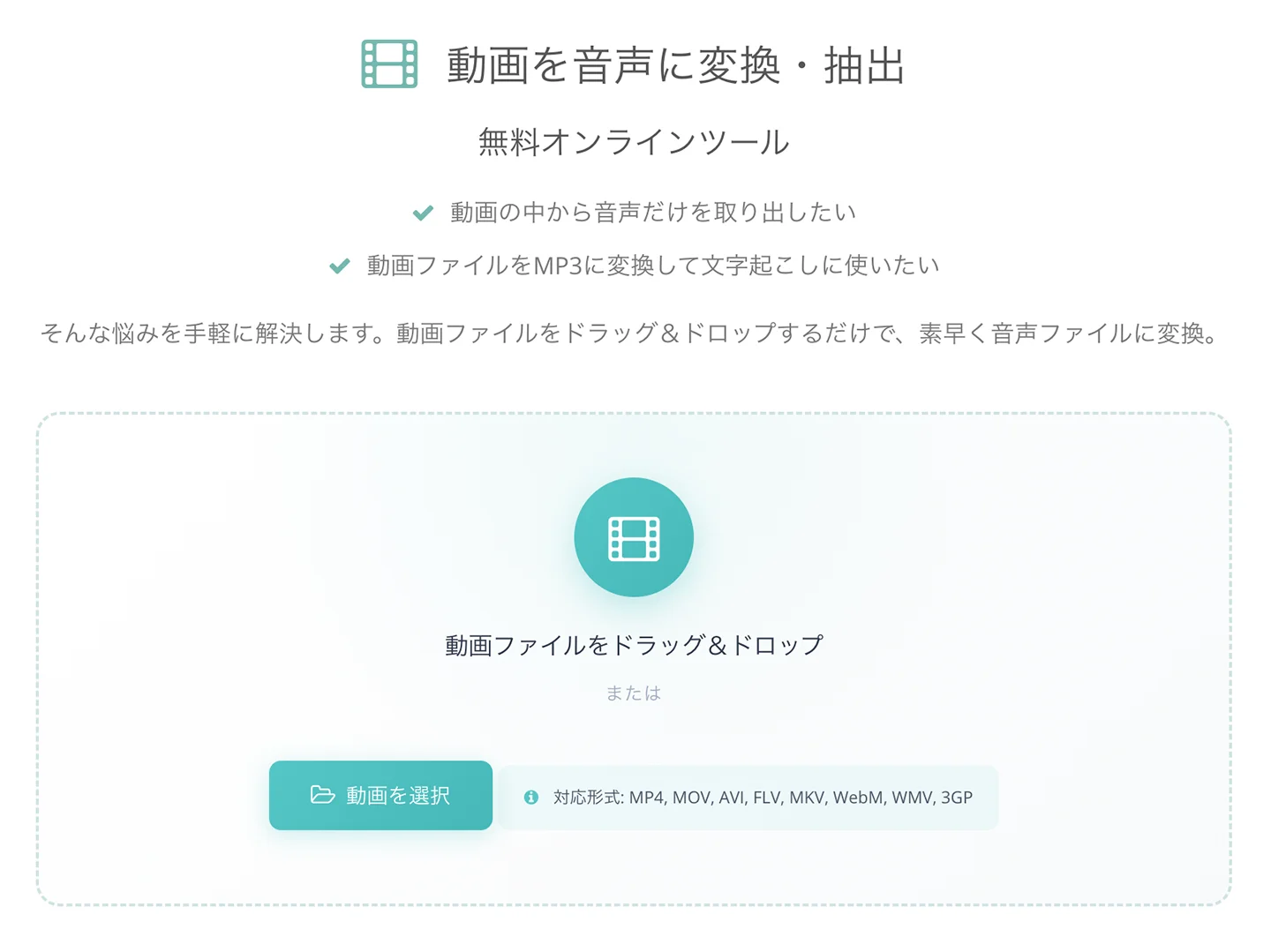
First, open the conversion tool page.
2. Select Your Video File
Select the video file you want to convert by either:
- Dragging and dropping it into the designated area on the screen
- Clicking the "Select File" button
3. Automatic Conversion Starts
Once you select the file, the audio extraction process will automatically begin in your browser.
At this point, the video file is not uploaded; the processing occurs directly on your PC or smartphone.
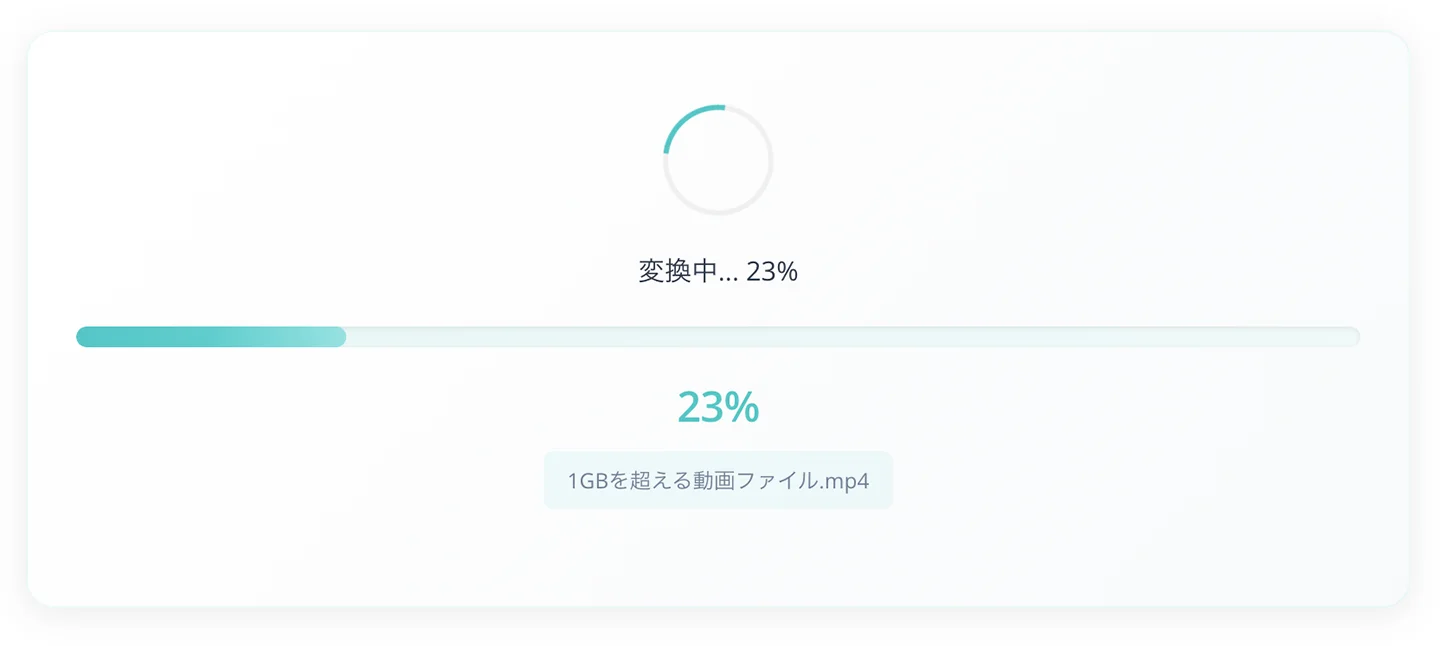
4. Audio File Downloads Automatically
Conversion completes quickly!
Even long video files are processed automatically in about 1 minute.
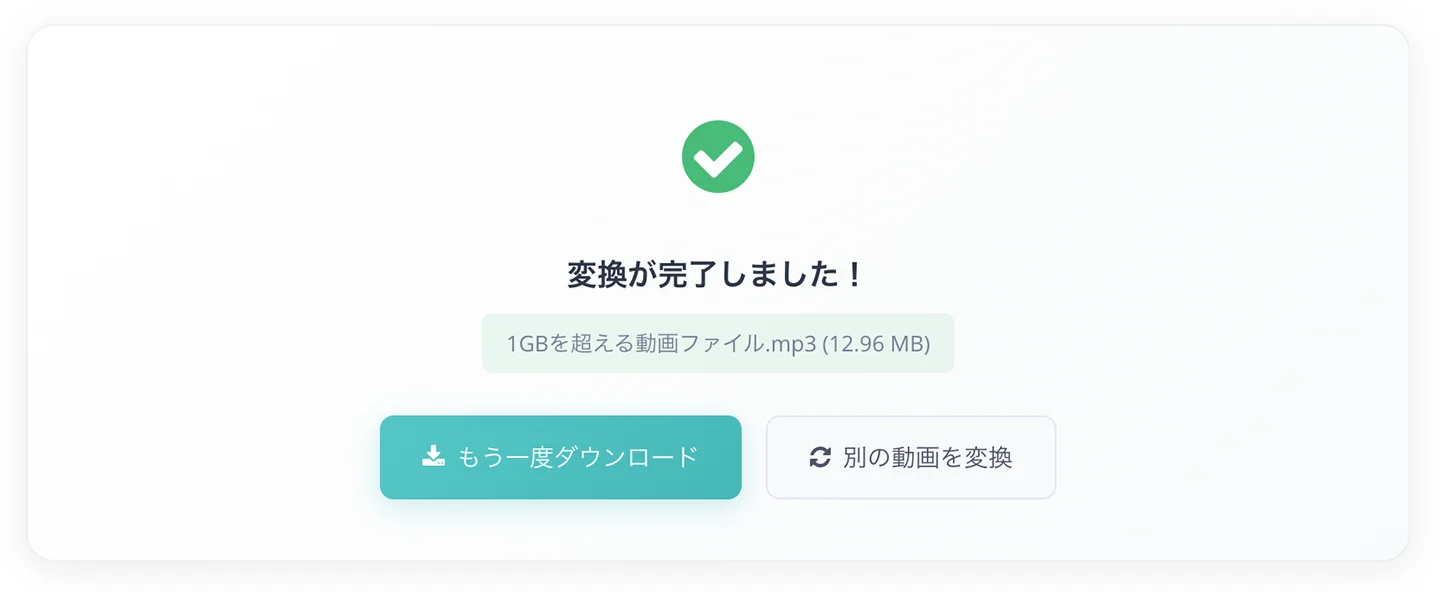
Once converted, the MP3 audio file will automatically download.
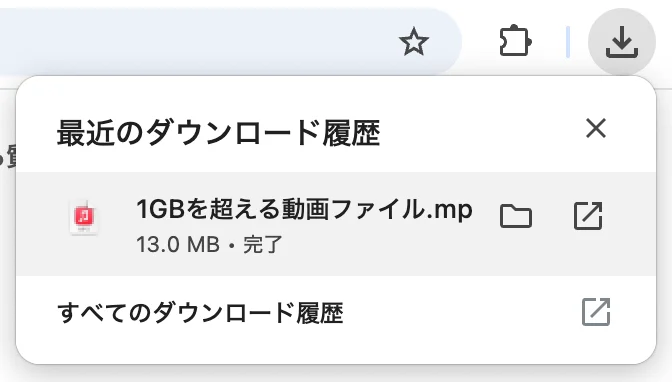
With these steps, you have successfully converted your video file to an MP3 audio file and downloaded it.
Large Video Files Are Automatically Converted to Audio During Transcription
When transcribing large video files with Mr. Transcription, the files are now automatically converted to audio files upon selection.
Please see this article for more details.
![[Free] Video to Audio Conversion Feature Released! How to Transcribe Large Video Files | AI Transcription Service - Mr. Transcription](https://storage.googleapis.com/mojiokoshi3/post/image/video-to-audio_howto_tmb03.webp)
If You Need to Convert Video Audio, Please Use Our Free Tool
This article explained an auxiliary tool for converting large video files into audio files.
We will continue to strive for improved usability so that all users can utilize Mr. Transcription more conveniently.
Thank you for your continued support of Mr. Transcription.
■ AI transcription service "Mr. Transscription"
"Mr. Transcription" is an online transcription tool that can be used from zero initial cost and 1,000 yen per month (* free version available).
- Supports more than 20 file formats such as audio, video, and images
- Can be used from both PC and smartphone
- Supports technical terms such as medical care, IT, and long-term care
- Supports creation of subtitle files and speaker separation
- Supports transcription in approximately 100 languages including English, Chinese, Japanese, Korean, German, French, Italian, etc.
To use it, just upload the audio file from the site. Transcription text is available in seconds to tens of minutes.
You can use it for free if you transcribe it for up to 10 minutes, so please try it once.

It is "Mr. Transcription" who can easily transcribe from audio, video, and images.
Transcription allows you to transcribe for up to 10 minutes for free.
You can copy, download, search, delete, etc. the transcribed text.
You can also create subtitle files, which is ideal for transcription of interview videos.
HP: mojiokoshi3.com
Email: mojiokoshi3.com@gmail.com
Email: mojiokoshi3.com@gmail.com
Related article
Transcription for audio / video / image transcription. It is a transcription service that anyone can use for free without installation.
- What is Mr. Transcription?
- Transcript images, sounds, and videos with Mr. Transcription
- Free registration
- Rate plan
- manual
- Try other free services