文字起こしさんの有料プランの決済のタイミングとプラン変更の仕方・注意点について
Audio to Text: The Ultimate Guide to Transcription in 2024
Oct. 15, 2026

How do I transcribe audio to text?

For those of you with that question, we'll explain "transcription", which is the process of converting audio to text.
Transcription is the process of converting the content of audio files, videos, and similar media into text data that can be handled in applications like Notepad or Word.
By transcribing audio, you can conveniently use it to create meeting minutes, compile interview articles, add subtitles to videos, or summarize content.
Previously, transcribing audio meant spending a lot of time typing it out on a keyboard. However, with the latest speech recognition AI, anyone can easily transcribe audio in a short amount of time.
This article will explain how to transcribe audio, how to utilize transcribed files, and recommend services!
Why not use this article as a guide to leverage convenient audio transcription services for your work or studies?
How to Transcribe Audio?
How should one go about transcribing audio?
First, we'll briefly explain "transcription" as a method for converting audio to text.
What is Transcription?

"Transcription" is the process of converting audio into text.
By performing transcription, you can change the content of audio and video files into a text format that is easy to handle on a computer.
For audio content like meetings, lectures, interviews, or YouTube explanation videos, you would normally have to play it back every time to check the content.
In contrast, text allows you to quickly grasp the content by simply glancing at the desired section, which is very convenient.
By transcribing audio into text, you can handle it more broadly for editing, checking content, summarizing, and archiving.
Methods for Transcribing Audio
So, what transcription methods should you use to convert audio to text?
There are three main methods:
- Using AI transcription services
- Typing it out yourself on a keyboard
- Hiring a professional transcriber
Among these, using an "AI transcription service" is highly recommended.
Let's look at the specific features of each.
1. Using AI Transcription Services

The most recommended method for transcribing audio is to use an AI transcription service.
An AI transcription service is a service that automatically converts audio files and video files into text using the latest speech recognition AI.
Even long audio can be transcribed in about 1 minute, making it much faster than other methods.
Since files are converted automatically just by uploading them, there is no hassle involved, unlike other audio transcription methods.
Furthermore, AI performance has dramatically improved in recent years, allowing for highly accurate transcription with minimal conversion errors.
For transcribing audio, AI transcription services are recommended in terms of speed, effort, and accuracy.
There are also services like Mr. Transcription that can be used for free, so why not try an AI transcription service first?
2. Manual Transcription by Typing

Before the advent of AI transcription services, a common method was manual transcription by typing.
The process is very simple: you just listen to the recorded audio and type it into an editor like Notepad or Word.
Since you do it yourself, there's no cost, but in return, it takes a significant amount of time.
When transcribing audio by typing, it's normal for the work to take much longer than the length of the recorded file.
This is because you need to rewind and re-listen to parts you missed, or pause when you can't keep up with typing.
As a guideline, a 1-hour audio file will take at least 3-4 hours, even if everything goes smoothly.
Shorter audio files can be completed in less time, but short audio files can often be transcribed using free AI transcription services (e.g., Mr. Transcription offers up to 3 minutes free per day without registration, and up to 10 minutes free per day with a free membership). Therefore, even for short audio files, it's recommended to use an AI transcription service.
[Time-Saving] How to Transcribe 10x Faster: App Utilization Guide
For those looking to save time on transcription, we explain methods to streamline your work. We detail recommended apps/tools and specific transcription steps.
3. Hiring a Professional Transcriptionist

Before the advent of AI transcription services, one common method alongside manual typing was hiring a professional transcriptionist.
Even today, several companies offer audio transcription services, making it possible to outsource your transcription needs to expert writers.
You can also hire freelance writers through platforms like CrowdWorks.
However, there are some drawbacks.
Firstly, the cost is quite high.
While AI transcription services can be used for free or for a few thousand yen per month, hiring a professional transcriptionist will cost at least 10,000 yen or more.
Furthermore, the delivery time is longer, taking at least 3-4 days for one hour of audio.
Some companies offer same-day or next-day express services, but in such cases, the cost can jump to tens of thousands of yen.

How Much Does Audio Transcription Outsourcing Cost? [Tips for Cheaper Requests Explained]
For those looking to outsource transcription cheaply, we've compiled the market rates for AI, individual, and professional audio transcription services. We also cover tips for successful outsourcing and techniques for ordering high-quality transcription at an affordable price.
In contrast, using an AI transcription service completes the transcription in just about 1 minute.
And the cost is significantly lower.
Previously, audio containing specialized terminology, such as in medical or technical fields, often required hiring a human transcriptionist. However, with advancements in AI technology, it is now possible to transcribe even specialized audio using AI transcription services.
If you're looking to transcribe audio now, using an AI transcription service is highly recommended.
Transcribe Audio with Mr. Transcription

When transcribing audio, it's highly recommended to use an AI transcription service!
So, which specific service should you use?
We recommend Mr. Transcription.
Mr. Transcription is a Japanese-born AI transcription service that utilizes the latest AI technology.
Not only does it offer fast and highly accurate transcription thanks to its AI capabilities, but as a Japanese service, you can also feel secure regarding data privacy and security.
Furthermore, with Mr. Transcription's cutting-edge AI, you can achieve ultra-fast transcription of even long audio files in just about 1 minute!
Tasks that were incredibly difficult before the advent of AI, such as transcribing foreign languages or identifying different speakers, can now be easily handled to convert audio to text.
What's more, Mr. Transcription allows you to transcribe up to 3 minutes per day without registration or login, and up to 10 minutes per day if you register for free!
Why not experience the performance of Mr. Transcription's AI transcription for yourself, starting with the free trial?
How to Utilize Transcription
Transcription is useful in various situations.
What are some common scenarios where it's applied?
1. Meeting Minutes

Meeting minutes are one of the most common uses for transcribing audio.
By converting spoken content from a meeting into text, you can store it as data on your computer or print it out as a physical document for record-keeping.
The latest AI transcription services also offer features that simplify minute-taking, such as "speaker separation," which transcribes audio by individual speaker.
Transcribe with Speaker Separation! How to Textify Meetings and Interviews by Speaker with Speaker Identification
Speaker separation (speaker identification) is a feature that transcribes audio for each person speaking. With Mr. Transcription, you can simply turn on "Speaker Separation" and upload your audio to convert meeting or interview recordings into text, separated by speaker. Learn how to use it, see the results, and how it helps with minute-taking...
Examples of Transcription Services with Speaker Separation
When transcribing audio for meeting minutes and needing speaker separation, Mr. Transcription is highly recommended.
Mr. Transcription uses advanced AI to transcribe audio with high accuracy.
By enabling speaker separation and uploading your audio, it can distinguish who spoke and transcribe the content for each individual.
You can also play back specific sections of the audio, allowing you to review the transcription results before finalizing your minutes.
Why not try creating convenient meeting minutes with Mr. Transcription's speaker separation feature?
2. Lectures and Speeches

Lectures and speeches at companies, schools, or organizations are also frequently transcribed.
Transcribing lecture content allows you to preserve a record of the lecture online or in publications.
Since specialized lecture content and academic presentations often require transcription, using an AI transcription service is recommended for smooth and highly accurate results.
3. Interviews

Recording an interview is another common scenario where audio needs to be transcribed into text.
It's impossible to jot down everything during an interview.
Therefore, a common practice for documenting interviews is to record them with a smartphone or IC recorder and then transcribe the audio later.
How to Efficiently Transcribe Interviews! From Raw Transcription and 'Kebatori' to AI Utilization
Learn how to transcribe interviews for beginners. We explain the differences between raw transcription, 'kebatori' (light editing), and 'seibun' (full editing), provide examples, offer tips for recording, and show how to use AI for quick transcription.
4. Videos such as YouTube
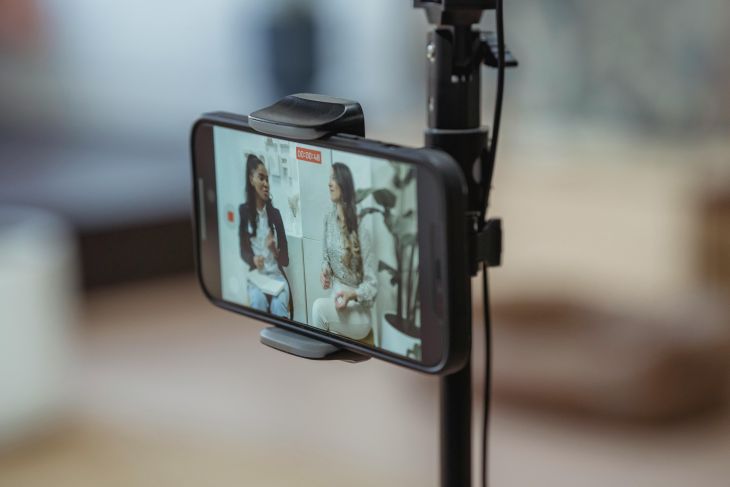
Recently, there's been a growing number of people transcribing audio from video files uploaded to sites like YouTube.
By transcribing the audio, you can add subtitles to videos.
Adding subtitles to videos not only makes them easier to watch but also allows foreign viewers to watch them using automatic translation features, thereby increasing viewership.
Furthermore, transcribing audio allows the content of the video to be published in written form on the video creator's blog.
This article provides a detailed explanation on how to transcribe audio from YouTube videos and add subtitles.
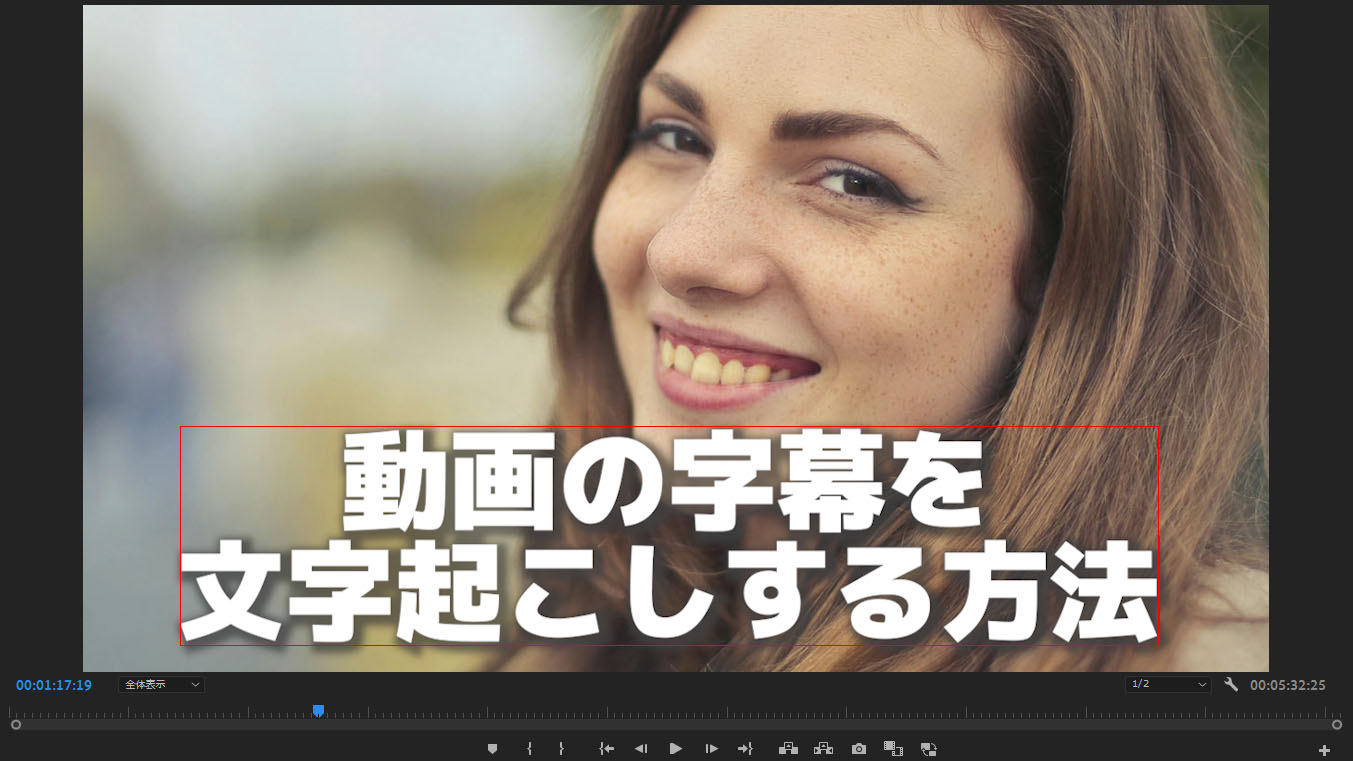
How to Transcribe Videos and Create Subtitles | Recommended Free Method to Make SRT Files from MP4
Learn how to transcribe video files like MP4 and create subtitles (SRT files). We introduce a process to create subtitle text by simply uploading videos in your browser, and how to apply them to videos using Adobe Premiere and DaVinci Resolve. For free...
AI Transcription Services are Recommended for Transcribing Audio!
By transcribing audio, you can handle recorded content more conveniently.
Among the methods for transcribing audio, using an AI transcription service is highly recommended.
In recent years, AI speech recognition technology has advanced rapidly, allowing you to complete transcriptions with very high accuracy and in a short amount of time.
Using an AI transcription service like Mr. Transcription makes it possible to transcribe audio in just about 1 minute!
If you're looking for ways to convert audio to text, why not try a free AI transcription service first?
■ AI transcription service "Mr. Transscription"
"Mr. Transcription" is an online transcription tool that can be used from zero initial cost and 1,000 yen per month (* free version available).
- Supports more than 20 file formats such as audio, video, and images
- Can be used from both PC and smartphone
- Supports technical terms such as medical care, IT, and long-term care
- Supports creation of subtitle files and speaker separation
- Supports transcription in approximately 100 languages including English, Chinese, Japanese, Korean, German, French, Italian, etc.
To use it, just upload the audio file from the site. Transcription text is available in seconds to tens of minutes.
You can use it for free if you transcribe it for up to 10 minutes, so please try it once.

It is "Mr. Transcription" who can easily transcribe from audio, video, and images.
Transcription allows you to transcribe for up to 10 minutes for free.
You can copy, download, search, delete, etc. the transcribed text.
You can also create subtitle files, which is ideal for transcription of interview videos.
HP: mojiokoshi3.com
Email: mojiokoshi3.com@gmail.com
Email: mojiokoshi3.com@gmail.com
Related article
Transcription for audio / video / image transcription. It is a transcription service that anyone can use for free without installation.
- What is Mr. Transcription?
- Transcript images, sounds, and videos with Mr. Transcription
- Free registration
- Rate plan
- manual
- Try other free services






