文字起こし(テープ起こし)を劇的に効率化する7つのコツ
Web Meeting Transcription: 10 Best Apps for 2026 Minutes
April 6, 2026


I want to streamline web conference minute-taking!
If you want to automate web conference and online meeting minute-taking, we recommend using AI transcription websites and apps to convert your meeting recordings into text!
With AI, even long meeting audio can be transcribed in just about 1 minute, and minutes can be automatically generated from there.
From transcribing meeting content to creating meeting minutes, you can leave it all to AI.
This article will clearly explain 10 recommended apps for web conference transcription and minute-taking, along with key points for choosing the right tool.
What you'll learn in this article:
- Comparison of 10 recommended sites/apps for web conference transcription
- Key points for choosing the perfect transcription site or app for minute-taking
- Transcription support status for Zoom, Teams, and Google Meet
[Free Options Available] 10 Recommended Sites and Apps for Web Conference Transcription
Now, let's introduce the sites and apps that can be used for web conference (online meeting) transcription and minute-taking.
We've compared tools that include free options, so please use this as a reference.
First, let's look at a comparison table of the features of these 10 options.
| Service Name | Real-time | File Upload | Minute Creation | Speaker Separation | Free Tier |
|---|---|---|---|---|---|
| Mr. Transcription | — | ◯ | ◯ | ◯ | 3 min/No registration required |
| Google Docs | ◯ (Voice input) | — | — | — | Free |
| Otolio (formerly Smart Shoki) | ◯ | ◯ | ◯ | ◯ | 14-day trial |
| Rimo Voice | ◯ | ◯ | ◯ | ◯ | 7-day trial |
| toruno | ◯ | ◯ | ◯ (AI Summary Plan) | — | 3 hours |
| Sloos | ◯ | — | — | ◯ | Free |
| User Local | ◯ | — | — | ◯ | Free |
| Texter | ◯ | ◯ | ◯ | ◯ | 1 min (Real-time) |
| Notta | ◯ | ◯ | ◯ | ◯ | 120 min/month |
| Otter | ◯ | △ (Limited uploads) | ◯ | ◯ | 300 min/month |
Now, let's introduce the detailed features of each site and app!
1. Mr. Transcription: Recommended AI Transcription Site with Minute-Taking Functionality
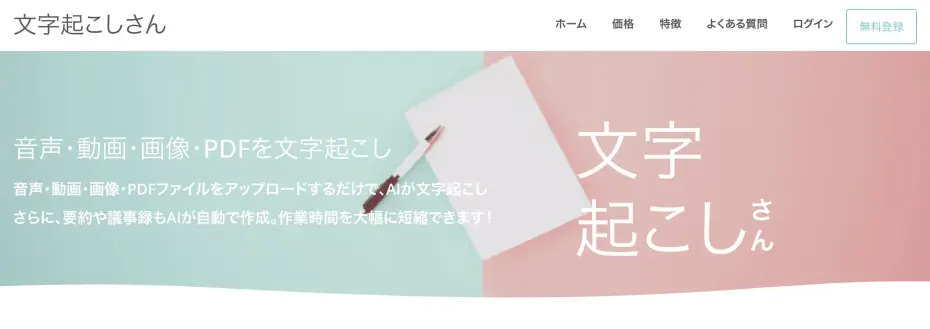
If you're unsure about web conference minute-taking, Mr. Transcription is highly recommended!
With its latest AI speech recognition engine, it can transcribe long meeting recordings with high accuracy in just about 1 minute.
Since you upload audio files for transcription, the AI can grasp the entire audio context, enabling higher accuracy than real-time transcription.
During the meeting, simply press the record button and focus on the discussion.
After the meeting, just upload the recorded data, and you're good to go.
From the transcription results, you can automatically generate meeting minutes with AI by simply clicking the "Create Minutes" button!

The minutes can be downloaded as a Word file.
You can also use the AI summary feature to condense the key points of the meeting audio.
With multi-language support for over 100 languages, it can be used for foreign language meetings, including English.
As a web service accessible via browser, it works on any device, including iPhone, Android smartphones, and PCs.
You can use it for free for up to 3 minutes without registration or login, so it's recommended to try out the transcription accuracy first.
Why not try Mr. Transcription for free?
2. Google Docs: Free Voice Typing Feature

Google Docs also has a voice typing feature that can be used for web conference transcription.
To use it, simply select Tools → Voice typing from the menu bar.
You can easily transcribe in real-time by turning the microphone button ON/OFF.
It's perfect for those who haven't used transcription apps before and want to try one out.
However, it does not support transcription by uploading recorded data, so if you want to create minutes from a recorded file after the meeting, it's recommended to use other sites or apps.
3. Otolio (formerly Smart Shoki): AI Minute Service with Extensive Track Record in Large Corporations and Local Governments
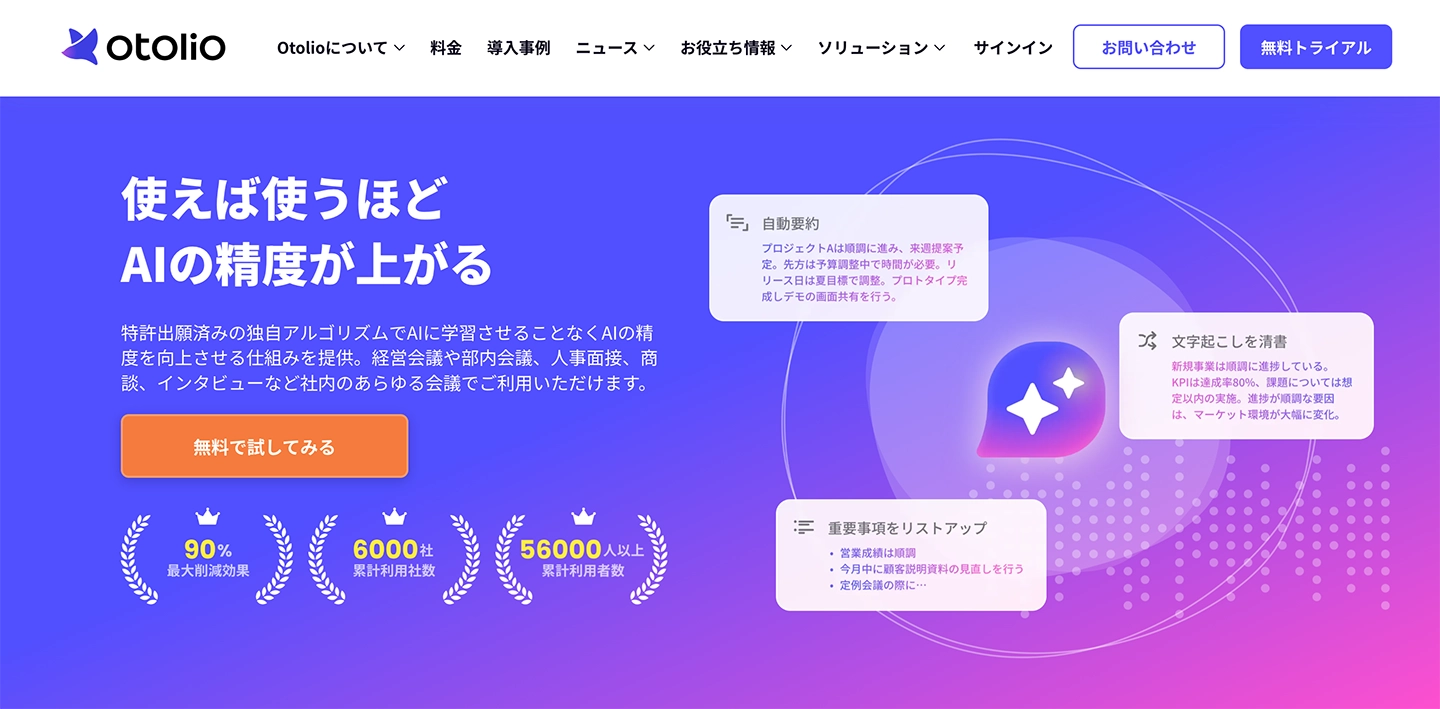
Otolio (formerly Smart Shoki) is an AI minute-taking service for corporations.
It offers a full suite of features necessary for minute-taking, including real-time transcription, AI summarization, and task management.
It can integrate with all web conferencing tools such as Zoom, Teams, Google Meet, and Webex, allowing you to record audio from all participants with a single device.
It also supports integration with external tools like Salesforce and Google Workspace.
In addition to PC browsers, it can be used via dedicated apps for iPhone and Android.
There is a 14-day free trial, so if you are considering team implementation, it's recommended to try it out first.
4. AI Meeting Minutes|Rimo Voice: High-Precision AI Minute Tool Strong in Japanese
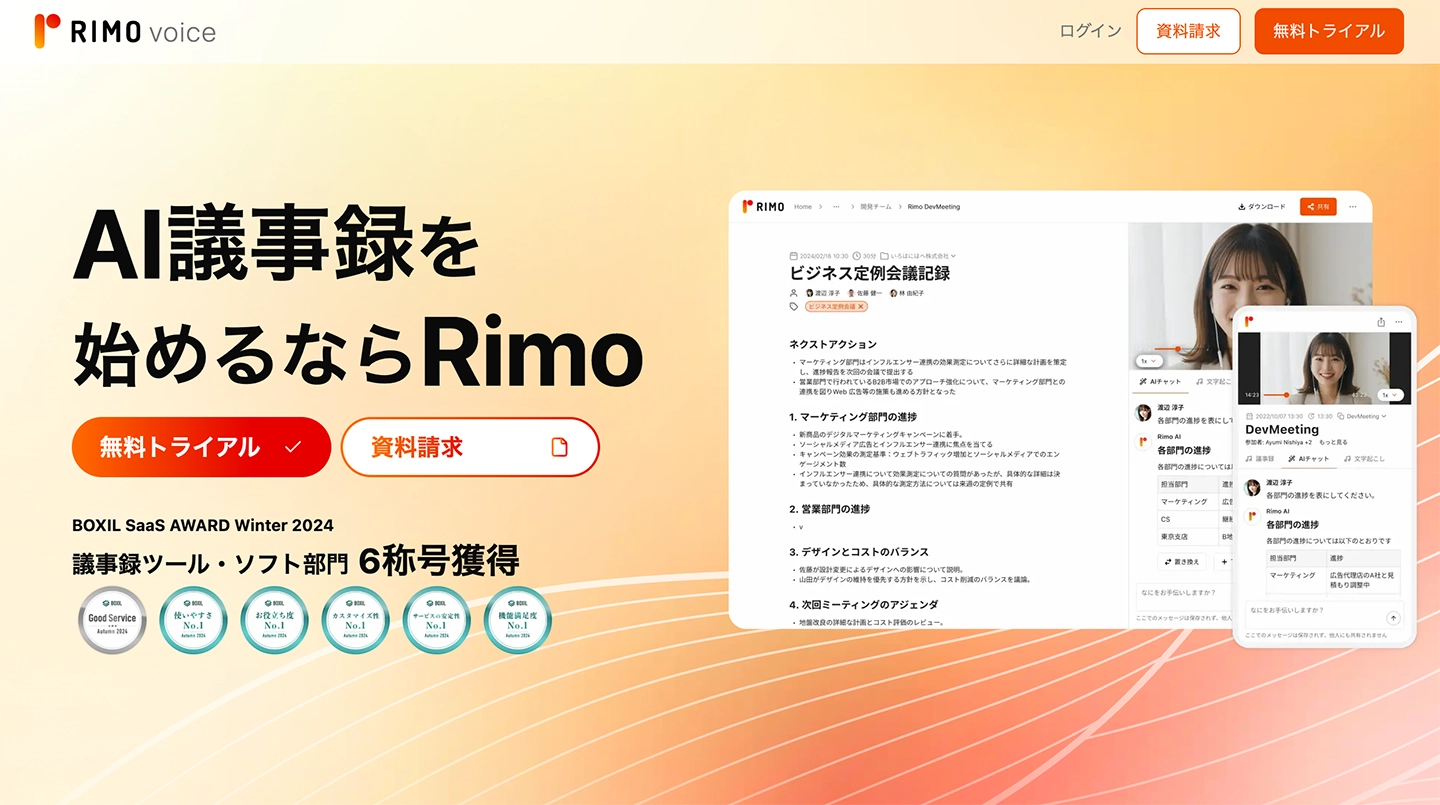
AI Meeting Minutes|Rimo Voice is an AI minute-taking service strong in Japanese.
By inviting an AI Bot to Zoom, Teams, Google Meet, and Webex, it can automatically perform real-time transcription, summarization, and minute creation.
It is equipped with convenient features for minute-taking, such as speaker separation, filler word removal, and specialized term dictionary registration.
Pricing starts from 4,950 yen per month for the Pro plan. A 7-day free trial (no credit card registration required) is available.
*The previously popular AI minute-taking service "AI GIJIROKU" will terminate its service in October 2025, and Rimo Voice has been announced as the official migration destination.
5. toruno: Transcription Service Provided by Ricoh
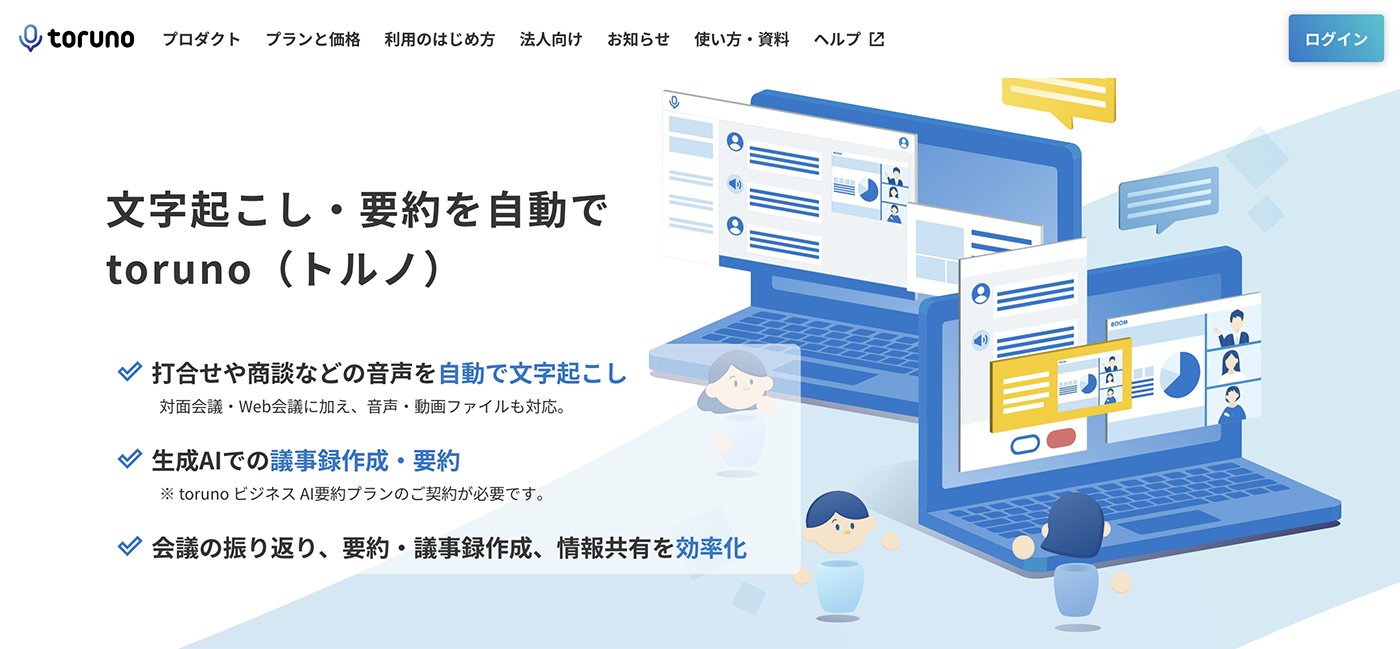
toruno is a transcription service for web conferences provided by RICOH.
In addition to real-time transcription, it also supports transcription by uploading audio and video files recorded with IC recorders or smartphones. It also has a feature that captures and saves the screen during the meeting, along with audio and text.
If you subscribe to the AI summary plan, you can also use AI-powered minute creation and summarization.
In addition to the personal version, a "business version" suitable for team use is also available. It can be used from Windows apps, as well as iPhone apps and Android browsers (beta version).
The first 3 hours are free to try, making it perfect for those who want to compare its usability with other tools.
6. Sloos: Free Web Conference Transcription Site
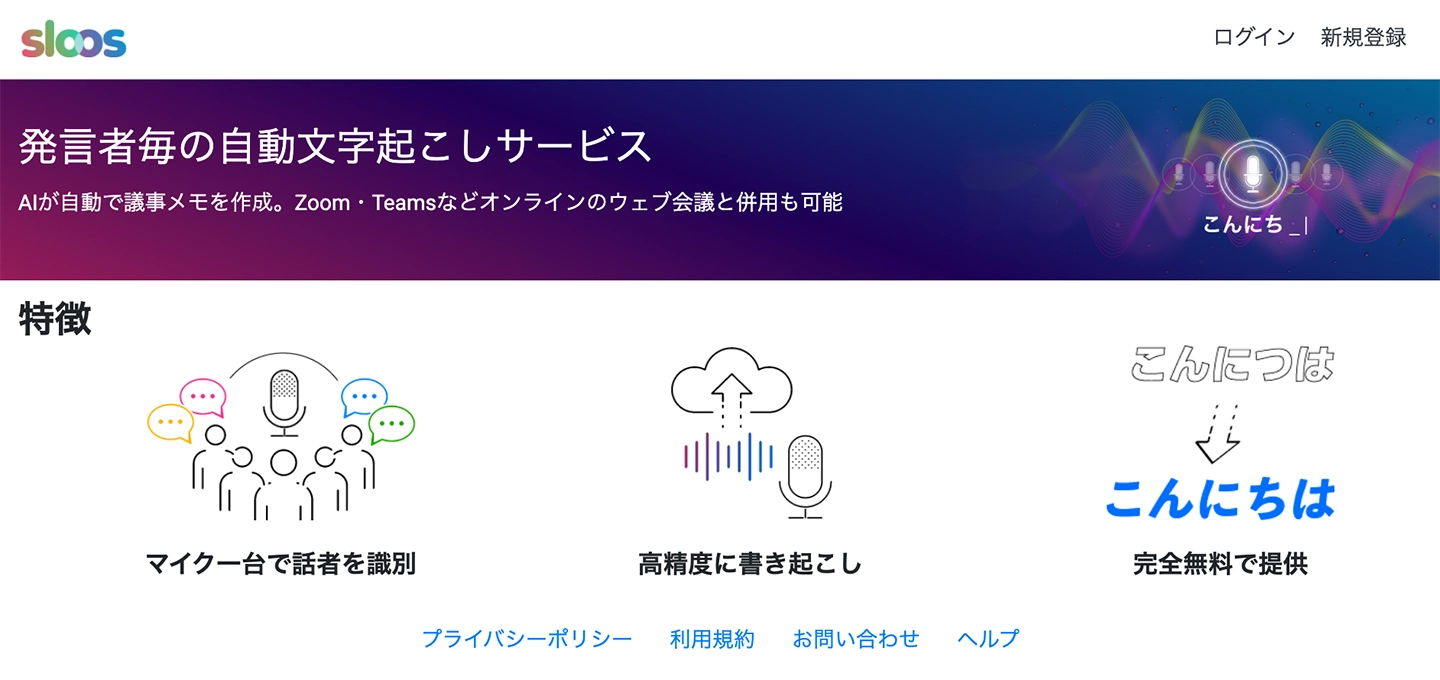
Sloos is a free web conference transcription site.
A key feature is its speaker separation function, which can distinguish multiple speakers with a single microphone.
It's recommended for creating online meeting minutes that are intended for later review and editing, as it makes it easy to check and correct content.
7. User Local Voice Meeting Minutes System: Free Site with Emotion Analysis
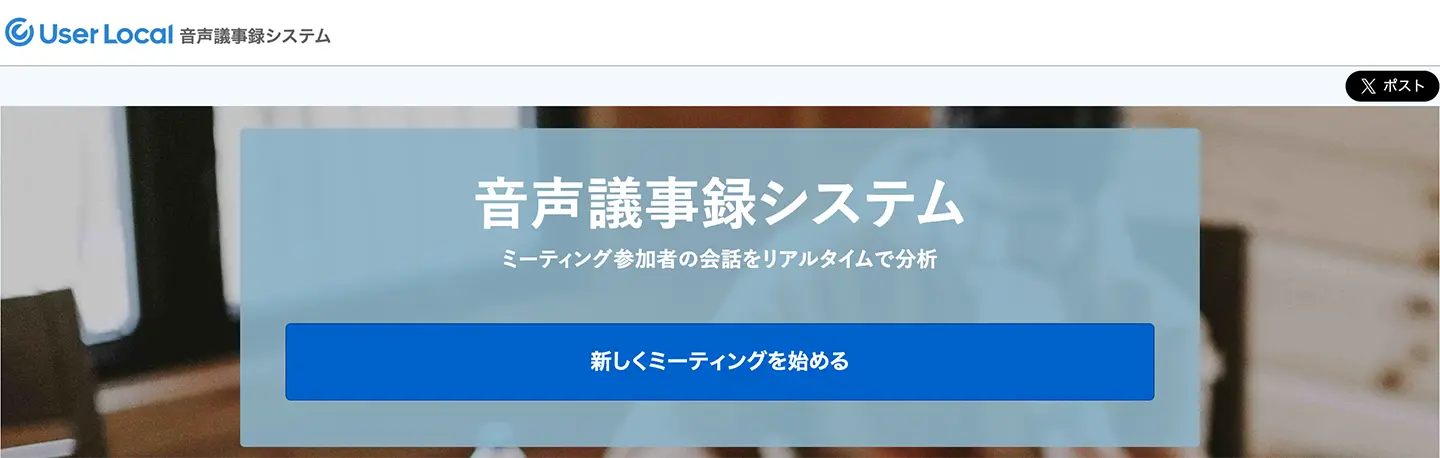
The User Local Voice Meeting Minutes System is a free site that allows multiple users to utilize transcription features by issuing and sharing a dedicated URL.
It uniquely analyzes
■ AI transcription service "Mr. Transscription"
"Mr. Transcription" is an online transcription tool that can be used from zero initial cost and 1,000 yen per month (* free version available).
- Supports more than 20 file formats such as audio, video, and images
- Can be used from both PC and smartphone
- Supports technical terms such as medical care, IT, and long-term care
- Supports creation of subtitle files and speaker separation
- Supports transcription in approximately 100 languages including English, Chinese, Japanese, Korean, German, French, Italian, etc.
To use it, just upload the audio file from the site. Transcription text is available in seconds to tens of minutes.
You can use it for free if you transcribe it for up to 10 minutes, so please try it once.

It is "Mr. Transcription" who can easily transcribe from audio, video, and images.
Transcription allows you to transcribe for up to 10 minutes for free.
You can copy, download, search, delete, etc. the transcribed text.
You can also create subtitle files, which is ideal for transcription of interview videos.
HP: mojiokoshi3.com
Email: mojiokoshi3.com@gmail.com
Email: mojiokoshi3.com@gmail.com
Related article
Transcription for audio / video / image transcription. It is a transcription service that anyone can use for free without installation.
- What is Mr. Transcription?
- Transcript images, sounds, and videos with Mr. Transcription
- Free registration
- Rate plan
- manual
- Try other free services