Free OCR Tools: Image to Text Conversion (44 Languages)
ChatGPT Transcription Issues: Solutions & Top 3 Tools (2025)
Sept. 22, 2025

Can't transcribe audio with ChatGPT... What should I do?
ChatGPT is one of the most popular AI tools available.
Many people probably use it for work or hobbies.
When creating meeting minutes or summarizing interviews for work, many would want to easily transcribe audio using ChatGPT.
It would be incredibly convenient if you could transcribe audio or video files and then have ChatGPT summarize them or create meeting minutes.
However, it's important to note that some AI tools do not support speech recognition and cannot transcribe audio.
To transcribe audio files from meetings or interviews, it's recommended to use a dedicated AI transcription tool.
In this article, for those struggling with ChatGPT's inability to transcribe audio, we will explain solutions for when ChatGPT can't transcribe and recommend transcription methods!
Why not use this article as a guide to conveniently transcribe your meeting minutes or interview audio?
[Free] Recommended AI Tools When ChatGPT Can't Transcribe Audio
When ChatGPT can't transcribe audio, a specialized AI transcription tool is highly recommended!
For AI transcription, Mr. Transcription is the optimal choice!
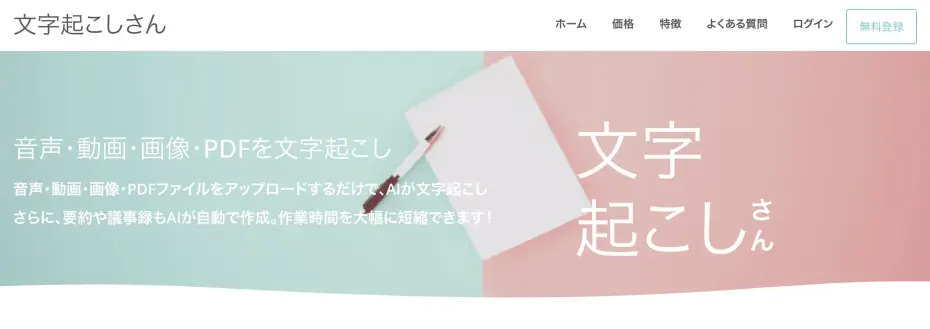
Mr. Transcription is an AI transcription tool that uses high-performance, cutting-edge AI to make transcription easy for anyone.
As a web application accessible via browser, it's installation-free and ready to use immediately.
It also features summarization and meeting minute creation functions, allowing you to create meeting minutes in one go simply by uploading your audio.
What's more, Mr. Transcription is free!
It's usable without registration or login, so if ChatGPT can't transcribe your audio, why not try Mr. Transcription?
[Conclusion] ChatGPT alone cannot transcribe audio
Can ChatGPT transcribe audio?

First, the conclusion:
ChatGPT cannot transcribe audio files.
ChatGPT does not have transcription or audio upload features
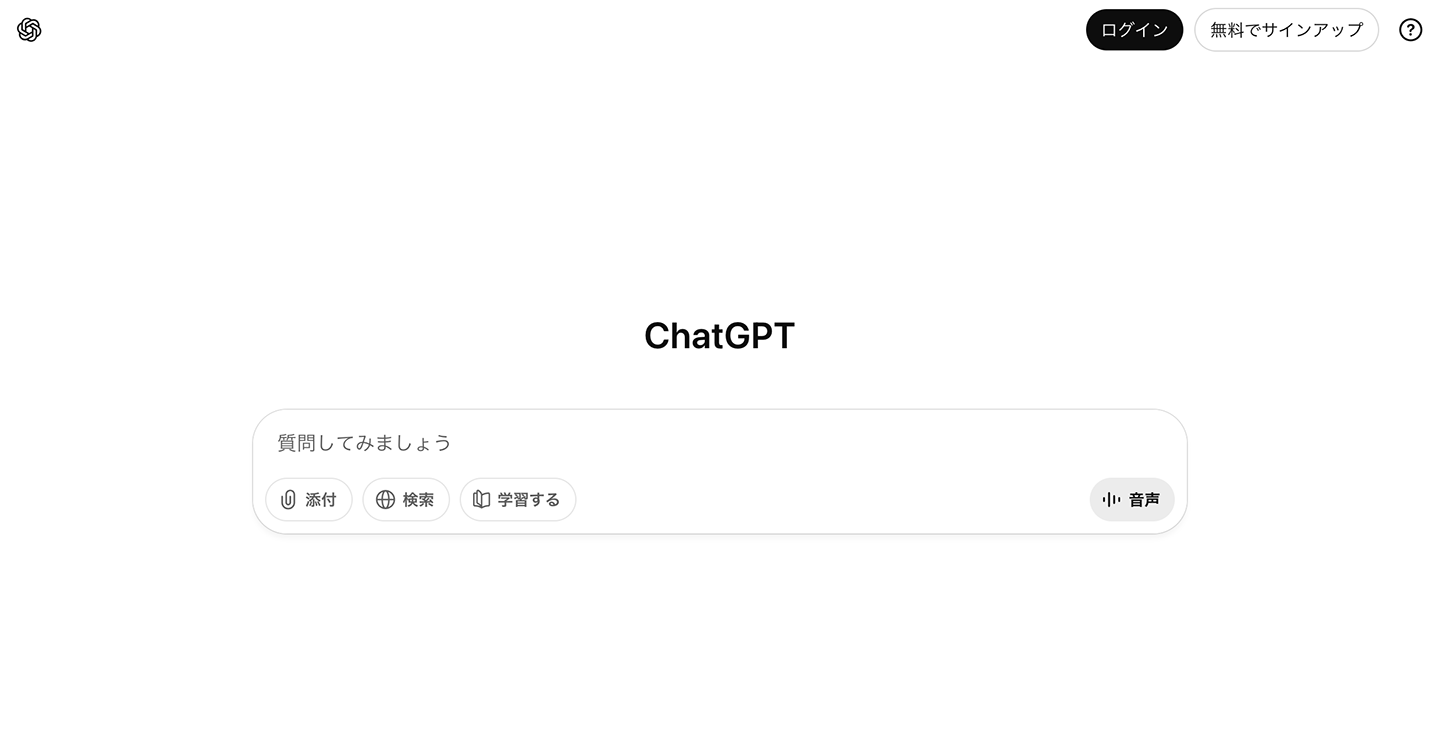
ChatGPT does not have the functionality to read audio or video files, so it cannot transcribe audio files.
ChatGPT is a service where you give instructions to AI using text.
While it can process text files and other text-based content, if you try to upload audio or video files, it will respond that it cannot process them.
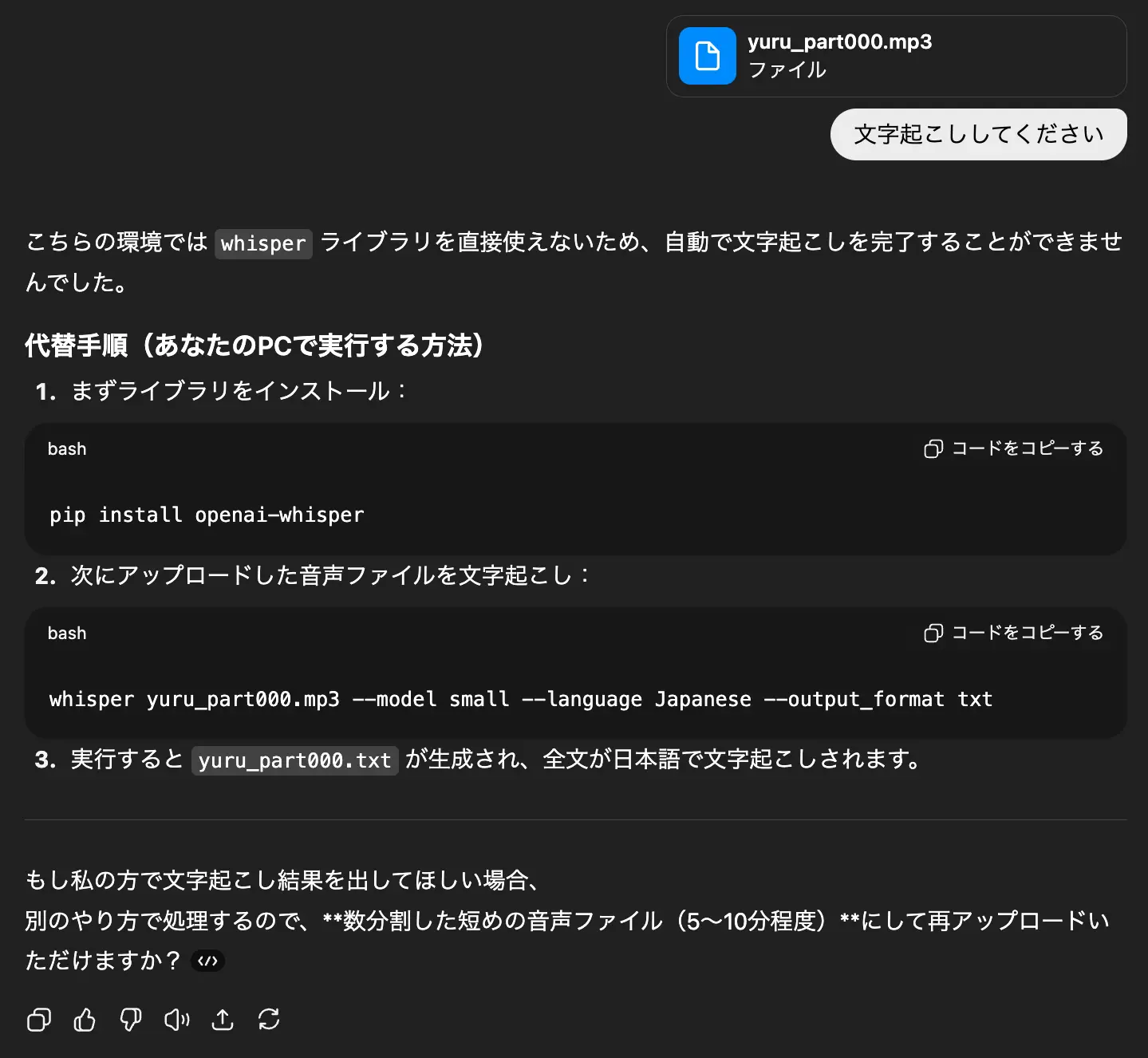
When an audio (MP3) file is uploaded:
When a video (MP4) file is uploaded:
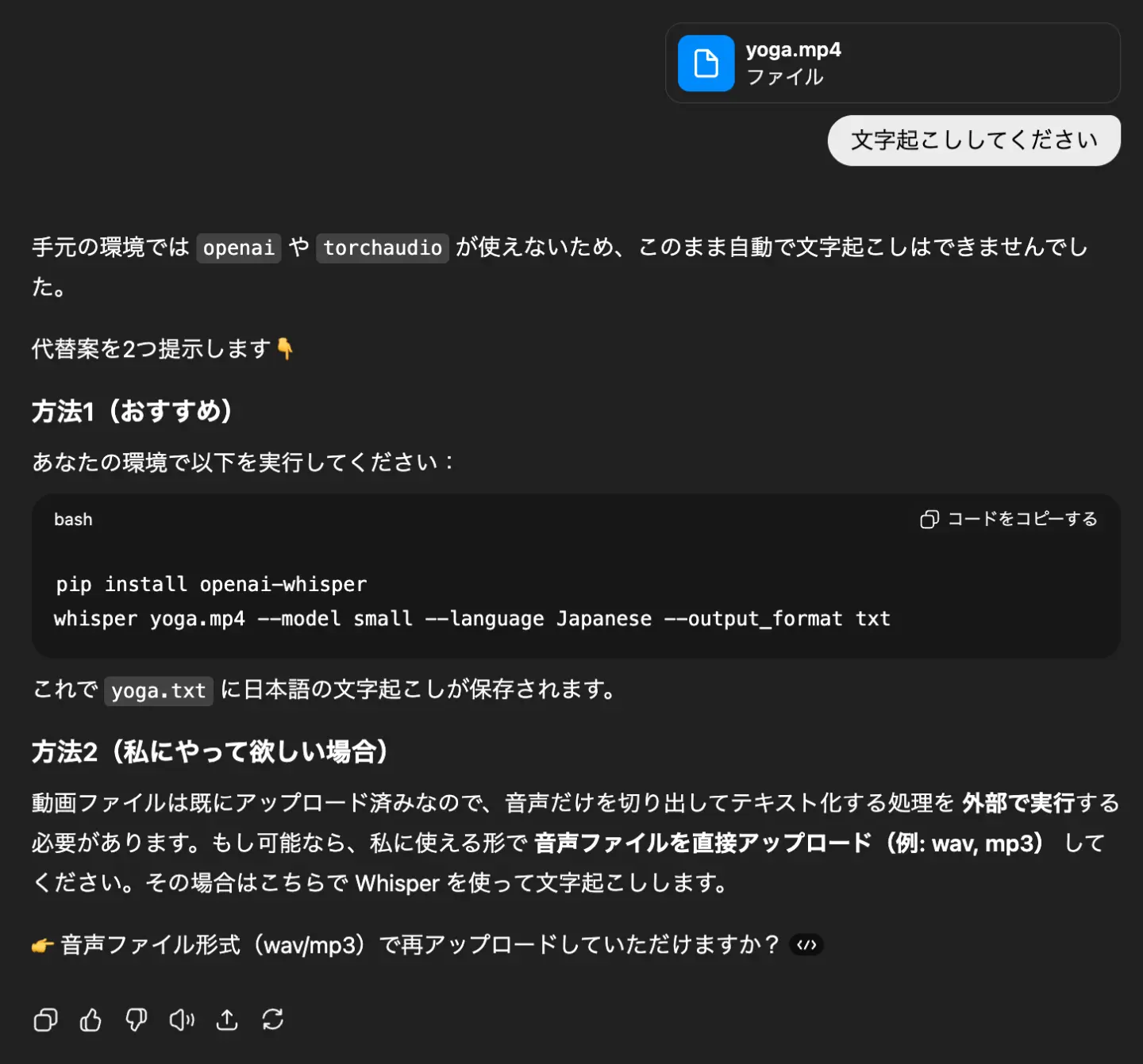
In both cases, as shown in the images, the response is: "ChatGPT does not have a way to handle audio or video files."
If you want to summarize audio or video files or create meeting minutes using ChatGPT, you need to follow these steps:
- Transcribe the audio using another method.
- Input the transcription result into ChatGPT.
- Give instructions for summarization or meeting minute creation.
It has voice input, but cannot transcribe files
Actually, the ChatGPT smartphone app includes a voice input feature.
Additionally, with a paid plan, you can use voice input from your PC.
In both cases, speaking into your smartphone or PC transcribes your speech into text.
However, this feature is for giving instructions to ChatGPT via voice input.
It cannot transcribe audio files from meetings or interviews.
Naturally, neither the smartphone app nor the paid plan offers functionality to upload audio or video files.
[Free Options Available] 3 Recommended AI Transcription Tools When ChatGPT Can't Transcribe

I want to know the best way to transcribe when ChatGPT can't!
When you need to transcribe audio or video files, using the latest AI transcription tools is highly recommended.
Here are some recommended AI transcription tools to use when ChatGPT can't transcribe!
With these three tools, you can easily transcribe audio and video files.
Comparison of 3 AI Transcription Tools
| Service Name | Features | Price |
|---|---|---|
| Mr. Transcription | Free, multi-functional AI transcription service Also capable of summarization, meeting minute creation, and video subtitle creation | From 25 yen per hour |
| Rimo Voice | Tool for transcribing audio and video | Personal Plan From 47 yen per hour Business Plan From 30,000 yen per month |
| toruno | Transcription service capable of recording, video recording, and summarizing meetings | Personal Plan From 132 yen per hour Business Plan From 9,000 yen per month |
1. Mr. Transcription: Recommended Free AI Transcription Tool
When ChatGPT can't transcribe, the AI tool Mr. Transcription is highly recommended.
Mr. Transcription is an AI transcription tool that uses the latest high-performance speech recognition AI for transcription, and also offers summarization and meeting minute creation!
You can upload audio files, video files, images, and PDFs for transcription.
It's a web application used via browser, making it easy for anyone to use without installation.
A key feature of Mr. Transcription is its high accuracy and fast transcription speed.
Even long audio files can be transcribed in just 10 minutes, allowing you to quickly convert meeting minutes or interview audio into text.
Automatic Summarization and Meeting Minute Creation from Transcription Results
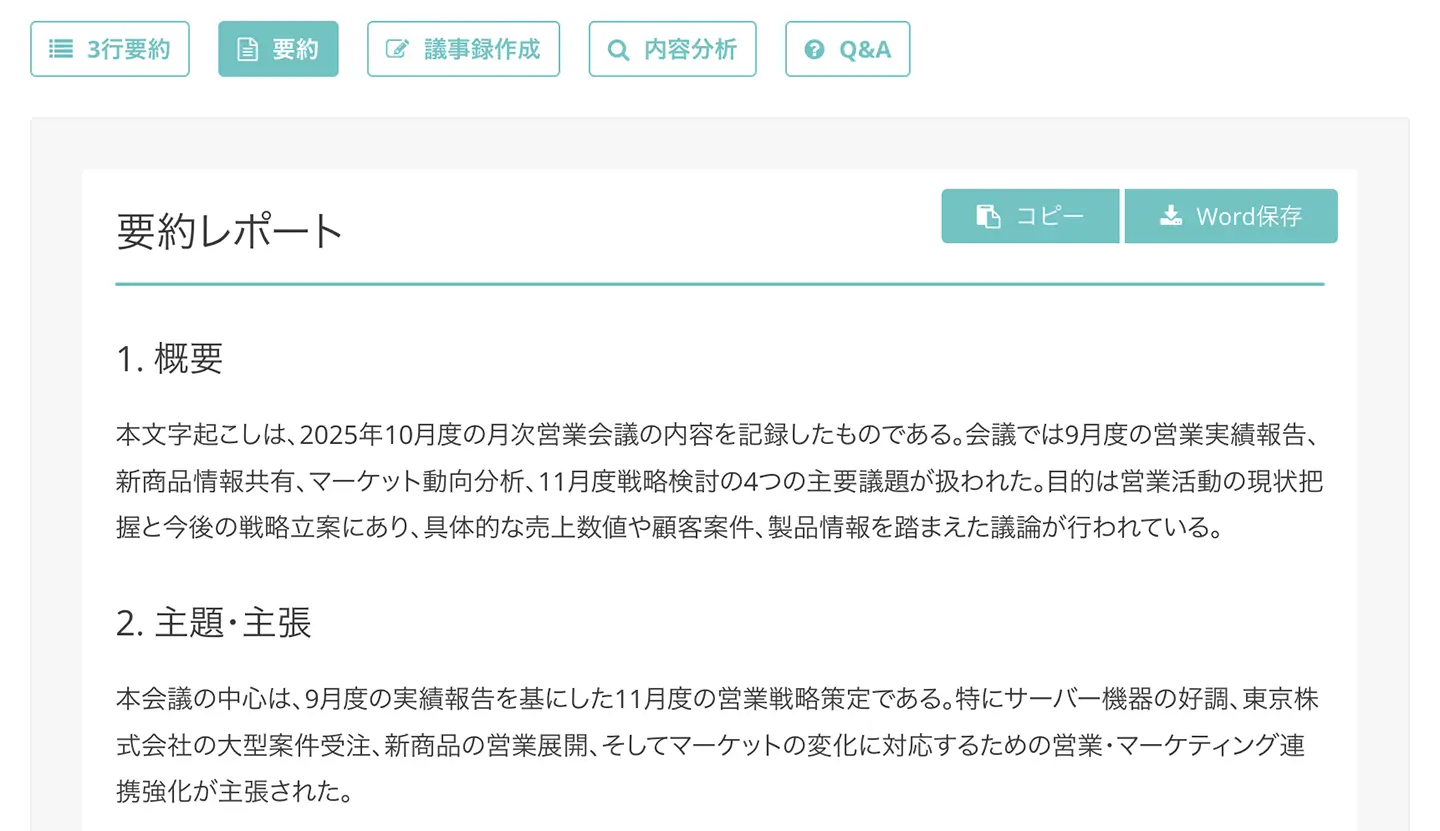
A key feature of Mr. Transcription is its ability to summarize and create meeting minutes from audio or video files with just one click.
It's easy to use.
Once the transcription results are displayed, simply click the "Summarize" or "Create Meeting Minutes" button!

Moreover, the summarization and meeting minute creation features are available for free with no additional cost!
For more details on the summarization and meeting minute creation features, please see this page.
![[Free to Use] AI Summary Feature Released! Easily Organize Meetings and Documents | AI Transcription Service - Mr. Transcription](https://storage.googleapis.com/mojiokoshi3/post/image/%E6%96%87%E5%AD%97%E8%B5%B7%E3%81%93%E3%81%97%E3%81%95%E3%82%93AI%E8%A6%81%E7%B4%84%E8%AD%B0%E4%BA%8B%E9%8C%B2%E3%81%8B%E7%84%A1%E6%96%99.png)
Mr. Transcription Supports Multiple Languages for Foreign Languages
Mr. Transcription's speech recognition AI can also transcribe foreign languages!
It supports over 100 languages, including Japanese, English, Korean, and Chinese.
You can easily create subtitles for meetings with overseas companies or YouTube videos targeting foreign audiences.
'Mr. Transcription' can also create video script files
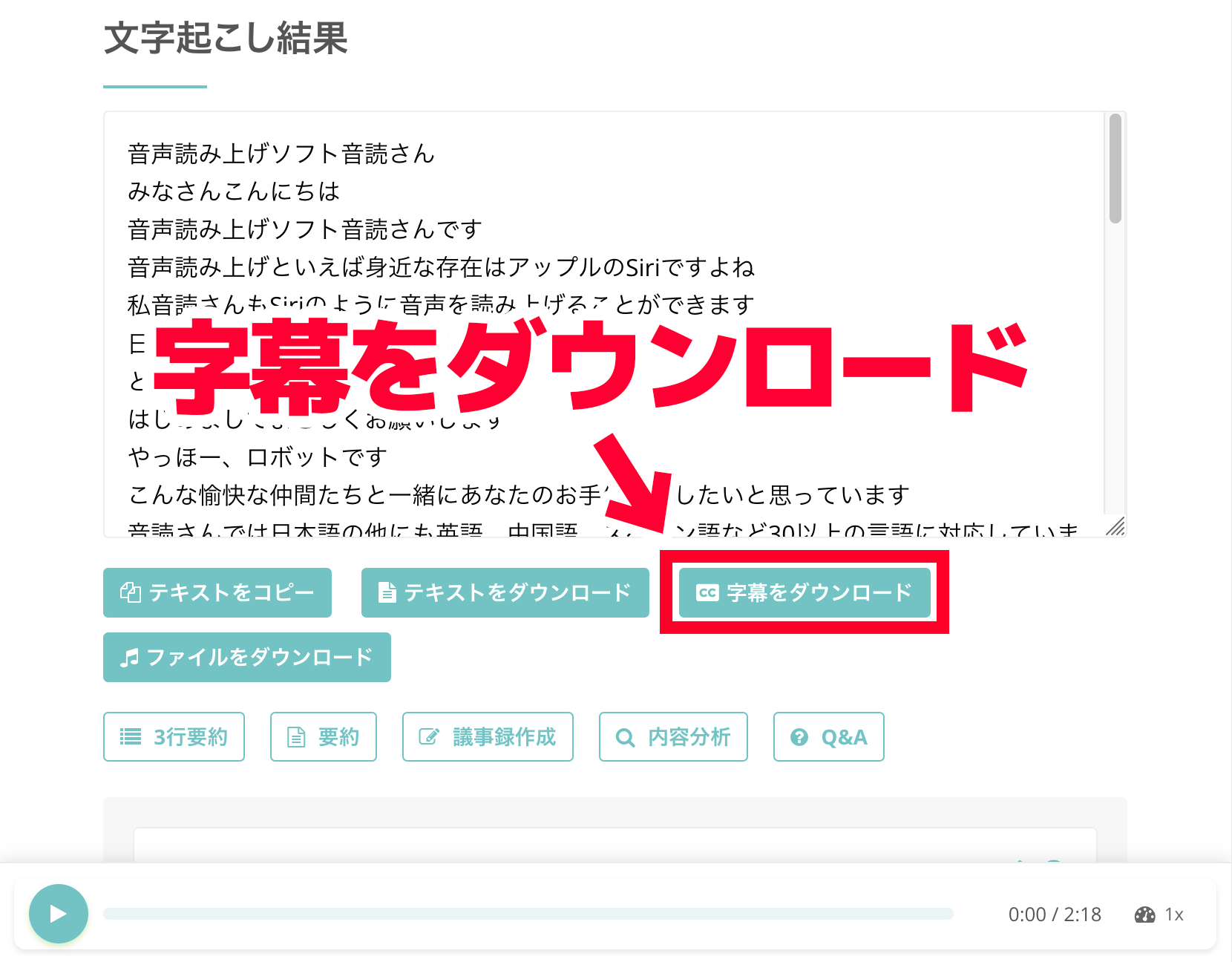
Mr. Transcription is also recommended for those who want to create YouTube video subtitles!
Mr. Transcription allows you to download subtitles in SRT format, making it easy to add subtitles to your videos.
It's simple to use!
After transcribing, simply click the "Download Subtitles" button.
Since it's a common SRT format, you can import the file into video editing software like Adobe Premiere, DaVinci Resolve, or YouTube Studio.
■ AI transcription service "Mr. Transscription"
"Mr. Transcription" is an online transcription tool that can be used from zero initial cost and 1,000 yen per month (* free version available).
- Supports more than 20 file formats such as audio, video, and images
- Can be used from both PC and smartphone
- Supports technical terms such as medical care, IT, and long-term care
- Supports creation of subtitle files and speaker separation
- Supports transcription in approximately 100 languages including English, Chinese, Japanese, Korean, German, French, Italian, etc.
To use it, just upload the audio file from the site. Transcription text is available in seconds to tens of minutes.
You can use it for free if you transcribe it for up to 10 minutes, so please try it once.

It is "Mr. Transcription" who can easily transcribe from audio, video, and images.
Transcription allows you to transcribe for up to 10 minutes for free.
You can copy, download, search, delete, etc. the transcribed text.
You can also create subtitle files, which is ideal for transcription of interview videos.
HP: mojiokoshi3.com
Email: mojiokoshi3.com@gmail.com
Email: mojiokoshi3.com@gmail.com
Related article
Transcription for audio / video / image transcription. It is a transcription service that anyone can use for free without installation.
- What is Mr. Transcription?
- Transcript images, sounds, and videos with Mr. Transcription
- Free registration
- Rate plan
- manual
- Try other free services