【文字起こしさんのエラー報告について】無料の音声文字起こし時間や画像枚数をプレゼント
Top 5 Free AI Transcription Sites: Browser-Based & No Install
June 28, 2026
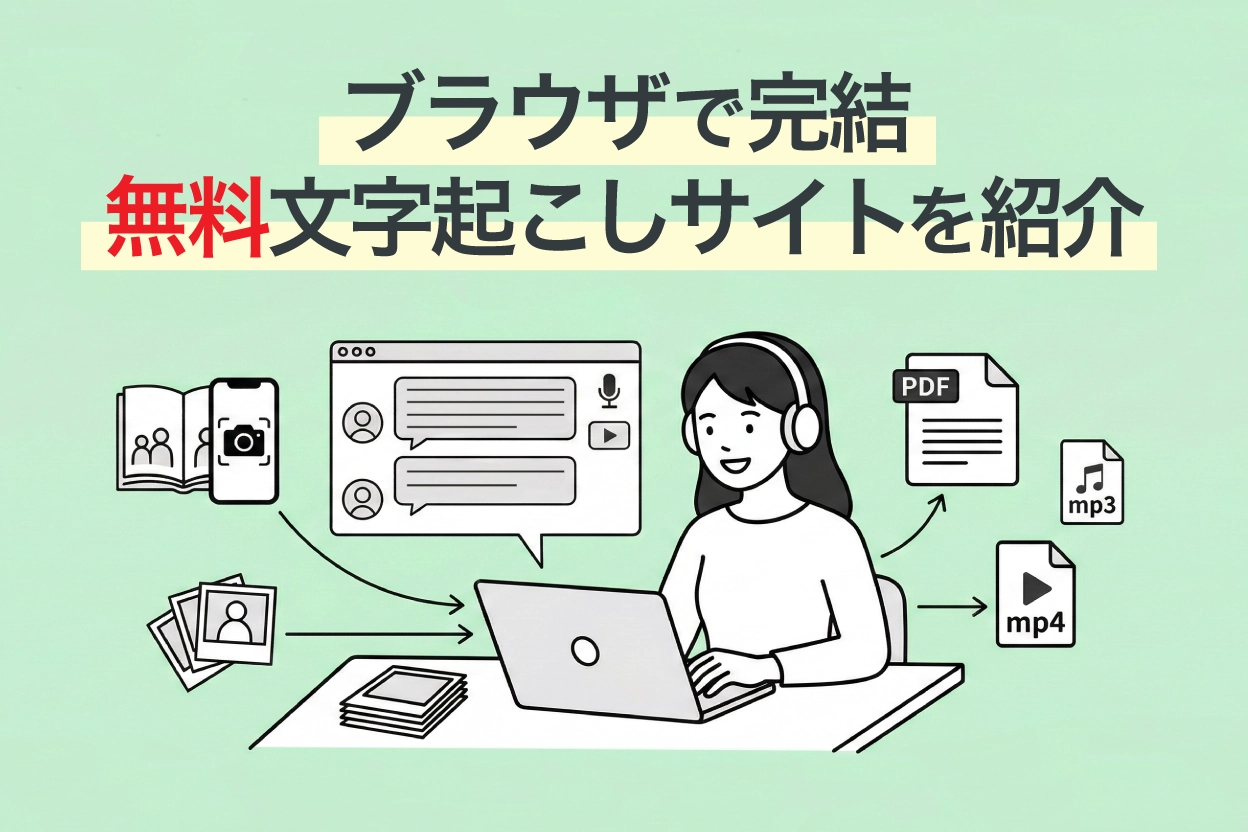
Are you looking for a transcription tool, but you don't want an "app" or "PC software"?
For you, we've compiled a list of recommended AI transcription tools that you can use directly from your browser, without needing to install any apps or software.

I'm looking for a website (homepage) where I can do online transcription.
Even when I search online, all I find are smartphone apps or PC software that require installation...


Tell me about free transcription tools that I can easily use from my browser!
This information is perfect for such situations.
There are broadly three types of transcription tools:
- Smartphone apps
- PC software (installation-based)
- Web apps (transcription websites usable in a browser)
These three types have different features and strengths, so the best choice varies depending on your usage scenario and purpose.
Therefore, this time, we will introduce only carefully selected online AI transcription websites that you can easily use from your browser just by visiting the site, without choosing installation-based apps or software!
Even though they are free tools, they utilize the latest technology.
Some of them are actively used by large corporations and professional writers.
By reading this article, you'll be able to transcribe any audio data, whether it's voice, video, English, or MP3 files, directly in your browser, undoubtedly boosting your work efficiency many times over.
Please read to the end.
【Comparison Table】5 Recommended Free Online AI Voice Transcription Websites
Here's a summary of the 5 transcription websites introduced, categorized by free tier, supported formats, and features. Please take a look at this comparison table first.
Scroll horizontally
| Service Name | Free Tier | Supported Formats | AI Summary/Meeting Minutes | SRT Subtitle Output | Best For |
|---|---|---|---|---|---|
| Mr. Transcription | 3 min/session (no registration required) | Audio, Video, Image, PDF (MP3, MP4, WAV, JPG, PDF, etc.) | ○ | ○ | If you're unsure, start here. An all-rounder for audio, video, images, English, and more. |
| AutoMemo | 1 hour per month | Audio/Video files (MP3, WAV, MP4, MOV, etc.) | △ (Summary only) | × | People who want to transcribe audio recorded with a voice recorder (MP3, etc.) |
| Sloos | Free (unlimited time) | Real-time audio | × | × | People who want to automatically create meeting minutes |
| Otter | 300 minutes per month (with restrictions) | Real-time audio, Audio files | × | × | People who want to transcribe English meetings/interviews |
| Google Docs | Free | Real-time voice input only | × | × | People who want to instantly convert spoken content to text (cannot transcribe recorded data) |
Verification Environment (as of March 2026)
Devices used: Windows 11 PC (Chrome) / iPhone 15 (Safari)
Test audio: Japanese meeting audio (3 min), English interview (3 min), MP3 file
Evaluation criteria: Transcription accuracy, processing speed, ease of operation
Now, let's delve into the features of each website!
5 Recommended Online Transcription Websites Usable from Your Browser [Free Options Available]
1. Mr. Transcription | A Website for Transcribing Audio, Video, Images, and PDFs with the Latest AI

Mr. Transcription is an all-around transcription website that uses the latest AI.
Leveraging rapidly advancing AI, it allows you to upload files directly from your browser and get highly accurate transcriptions in a short amount of time.
Another recommended feature is that it can transcribe and extract text from various media files, not just audio.
- Audio: MP3, WAV, WMA, M4A, AIFC, FLAC, AAC, AIFF
- Video: MP4, MOV, AVI, FLV, MKV, WEBM, WMV, 3GP
- Image: JPG, JPEG, PNG, WEBP
- Document: PDF
It supports a wide variety of file formats.
It employs a high-performance AI transcription engine, making it versatile for any audio.
Not only does it provide highly accurate transcriptions with the latest AI, but it also completes processing for long audio files in just about 1 minute!
It also supports over 100 languages, so you can easily transcribe English, Chinese, Korean, French, and other languages directly from your browser.
It's also recommended for transcribing lyrics of foreign songs, such as English music.
Of course, it can transcribe technical terms, and it also features data management and search functions for converted data.
Furthermore, it offers unique features not found on other transcription websites:
- AI Summary/Meeting Minutes Creation: One-click summarization into 3 lines, meeting minutes creation, content analysis, and Q&A generation from transcription results (Learn more here)
- SRT Subtitle File Output: Download video transcription results as SRT files, ready for immediate use as subtitles in Adobe Premiere or DaVinci Resolve (Learn more here)
- Partial Playback/Editing Function: Play back audio in segments to review and edit transcription results.
If you're unsure about which transcription method to use, choosing Mr. Transcription will cover most of your transcription needs!
You can transcribe for free for up to 3 minutes per day just by opening the website in your browser, with no registration or login required.
Moreover, if you register an account, you can transcribe for up to 10 minutes per day (maximum 3 minutes per file), so it's highly recommended to try Mr. Transcription first!
2. AutoMemo | Best for Transcribing Recorded Data (MP3)
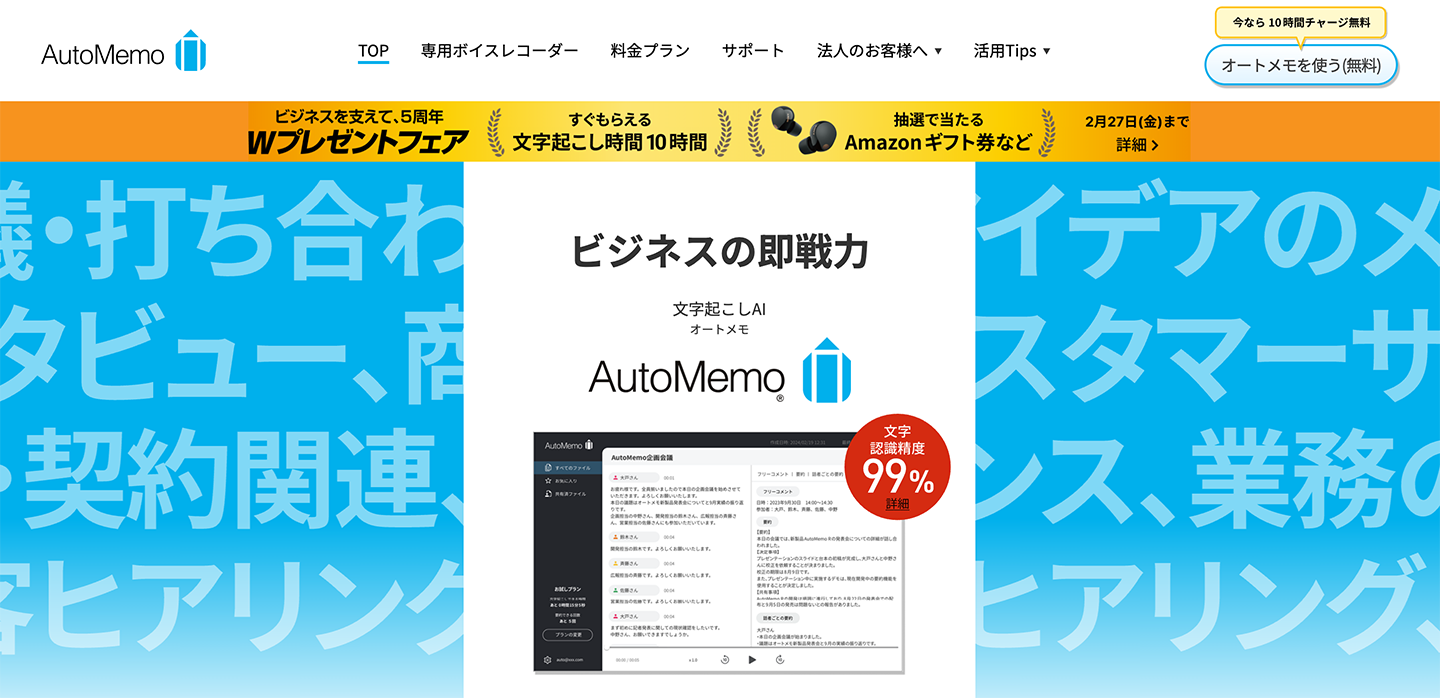
AutoMemo is an AI transcription service provided by SOURCENEXT Corporation.
It can also be used from a browser and is suitable for transcribing audio data (MP3 and WAV files) recorded with voice recorders or similar devices.
It uses OpenAI's "Whisper" speech recognition model, achieving high accuracy even with multiple speakers.
Supporting 72 languages, it can convert not only Japanese but also English and other languages into text.
AutoMemo also sells dedicated voice recorder devices.
The ability to automatically send recorded audio to the cloud and transcribe it is also a compelling feature.
The free tier allows up to 1 hour per month.
For more usage, a paid plan (starting from 1,480 yen/month) is required.
3. Sloos | A Website for Creating Meeting Minutes from Your Browser
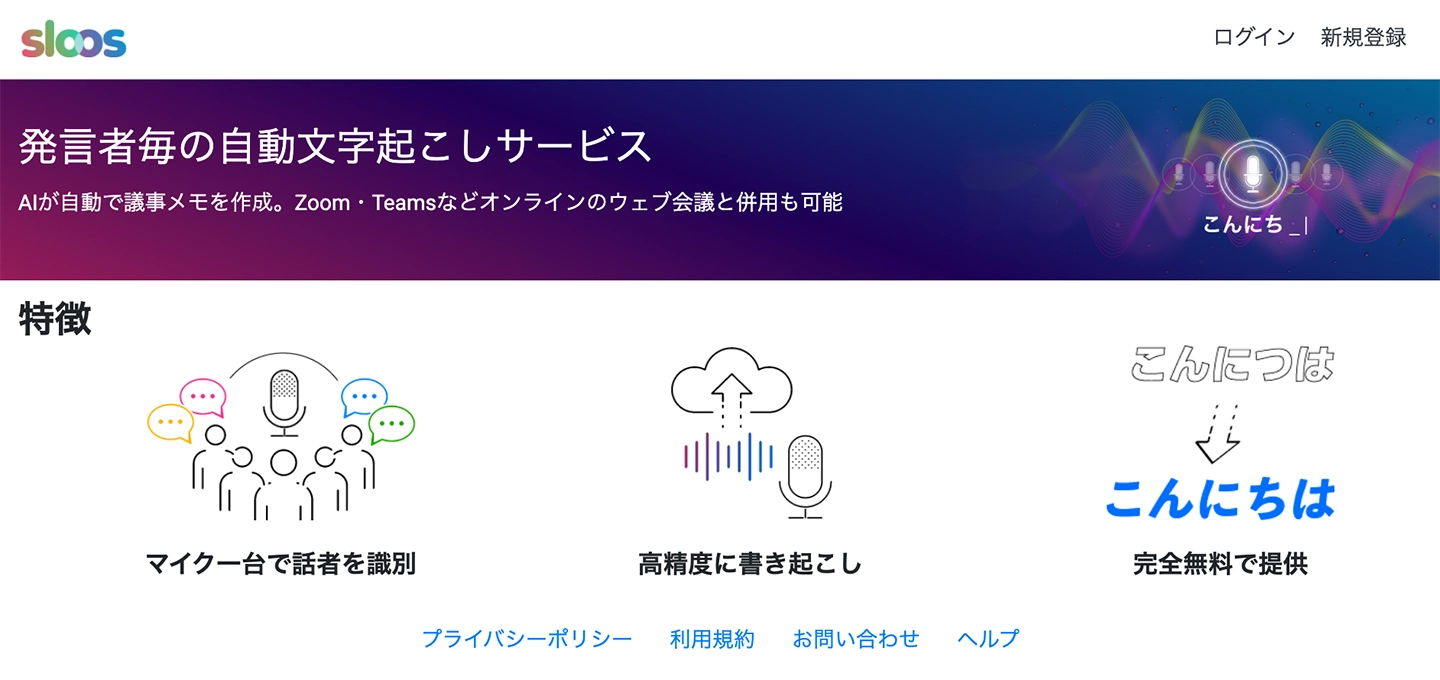
Sloos is a transcription website specialized in creating meeting minutes.
It can also be used from a browser.
This web app is recommended for automatically generating meeting minutes.
It can identify multiple speakers with just one microphone, making it easy to distinguish who said what when reviewing the audio later.
The speech recognition accuracy is quite good, allowing for accurate transcription even in environments with some noise.
It can also be used in conjunction with Zoom and Microsoft Teams, supporting the creation of minutes for remote meetings.
Specializing in meeting minute creation, this site offers very high performance in its area of expertise and is highly recommended.
4. Otter | AI Transcription Website Strong in English
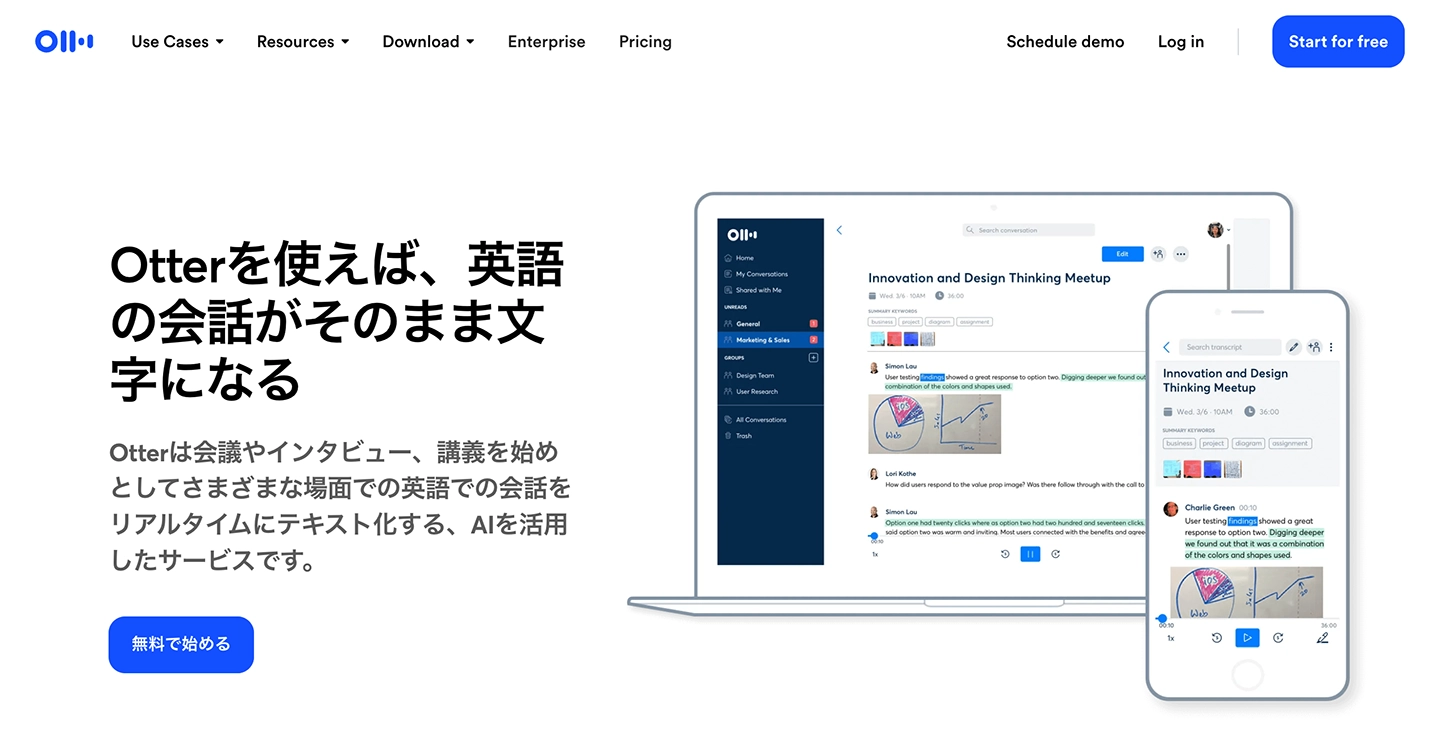
Otter is a transcription website recommended for English audio.
It features a proprietary AI speech recognition engine specialized in English, which results in very high accuracy for English transcription.
It can also identify speakers, making it useful for business meetings with international partners.
Although it's an overseas service, the Japanese version of the paid plan is sold by NTT Docomo, so you can use it with peace of mind.
The free version offers most features, but some functionalities (like cloud storage and Zoom integration) are restricted. If you plan to use it extensively, a paid plan is necessary.
If you want to transcribe audio in languages other than English (such as Japanese), Mr. Transcription, which supports 100 languages, is recommended.
5. Google Docs |
■ AI transcription service "Mr. Transscription"
"Mr. Transcription" is an online transcription tool that can be used from zero initial cost and 1,000 yen per month (* free version available).
- Supports more than 20 file formats such as audio, video, and images
- Can be used from both PC and smartphone
- Supports technical terms such as medical care, IT, and long-term care
- Supports creation of subtitle files and speaker separation
- Supports transcription in approximately 100 languages including English, Chinese, Japanese, Korean, German, French, Italian, etc.
To use it, just upload the audio file from the site. Transcription text is available in seconds to tens of minutes.
You can use it for free if you transcribe it for up to 10 minutes, so please try it once.

It is "Mr. Transcription" who can easily transcribe from audio, video, and images.
Transcription allows you to transcribe for up to 10 minutes for free.
You can copy, download, search, delete, etc. the transcribed text.
You can also create subtitle files, which is ideal for transcription of interview videos.
HP: mojiokoshi3.com
Email: mojiokoshi3.com@gmail.com
Email: mojiokoshi3.com@gmail.com
Related article
Transcription for audio / video / image transcription. It is a transcription service that anyone can use for free without installation.
- What is Mr. Transcription?
- Transcript images, sounds, and videos with Mr. Transcription
- Free registration
- Rate plan
- manual
- Try other free services