Transcription Services Comparison: AI Apps, Freelancers & Agencies
How to Convert Audio to Text: Free AI Tools and 10 Top Picks
Oct. 18, 2026

Turning audio into text is such a chore... I wonder if there's a good site or tool for it.
Turning audio into text takes a lot of time, doesn't it?
You may want to convert a lecture or interview recording into text, but find typing it out by hand overwhelming.
Playing back an audio file while typing out the words on a keyboard takes as much as 3 to 4 hours for every hour of audio.
But don't worry!
With the latest AI technology, you can convert audio to text automatically.
Transcription that used to be done by hand can now be completed in just about 1 minute!
Accuracy has also improved dramatically, and even recordings full of technical terms can now be converted to text accurately and for free.
In this article, we take a detailed look at the latest ways to convert audio to text, along with recommended free websites and apps.
Once you know how to transcribe efficiently, you can cut your working time significantly.
Read to the end and see how much more efficient converting audio to text can be!
[Free] Recommended AI Services for Converting Audio to Text

To convert audio files to text, we recommend “Mr. Transcription”!
“Mr. Transcription” is an AI service that uses the latest AI speech recognition engine.
Just upload your audio file, and it is converted to text fully automatically.
Because it is a web app that runs in your browser, no installation is required, and you can use it from any environment, whether PC, smartphone or tablet!
What's more, “Mr. Transcription” is free to use!
You can convert audio to text without registering or logging in, so why not try “Mr. Transcription” for yourself?
How Do You Convert Audio to Text? The Basics Explained

First, let's go over the basics of converting audio to text.
What Is Transcription, the Conversion of Audio to Text?
Converting audio to text is called transcription (“mojiokoshi” in Japanese).
It is sometimes also called “tape transcription” (“tēpu-okoshi” in Japanese), but it means the same thing.
Transcription turns recorded audio data and spoken words into text data.
Transcribing audio to text can be done automatically.
This technology is also called speech recognition, and its accuracy has improved dramatically thanks to advances in AI (artificial intelligence).
How Does the AI Technology of Today Differ from Earlier Methods?
Until now, the usual way to turn audio into text was for a person to listen to the audio and type it out by hand on a keyboard.
This manual transcription work came with several major problems.
First, it takes a lot of time.
Even for experienced transcribers, converting one hour of audio to text took 3 to 4 hours.
For beginners, it is not unusual for it to take 5 to 6 hours.
Next is the problem of accuracy.
When people transcribe by hand, mishearing and typing mistakes are unavoidable.
Accurate transcription was especially difficult for content with many technical terms and for meeting recordings in which several people speak at once.
There were also problems with cost.
Asking a professional company to do the transcription usually costs a great deal.
AI Transcription Services Solve All the Problems of Transcription!
As you can see, transcription up to now has had many problems.
But don't worry!
With “Mr. Transcription”, you can solve all of these problems!
Processing time is very short: even an hour of audio is converted to text in about 1 minute.
The accuracy has also reached a level that exceeds typing by a person on a keyboard, and technical terms and proper nouns are now recognized accurately.
As for cost, you can use it very easily thanks to the free trial.
Ways to Use Audio-to-Text Conversion
Audio-to-text conversion technology is used in a wide variety of settings.
In the business field, creating meeting minutes is the most common use.
By turning the content of important meetings into text, you can review it later and share it with people who could not attend.

Make Minutes for In-Person Morning Briefings and Regular Meetings More Efficient! How to Smoothly Convert Recordings to Text with an AI Transcription Service
Transcribe morning briefings and regular meetings for free! With the AI “Mr. Transcription”, minutes are ready from a recording file in just 1 minute. Free yourself from handwritten notes and focus on the meeting. Streamline record-keeping for in-person meetings.
In the education field, lecture content is converted to text and used as study material.
You can check parts you missed in writing, which helps improve understanding.
In the media industry, audio-to-text conversion is essential for writing interview articles.
By efficiently converting audio recorded during interviews to text, you can greatly reduce the time it takes to write an article.
How to Transcribe Interviews Efficiently! From Verbatim and Clean Transcripts to Using AI
A beginner-friendly guide to transcribing interviews. We explain the differences between verbatim, clean verbatim and edited transcripts with concrete examples, recording tips, and how to transcribe quickly with AI.
In the video production field, audio-to-text conversion technology is used to create subtitles.
It is an important feature for improving accessibility on YouTube and other video platforms.
AI transcription services can create a dedicated subtitle file, the “SRT file”, so adding subtitles is very easy.
How to Make an SRT File for Free: Create Video Subtitles in Your Browser Alone
Learn how to make an SRT file, a subtitle file that records subtitle text and display times. With an AI transcription site, you can make one in your browser alone. We also show how to use it in video editing software and on YouTube.
3 Ways to Convert Audio to Text

There are three main ways to convert audio to text.
Each has its own characteristics, so it is important to choose the best one for your purpose.
1. Online Audio-to-Text Websites (AI Transcription Services)
Online audio-to-text websites are the easiest and most full-featured option.
AI transcription services that use the latest AI are available for free.
Their biggest advantage is that you can use them just by accessing them from a web browser.
No dedicated software needs to be installed.
With the latest AI technology, they recognize speech with high accuracy.
Just upload an audio file, and you can easily convert recorded audio to text.
Another benefit is that you can access them from any device, including a PC, smartphone or tablet.
2. Smartphone Audio-to-Text Apps
Smartphone audio-to-text apps are most attractive for their convenience.
Apps are available for both iPhone and Android.
A defining feature is that you can convert audio files recorded on your smartphone to text on the spot.
The advantage is that you can easily convert audio to text anytime, anywhere.
Even on the move or away from home, you can use speech recognition as long as you have your smartphone.
The disadvantage is the limit imposed by a smartphone's processing power.
There are limits for long audio files and for high-quality speech recognition.
In addition, many apps have feature restrictions or push you toward paid plans.
3. Speech Recognition Built into Your Browser
Some recent web browsers have speech recognition built in.
It is available in major browsers such as Google Chrome and Microsoft Edge.
Browser speech recognition is mainly specialized for real-time voice input, converting speech from a microphone directly into text.
It is free to use, and no special software needs to be installed.
However, it is not good at converting recorded audio files directly to text.
It is handy for simple speech recognition, but its accuracy is low and it is not suited to serious transcription work.
[Free Options Included] 10 Recommended Audio-to-Text Tools
From here, we introduce in detail the best recommended services for converting audio to text.
From free options to those built for full-scale business use, find the audio-to-text tool that fits your purpose.
- Mr. Transcription
- Otolio (formerly Smart Shoki)
- Rimo (formerly Rimo Voice)
- Notta
- Otter.ai
- Texter
- Speechy Lite
- toruno
- LINE WORKS AiNote
- Rev
1. “Mr. Transcription” | A Recommended Audio-to-Text Service You Can Use for Free
If you are looking for a tool to convert audio to text, we highly recommend the AI transcription service “Mr. Transcription”.
“Mr. Transcription” is a high-performance audio-to-text site built with the latest AI technology.
Its biggest feature is that it transcribes with a highly accurate, latest AI speech recognition engine.
Even meeting recordings with many technical terms can be converted to text accurately.
It is also extremely fast, and even long audio files are converted to text in about 1 minute.
“Mr. Transcription” Handles a Wide Variety of Audio
“Mr. Transcription” supports not only Japanese but 100 languages, including English.
You can use it with confidence for meetings and interviews with overseas parties.
It also supports a wide range of file formats: not only audio files but also video, images and PDF files.
You can use it for many purposes, such as creating video subtitles and extracting text from images.
Because it is a web app, you can use it from any environment, whether PC, smartphone or tablet.
You can also upload audio recorded with your smartphone's voice memo app on the spot and convert it to text.
It is also reassuring in terms of security, and as a service made in Japan, it is recommended for business use too.
Convert Audio Files to Text for Free with “Mr. Transcription”
What's more, “Mr. Transcription” is free to use!
You can convert audio files to text for free: up to 3 minutes per day without registering or logging in, and up to 10 minutes per day with a free registration.
If you are considering converting audio to text, why not try “Mr. Transcription” for free first?
2. Otolio (formerly Smart Shoki): An Audio-to-Text Service for Meeting Minutes
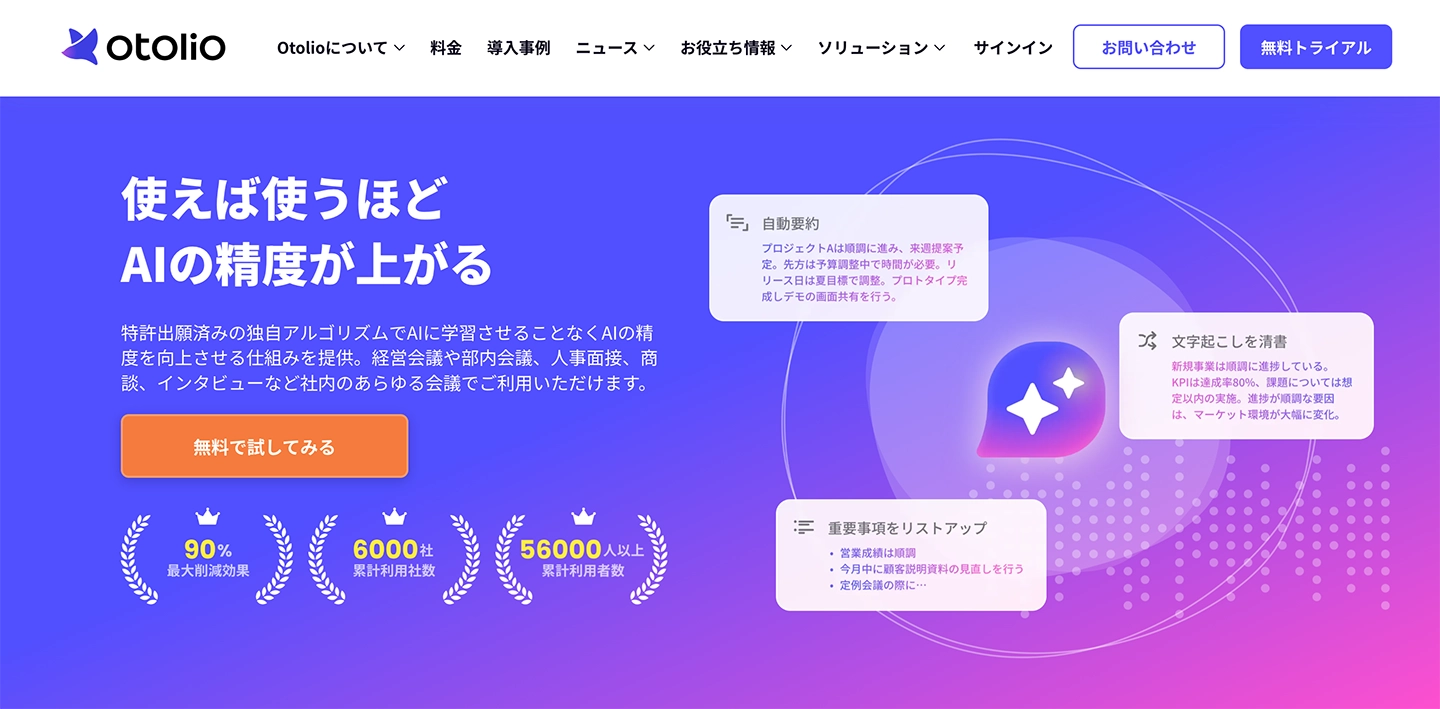
Otolio (formerly Smart Shoki) is an AI audio-to-text service specialized in creating meeting minutes.
It is designed for business meetings and is rich in the features that meetings require.
A notable feature is its integration with major web conferencing systems such as Zoom, Microsoft Teams and Google Meet.
It automatically converts the audio of online meetings to text and can save it as minutes.
It is a service for businesses and meets companies' strict security requirements.
3. Rimo: An AI Audio-to-Text Service Supporting More Than 30 Languages
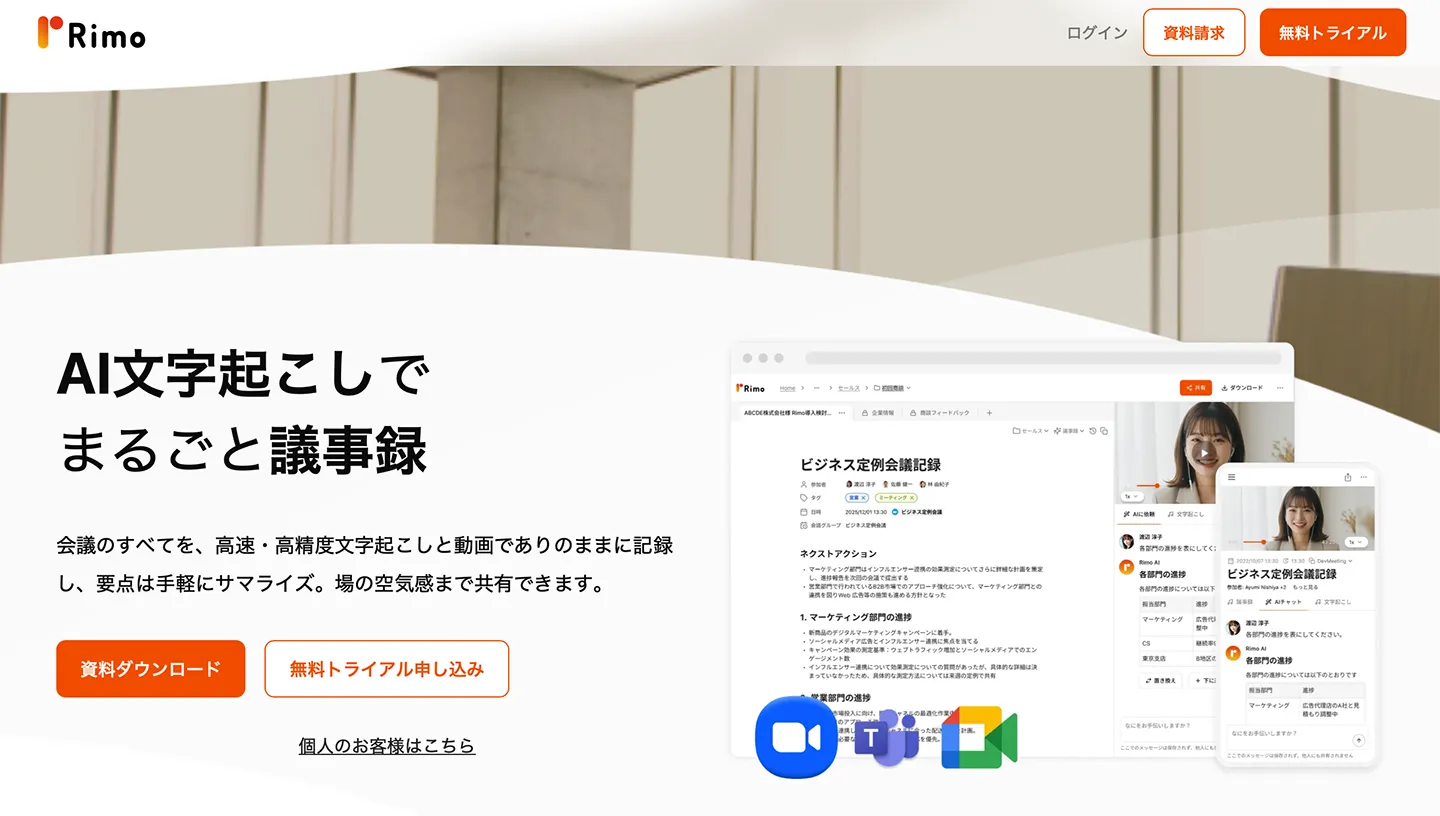
Rimo is an AI audio-to-text service that supports more than 30 languages, starting with Japanese.
It uses an AI engine optimized for Japanese speech recognition and can convert Japanese to text with high accuracy.
Its meeting audio summarization feature is extensive, helping you organize the content of long meetings efficiently.
It comes with many features optimized for business use and has been adopted by many Japanese companies.
It supports more than 30 languages, starting with Japanese, making it a convenient service for converting audio in a wide range of languages to text.
4. Notta: An Audio-to-Text Service with Real-Time Recognition
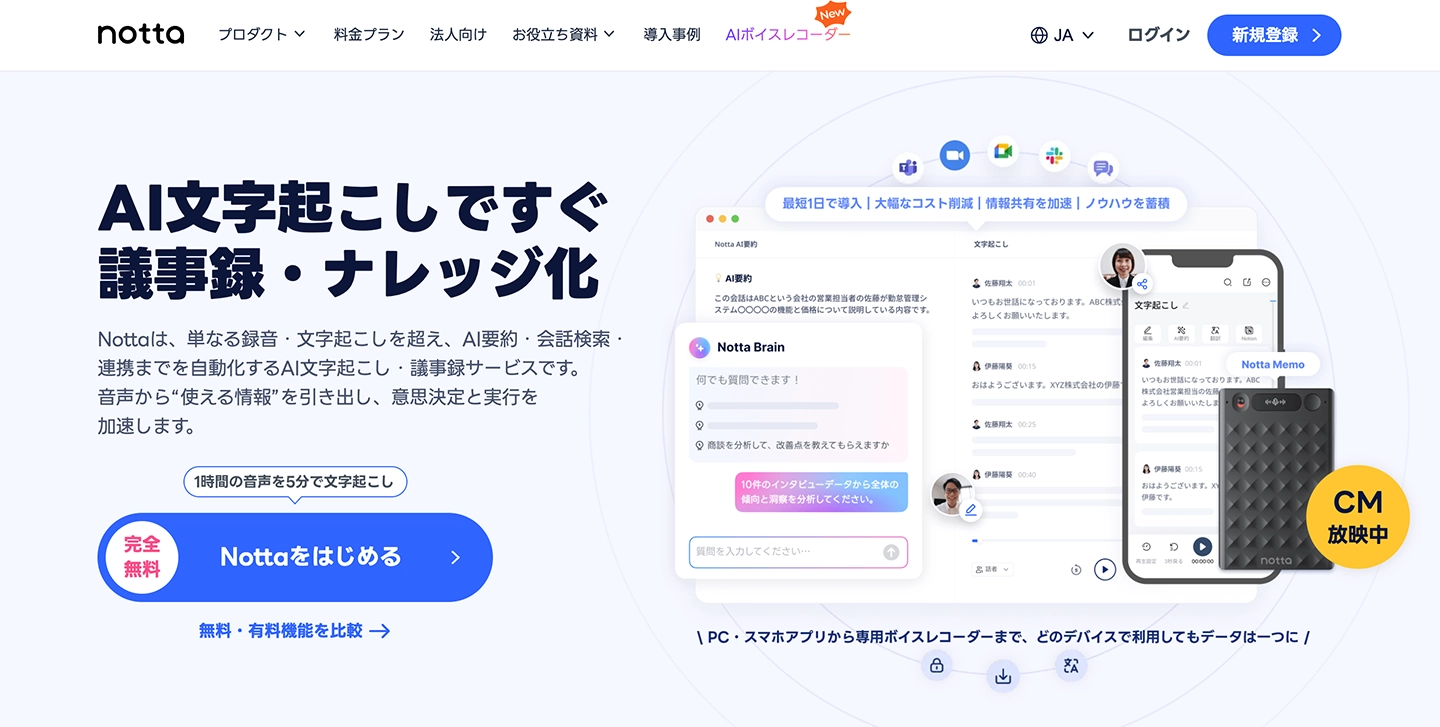
Notta is an AI audio-to-text service that supports both audio file uploads and real-time speech recognition.
It uses the latest AI technology to convert audio to text.
In addition to browser use, a smartphone app is also available.
For example, you can record audio on your smartphone while out and convert it to text on your office PC.
It is mainly a paid-plan service, but it is an attractive choice for anyone who wants high-performance speech recognition.
5. Otter.ai: An Audio-to-Text Service Strong in English
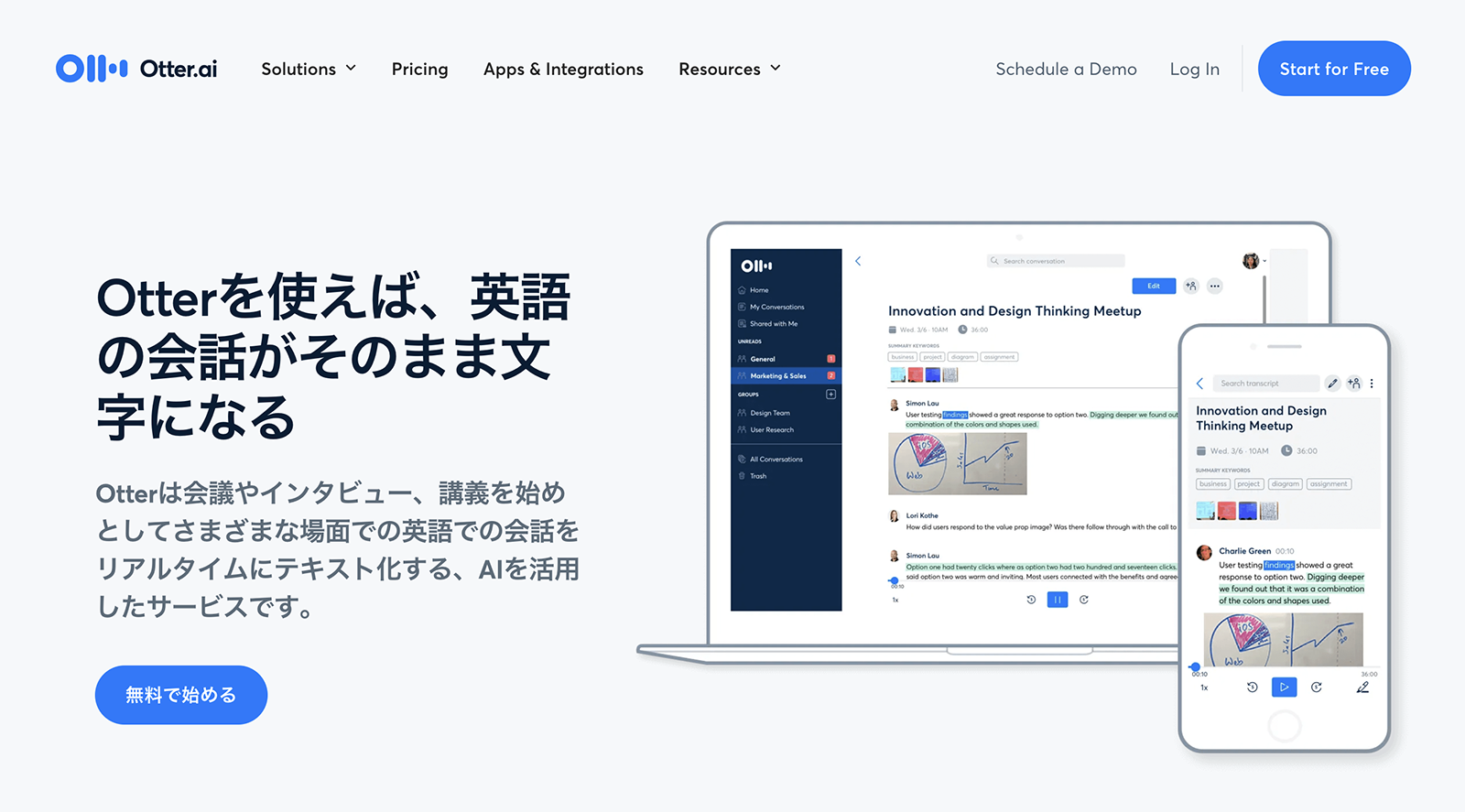
Otter.ai is an AI audio-to-text service that supports English, French, Spanish, Japanese and more.
Its real-time speech recognition is excellent, displaying English conversations as text in real time.
It is a service developed by a company headquartered in California, USA, and its English speech recognition accuracy is very high.
It is optimized for converting English business meetings and interviews to text.
It suits recordings of meetings with overseas companies and English learning.
It is a highly valuable service for people involved in international business and for English learners.
However, on the free plan you can import audio files only up to 3 in total.
6. Texter: An AI Audio-to-Text App for Smartphones
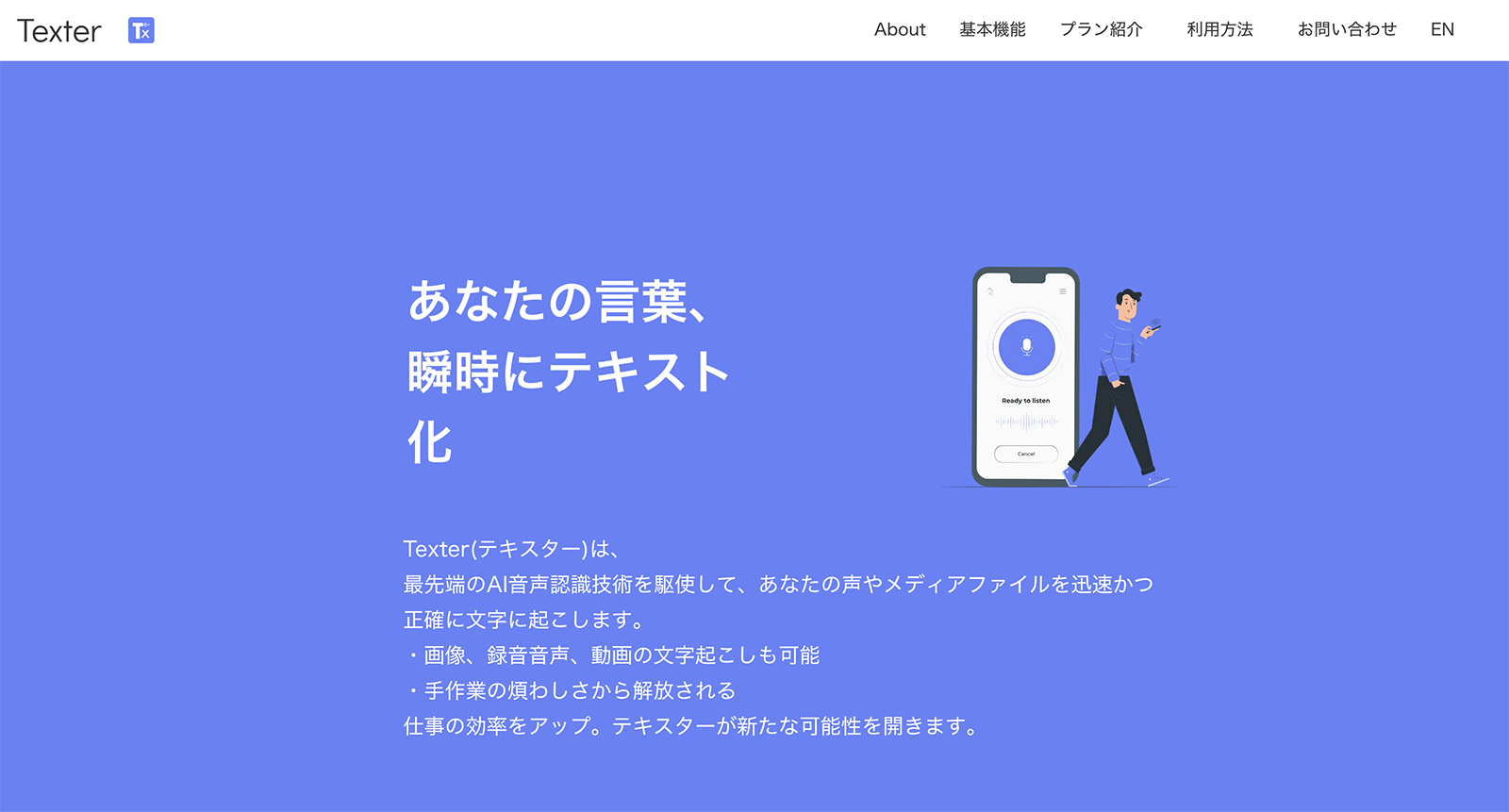
Texter is a smartphone AI audio-to-text app that supports both iPhone and Android.
It supports both converting audio files to text and extracting audio from video files and converting it to text.
It also has a real-time speech recognition feature, so you can convert conversations to text on the spot.
Its appeal is the convenience that only a smartphone app can offer.
7. Speechy Lite: An Audio-to-Text App for iPhone
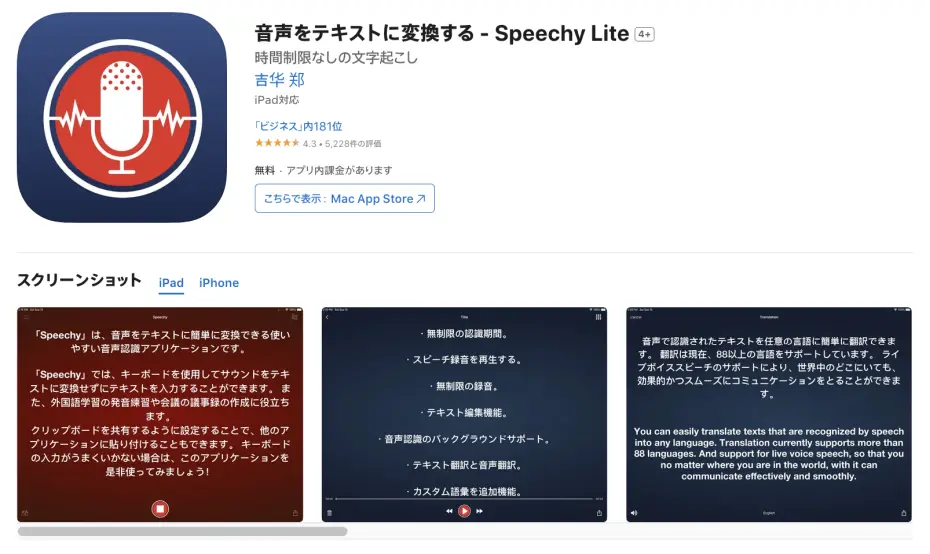
Speechy Lite is an AI audio-to-text app exclusively for iPhone.
In addition to Japanese, English, Chinese and Korean, it supports uncommon languages such as Arabic and Finnish.
The app is optimized for personal use and is convenient for converting everyday voice memos to text.
The free version has a time limit, but the basic features are free to use.
8. toruno: An Audio-to-Text Service for Meeting Transcription
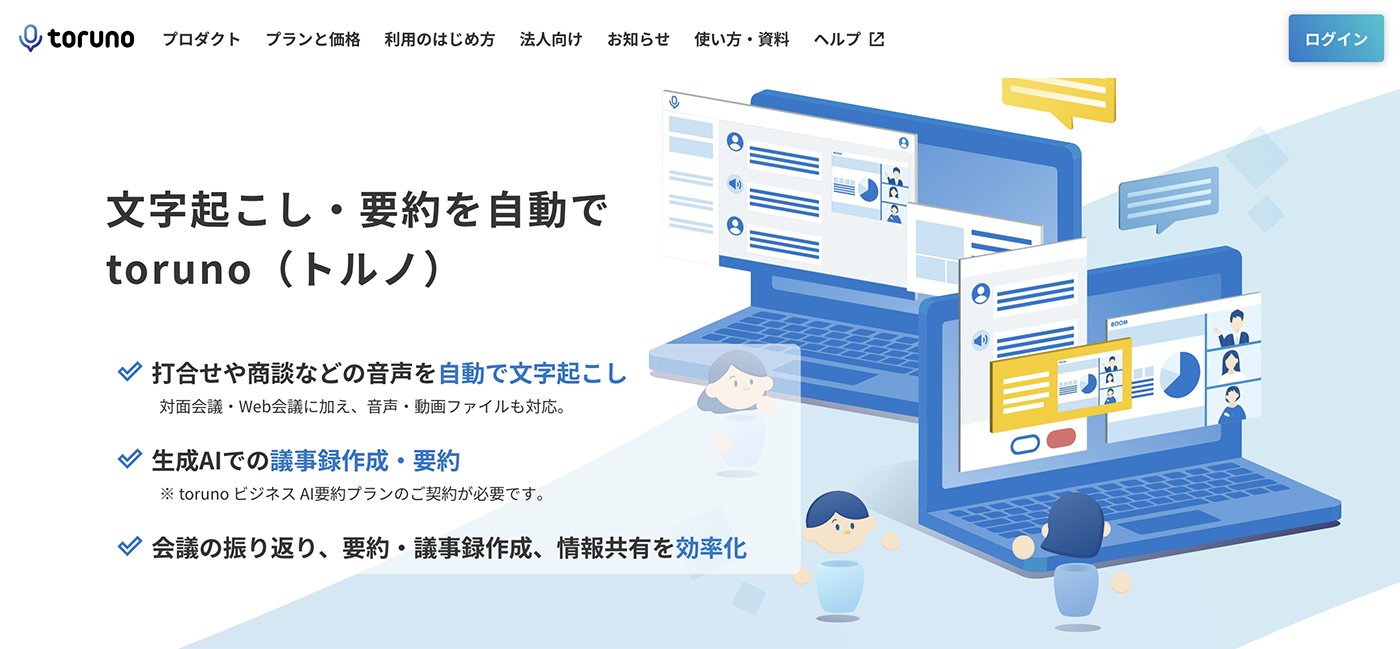
toruno is an AI audio-to-text service specialized in meeting transcription.
It combines real-time speech recognition with a recording feature and is intended for business purposes.
It also has a screen capture feature, so you can record meeting materials and audio at the same time.
It is a service you can use from a web browser, and no special software needs to be installed.
9. LINE WORKS AiNote: An Audio-to-Text Service Specialized in Meeting Minutes
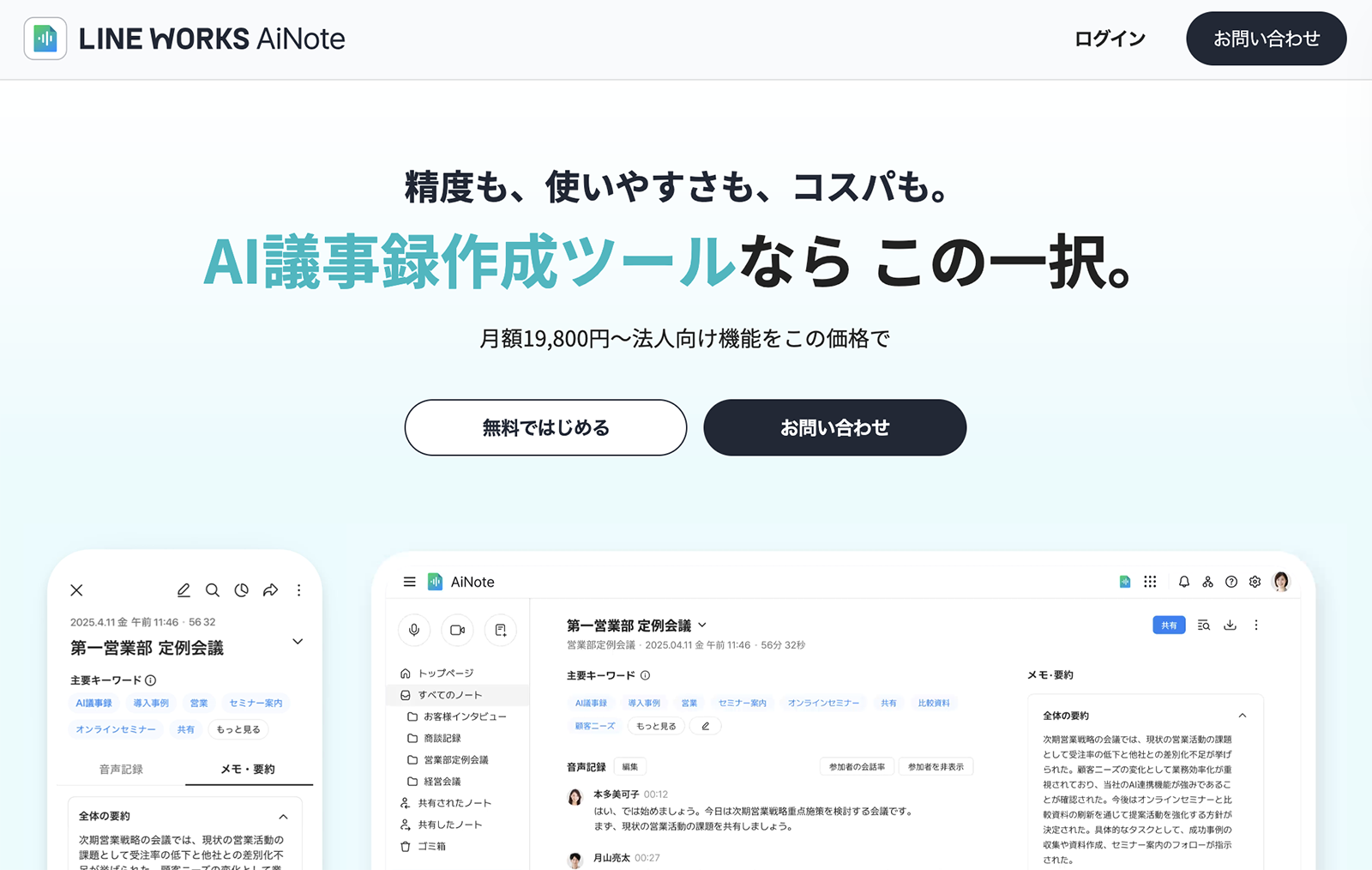
LINE WORKS AiNote is an app provided by LINE WORKS Corp., specialized in creating meeting minutes.
It is the successor to CLOVA Note.
It integrates with web conferencing apps including Zoom, Microsoft Teams, Webex and Google Meet.
It is recommended when you want to create meeting minutes for business purposes.
10. Rev: An Audio-to-Text Service Offering Both AI and Human Transcribers
Rev is an audio-to-text service that offers both automatic AI speech recognition and transcription by human writers.
For important audio, you can choose a human service by professional transcribers.
Its AI speech recognition service is also highly accurate and offers excellent cost performance.
It is a service centered on English, and its appeal is the flexibility to switch between the two depending on the audio content.
Requesting a human writer is expensive, but it is a valuable service when especially high accuracy is required, such as for legal documents or medical audio.
How Do You Convert Audio to Text with “Mr. Transcription”?
I'd like to know how to convert audio to text!

From here, we explain the steps for actually converting audio to text with “Mr. Transcription”.
Steps to Convert Audio to Text with “Mr. Transcription”
First, go to the “Mr. Transcription” website.
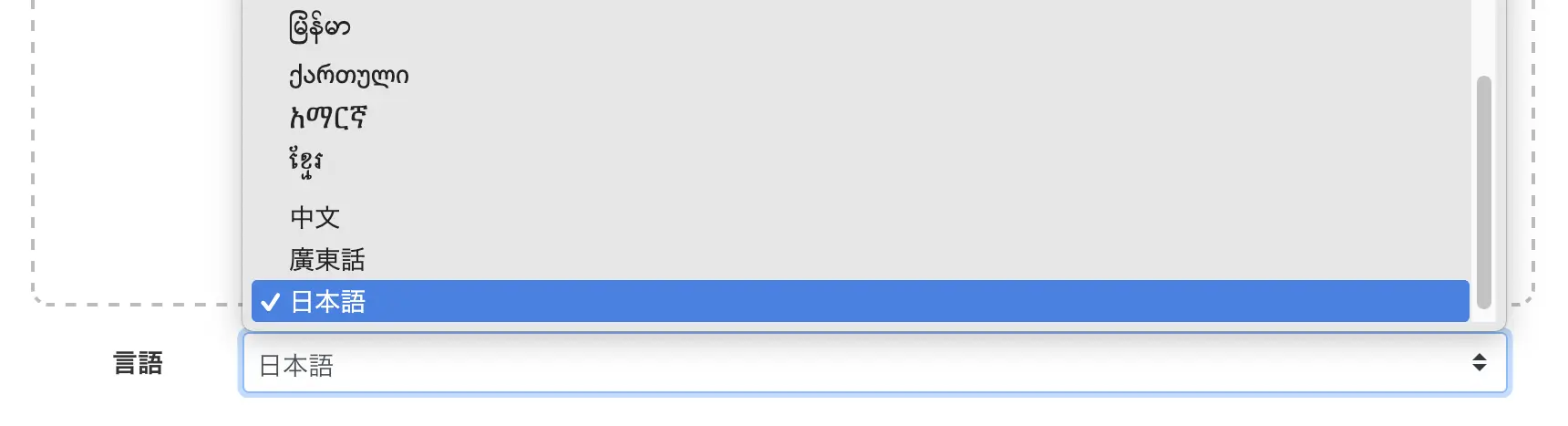
Select the language to match the content of your file (normally, the language is set to match your browser's language).
Click the “Select File” button and choose your audio file.
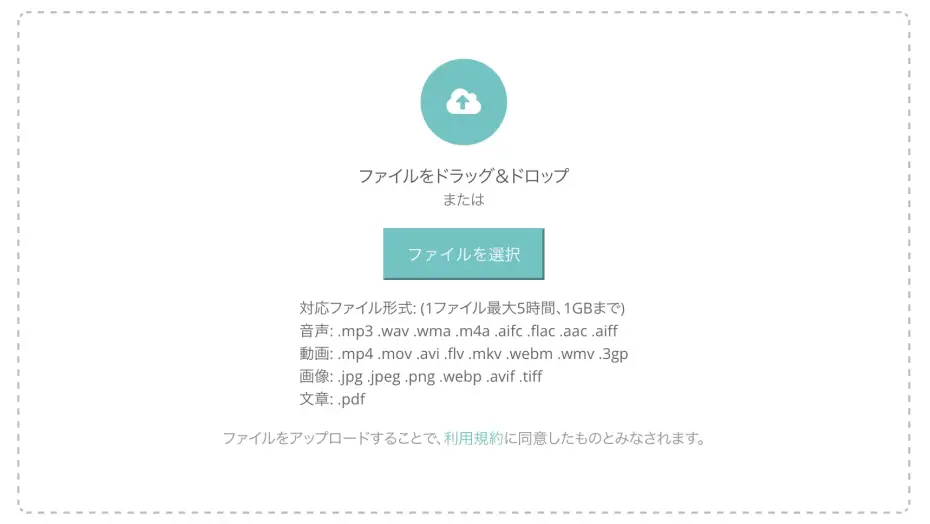
You can select a file in the same way from either a PC or a smartphone.
On a smartphone, you can also select a file recorded with the voice memo app.
Once you select a file, uploading and transcription start automatically.

Processing time varies with the length of the audio file, but even long files finish in about 1 minute.
If you are using the free service, keep the page open.
If you have registered an account, you will receive an email when processing is complete, so it is fine to close the page once processing has started.
When transcription finishes, the screen switches and the results are displayed.
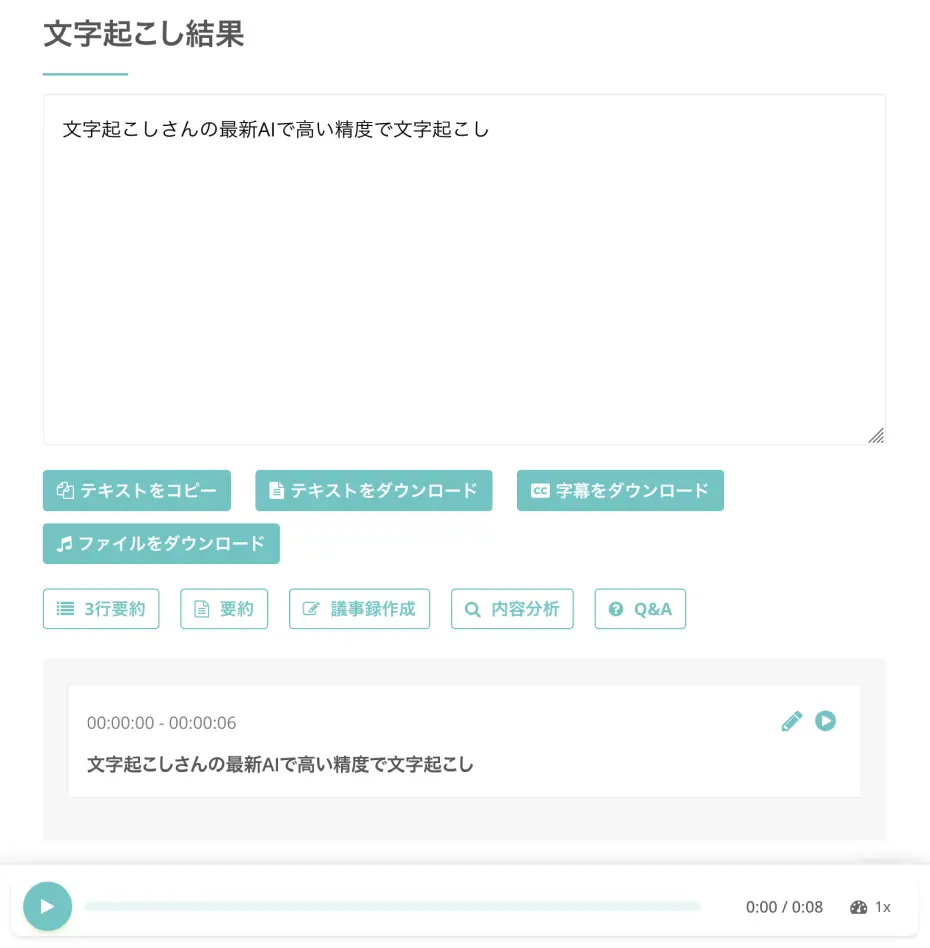
If you press the play button next to a statement, the audio plays from the location of that statement.
While playing with the player at the bottom of the screen, the displayed text changes to match the playback position, so you can conveniently check the transcription results.
You can download the transcription results in formats suited to your purpose, such as a text file or an SRT file for subtitles.
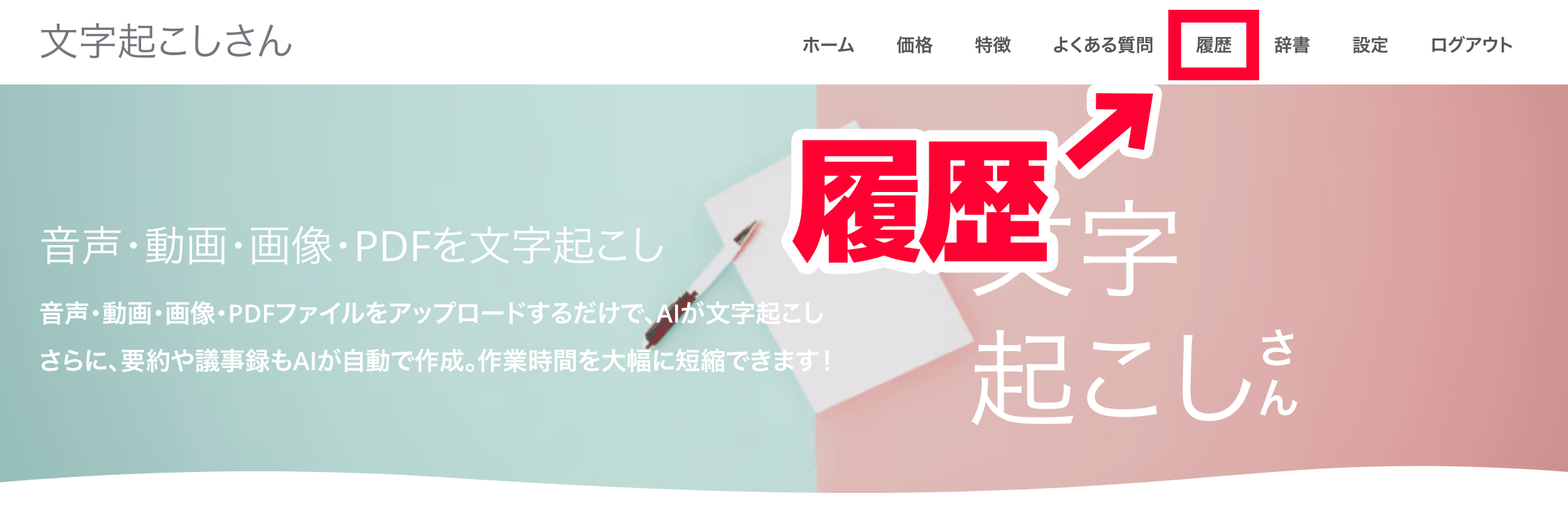
You can also check the transcription results from “History” in the menu.
That completes the process of converting audio to text with “Mr. Transcription”.
It is free and easy to use, so why not turn your own audio files into text with “Mr. Transcription”?
Tips for Improving the Accuracy of Audio-to-Text Conversion

When converting audio to text, you can raise accuracy further by being thoughtful about how you record and about your settings.
We explain in detail the tips for converting to text with high accuracy.
Things to Watch for When Recording Audio
What affects the accuracy of audio-to-text conversion most is the sound quality at the time of recording.
When recording, the absolute basic is to choose an environment with little background noise.
The sound of air conditioners, computer fans and noise from outside can all lower accuracy.
Try to record in as quiet an environment as possible.
It is also important to keep an appropriate distance from the microphone.
If you are too close to the microphone, the audio becomes distorted; if you are too far, the volume is insufficient and recognition accuracy drops.
In general, a distance of about 30 centimeters from the microphone is considered ideal.
When recording a meeting with several people, arrange the seating so that the distance from everyone to the microphone is as equal as possible.
Avoiding overlapping speakers is also an important point.
When several people speak at once, the AI can no longer separate the voices accurately.
In meetings and discussions, we recommend setting rules such as raising a hand before speaking.
This article introduces recording tips in even more detail.
Please take a look.
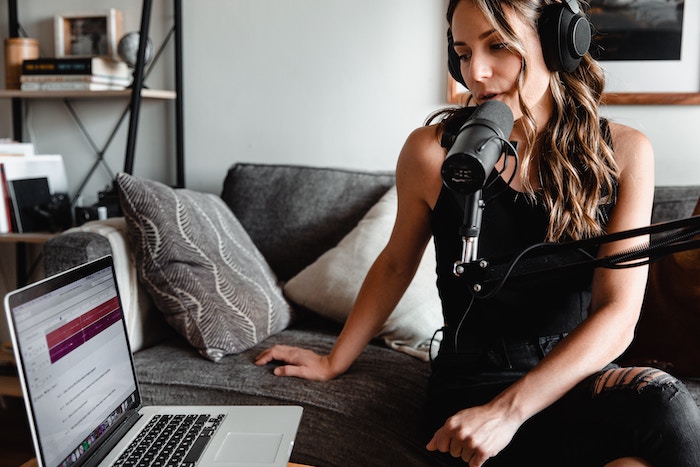
AI Transcription: 6 Recording Tips for Highly Accurate Transcription
To get highly accurate AI transcription, a few techniques matter when you record. This article introduces the best recording tips for transcribing with AI. A high-quality microphone The right microphone position A quiet recording environment Clear speech from the speaker One ...
Adjust Your Audio Files to Improve Transcription Accuracy
We recommend saving audio files in WAV or MP3 format.
Choose WAV if sound quality is your priority, or MP3 if you want to keep the file size small.
“Mr. Transcription” supports both formats.
If the volume is too low, we also recommend raising it with audio editing software.
However, raising the volume too much degrades sound quality, so it is important to adjust it to a moderate level.
You can easily edit the volume of audio files with free software such as Audacity.
Why Not Convert Your Audio Files to Text with a Recommended AI Tool?
Thanks to advances in AI technology, converting audio to text has become dramatically more convenient.
Transcription that used to take many hours can now be completed in just about 1 minute.
By making effective use of audio-to-text conversion, you can greatly improve your work efficiency and concentrate on more important tasks.
To convert audio files to text, we recommend the latest AI service “Mr. Transcription”.
Why not make use of an AI transcription service and convert your audio files to text?
■ AI transcription service "Mr. Transscription"
"Mr. Transcription" is an online transcription tool that can be used from zero initial cost and 1,000 yen per month (* free version available).
- Supports more than 20 file formats such as audio, video, and images
- Can be used from both PC and smartphone
- Supports technical terms such as medical care, IT, and long-term care
- Supports creation of subtitle files and speaker separation
- Supports transcription in approximately 100 languages including English, Chinese, Japanese, Korean, German, French, Italian, etc.
To use it, just upload the audio file from the site. Transcription text is available in seconds to tens of minutes.
You can use it for free if you transcribe it for up to 10 minutes, so please try it once.

It is "Mr. Transcription" who can easily transcribe from audio, video, and images.
Transcription allows you to transcribe for up to 10 minutes for free.
You can copy, download, search, delete, etc. the transcribed text.
You can also create subtitle files, which is ideal for transcription of interview videos.
HP: mojiokoshi3.com
Email: mojiokoshi3.com@gmail.com
Email: mojiokoshi3.com@gmail.com
Related article
Transcription for audio / video / image transcription. It is a transcription service that anyone can use for free without installation.
- What is Mr. Transcription?
- Transcript images, sounds, and videos with Mr. Transcription
- Free registration
- Rate plan
- manual
- Try other free services






