【文字起こしさんのエラー報告について】無料の音声文字起こし時間や画像枚数をプレゼント
11 Best Voice to Text Apps for iPhone & Android Transcription
Oct. 18, 2026

I want to convert audio files recorded with my smartphone's voice recorder to text!

Are you wondering how to transcribe audio files recorded on your iPhone or Android smartphone?
In such cases, we recommend installing an app on your smartphone to transcribe audio.
With iPhone and Android smartphones, you can easily convert audio files to text using web apps or installable applications.
Smartphone voice conversion apps use the latest speech recognition AI, so the conversion process is completed in a very short time.
You can transcribe audio to text with high accuracy.
This article thoroughly explains what specific web apps and installable apps are available for iPhone and Android, introducing recommended and popular apps.
Why not find the perfect app for you and convert your voice to text?
[Free Options Available] Recommended Web Apps for Voice-to-Text Conversion
First, we will introduce popular recommended web apps for voice-to-text conversion that can be used on iPhone and Android smartphones.
A "web app" is a service that can be used from a browser to access the internet.
The advantage is that no installation is required, and it can be used from anywhere.
1. Mr. Transcription | Popular Recommended Web App Available for Free
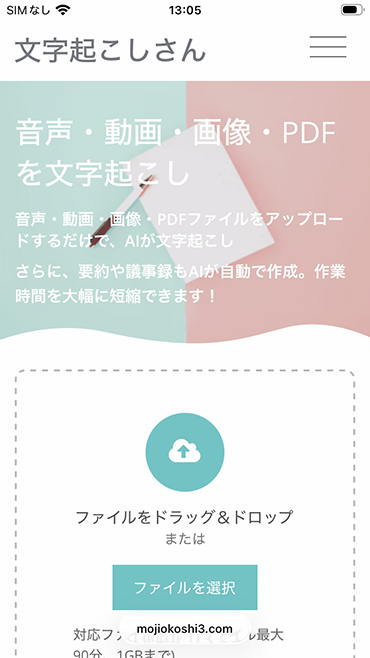
For those who want to convert voice files to text on their iPhone or Android smartphone, we recommend Mr. Transcription.
Mr. Transcription is a web-based text conversion service.
Since it's a web app, you can open the top page from a web browser like Safari or Google Chrome and start using it immediately without needing to install anything.
It's also important that it's a Japanese-developed service, so you can use it with peace of mind.
Mr. Transcription is a Web App Service Using the Latest AI
The biggest feature of Mr. Transcription is its ability to convert voice to text using the latest speech recognition AI.
The conversion speed is also fast, allowing you to transcribe even long voice files in about 1 minute.
On the transcription results screen, you can press the play button to individually play back the original audio for each section.
The text display switches according to the audio playback position, making it easy to check the transcription results.
Summary, Analysis, and Meeting Minutes Creation Also Possible with Latest AI!
Furthermore, Mr. Transcription also includes summary, analysis, and meeting minutes creation functions.
By simply pressing a button on the transcription results page, the text content is processed by the latest AI.
You can easily and automatically create summaries, analysis texts, and meeting minutes without using other apps like ChatGPT!

[Free] AI Summary & Meeting Minutes Creation Features Now Available in Mr. Transcription! Detailed Usage Guide
AI summary and meeting minutes creation features have been added to Mr. Transcription! This feature allows you to easily summarize long texts transcribed from audio. Meeting minutes can also be easily created with the push of a button! This will make daily tasks, learning, and information organization smoother...
Mr. Transcription is Available for Free!
Moreover.
Mr. Transcription offers a free trial of up to 3 minutes per day without registration.
Free members can transcribe up to 10 minutes per day!
If you're looking for a way to convert files recorded with a voice recorder to text, why not try Mr. Transcription for free?
2. Rimo | Transcription App Supporting Japanese and Over 30 Other Languages
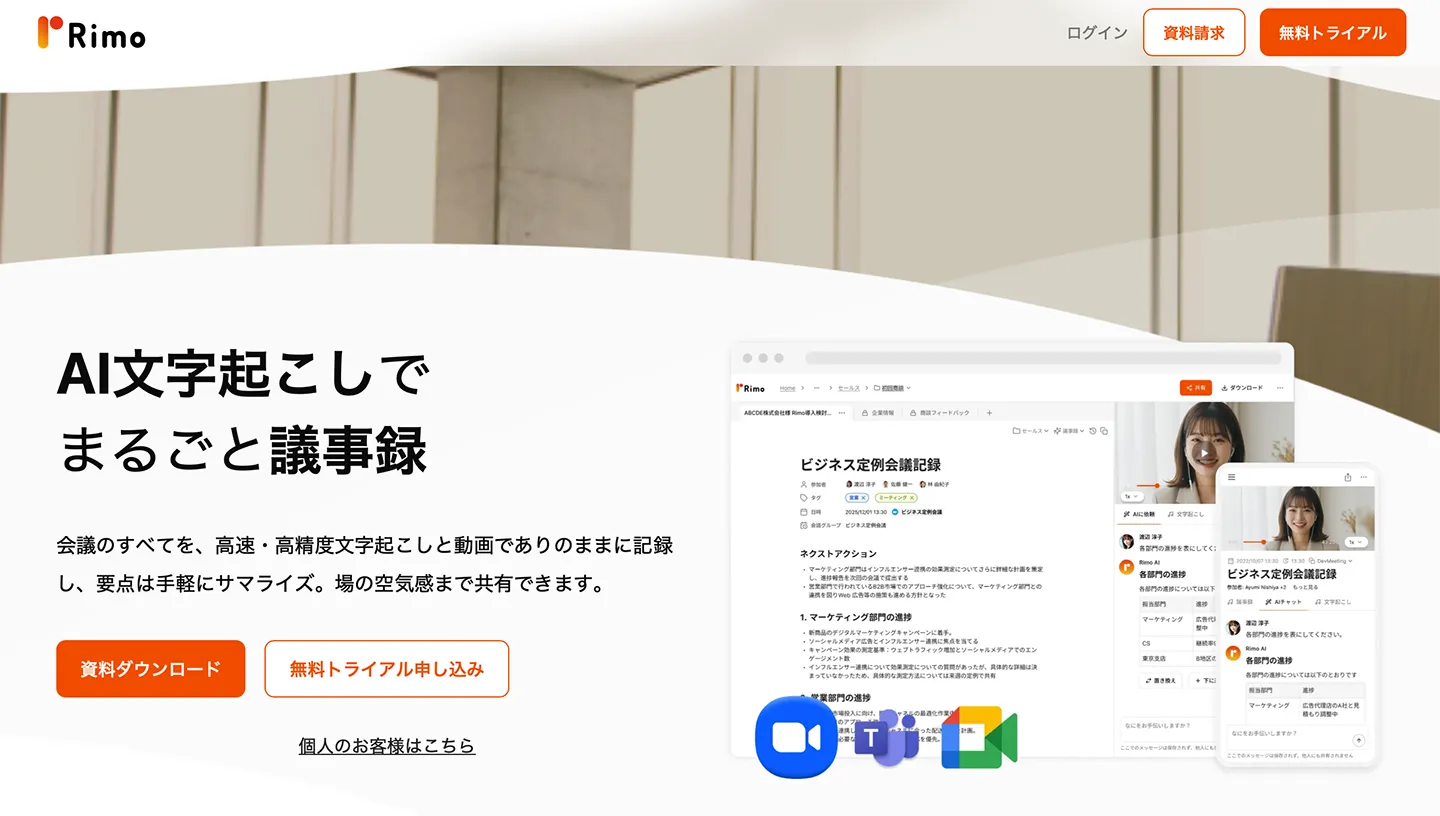
Rimo is a transcription app that supports Japanese and over 30 other languages.
It's a web application accessible through web browsers like Safari and Google Chrome, offering a rich set of useful features such as AI-powered summarization and noise reduction.
Its usage is very straightforward.
Its main users are corporations, with many companies adopting it.
However, pricing for corporate plans requires a custom quote.
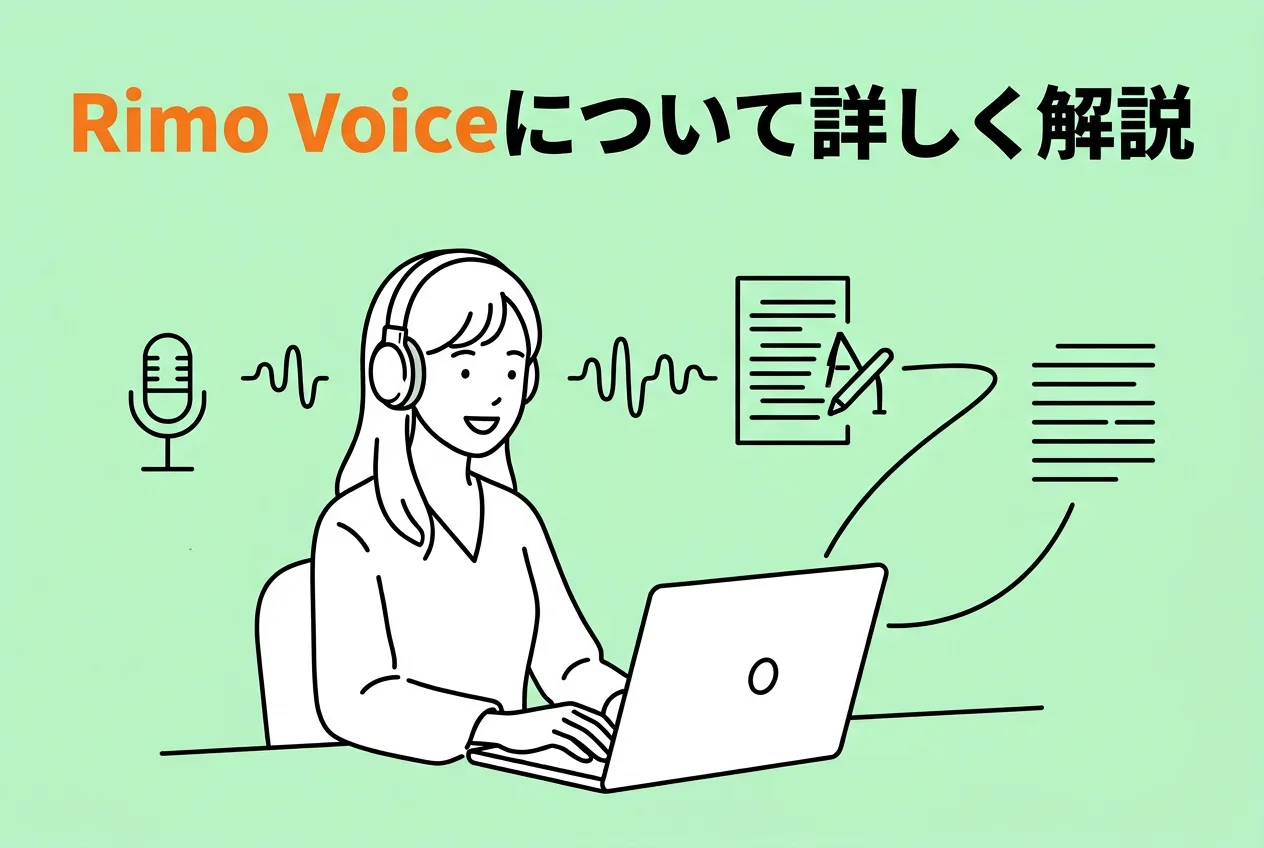
What is Rimo? A comprehensive guide to recommended AI transcription services for Japanese!
Introducing Rimo (formerly Rimo Voice), an AI transcription service strong in Japanese. We also explain recommended AI transcription services for Japanese, including those that support meeting minute creation and summarization.
3. User Local Voice Meeting Minutes System | Simple Voice-to-Text Conversion App
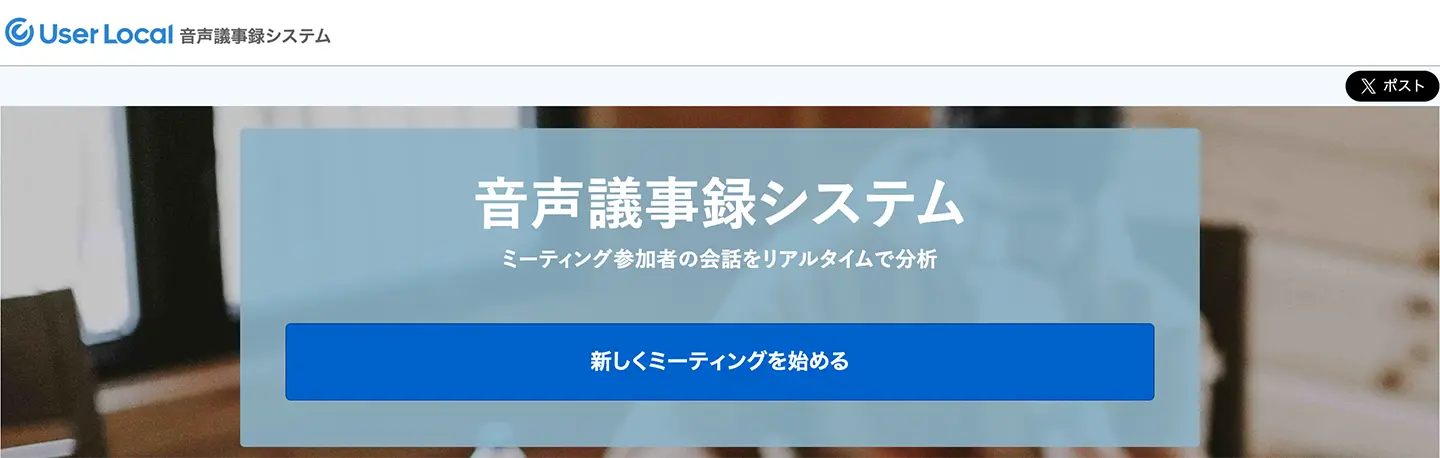
User Local Voice Meeting Minutes System is a simple AI transcription service available as a web app.
Its characteristic is that it's a very simple service focused solely on real-time transcription of meeting content.
By simply pressing the "Start New Meeting" button, spoken content is converted to text.
It has fewer features and is not ideal for converting audio recorded with a voice recorder to text, but it is a recommended service for creating meeting minutes.
4. Otter | Popular Web App for English Transcription
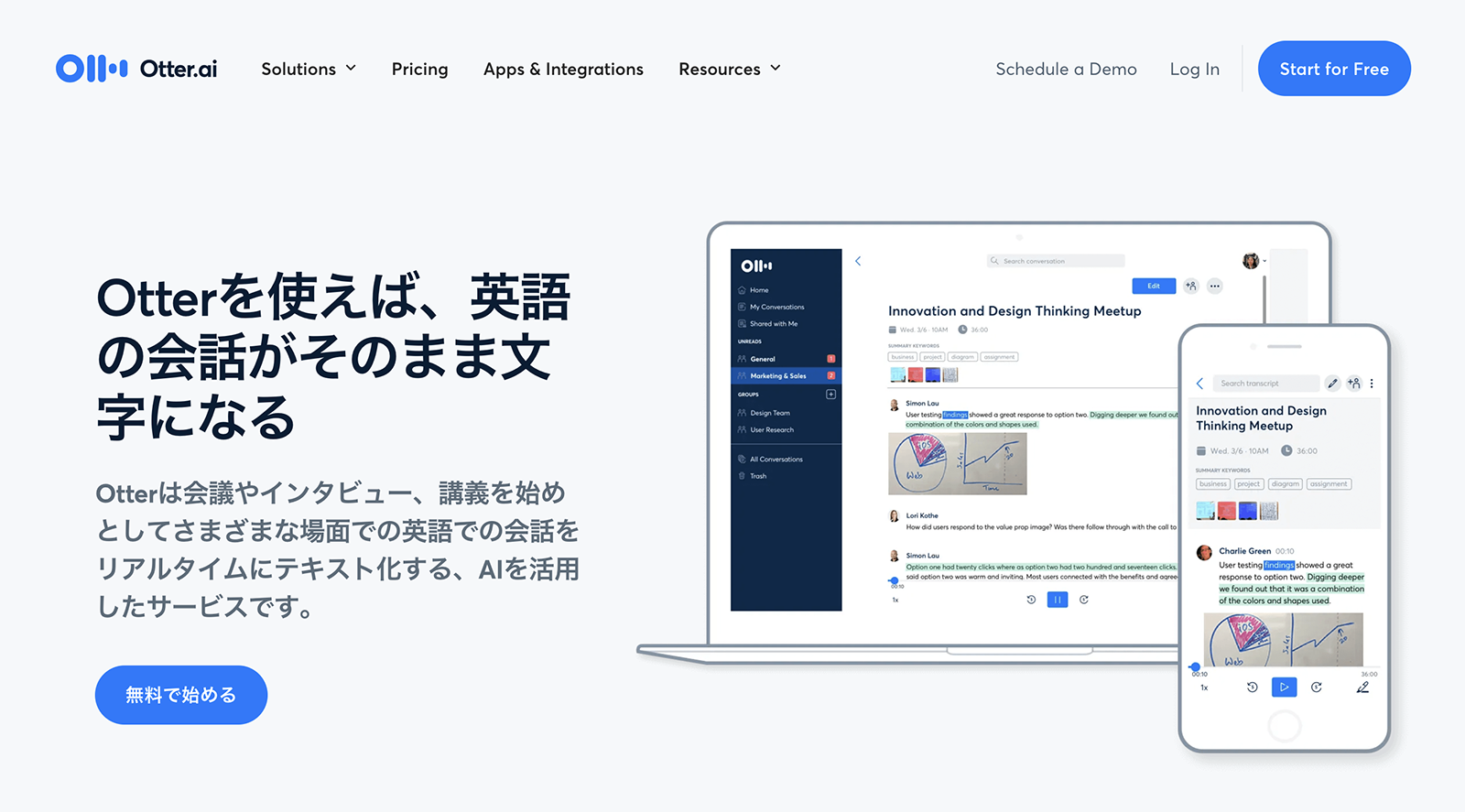
Otter is a web transcription app that supports English, French, Spanish, Japanese, and more.
It is operated by Otter.ai, an AI technology company based in California, USA.
Given its strength in English speech recognition, an area of rapid AI advancement, the accuracy of voice file recognition is excellent.
It can convert audio to text with high precision.
However, please note that the free plan allows importing a cumulative total of only 3 audio files.
The key is to check how many recorded voice files you want to convert to text and which languages need to be supported before choosing a service.
If you want to convert many languages, including Japanese and English, to text using a single service, the web app Mr. Transcription is also recommended.
5. AutoMemo | Transcribe Meetings with Web App and iPhone/Android Smartphone Apps
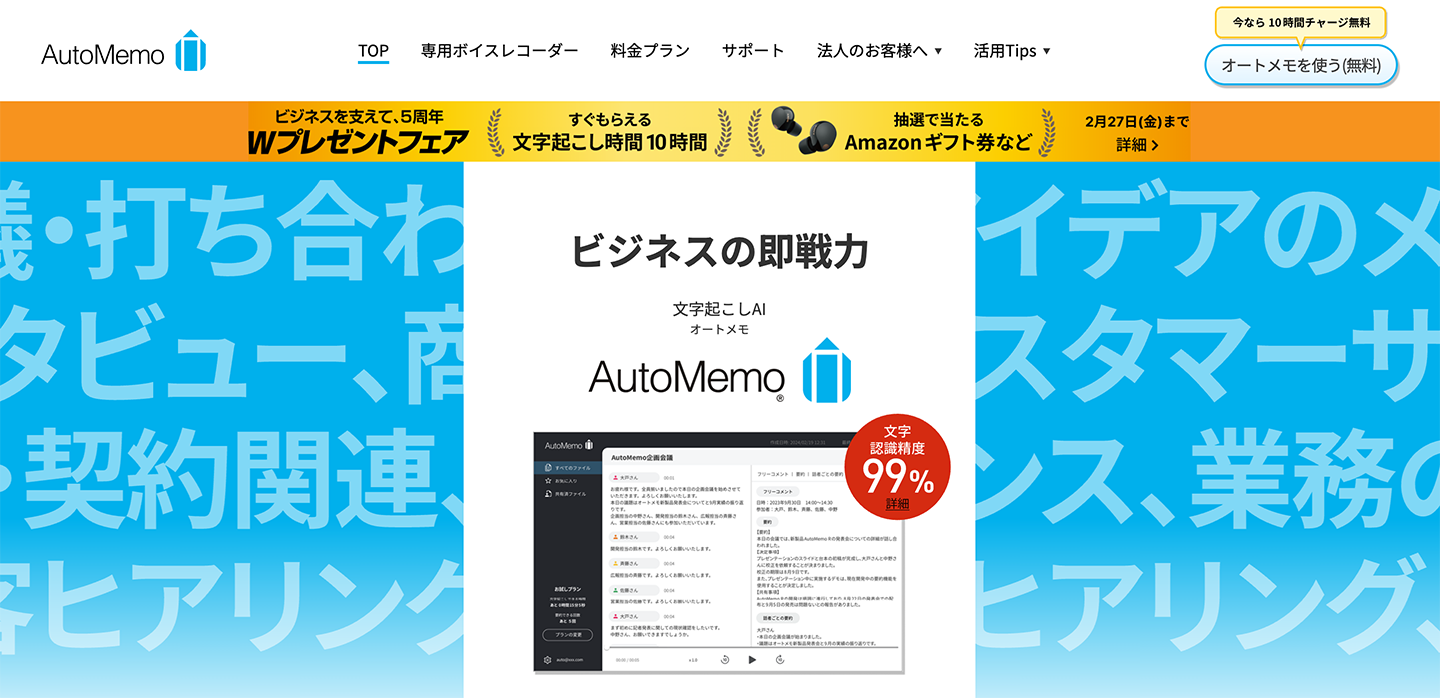
AutoMemo is a voice-to-text conversion service operated by SOURCENEXT in Japan.
It offers a web app accessible from browsers like Safari and Google Chrome, as well as dedicated apps for iPhone (iOS) and Android smartphones.
A key feature is its ability to automatically summarize content.
It summarizes text for each speaker, which is convenient for understanding meeting content.
In addition to real-time recording and transcription, you can also upload pre-recorded audio and video files for text conversion.
This service is ideal for those looking for a Japanese-made voice-to-text conversion app.
Introducing Voice-to-Text Conversion Apps for iPhone
Next, we'll introduce apps that can be installed and used on your iPhone.
The advantage is that once installed, you can launch them immediately.
However, many apps are designed for transcribing meetings, and there are fewer apps that allow you to upload pre-recorded voice files for text conversion.
6. Speechy Lite | Popular iPhone Transcription App (Free Version Has Limitations)
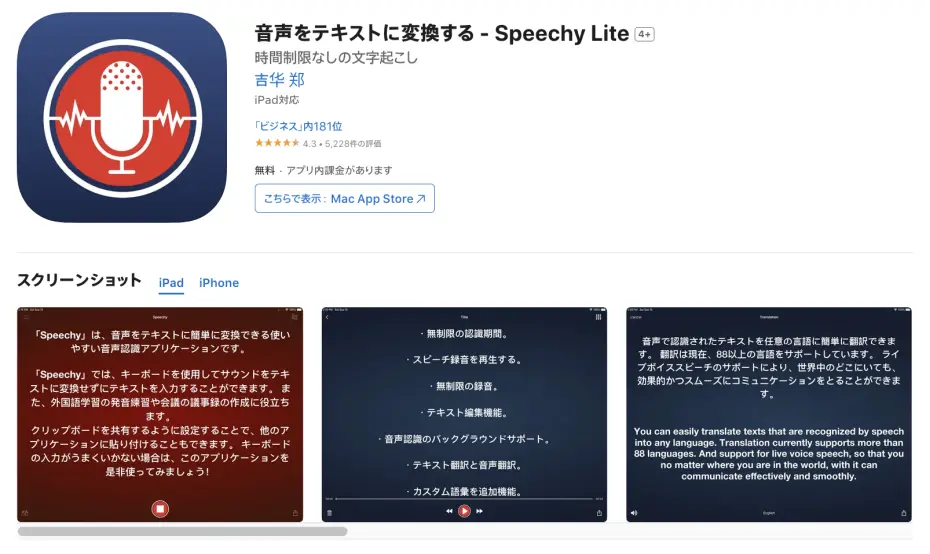
Speechy Lite is a transcription app available for iPhone.
While many voice-to-text apps for smartphones specialize in real-time transcription for meeting minutes, this app also supports converting recorded voice files to text.
To use it, simply send a file recorded with your voice recorder to this app via "Share."
However, as it is an overseas app, caution is advised, such as obtaining permission for use if you plan to use it for work.
Although installation is free, as indicated by "Lite" in its name, it has functional limitations.
If security measures are required, it's recommended to consider using Japanese services like Mr. Transcription (which supports security sheet completion).
7. Texter | AI Transcription App for iPhone and Android Smartphones
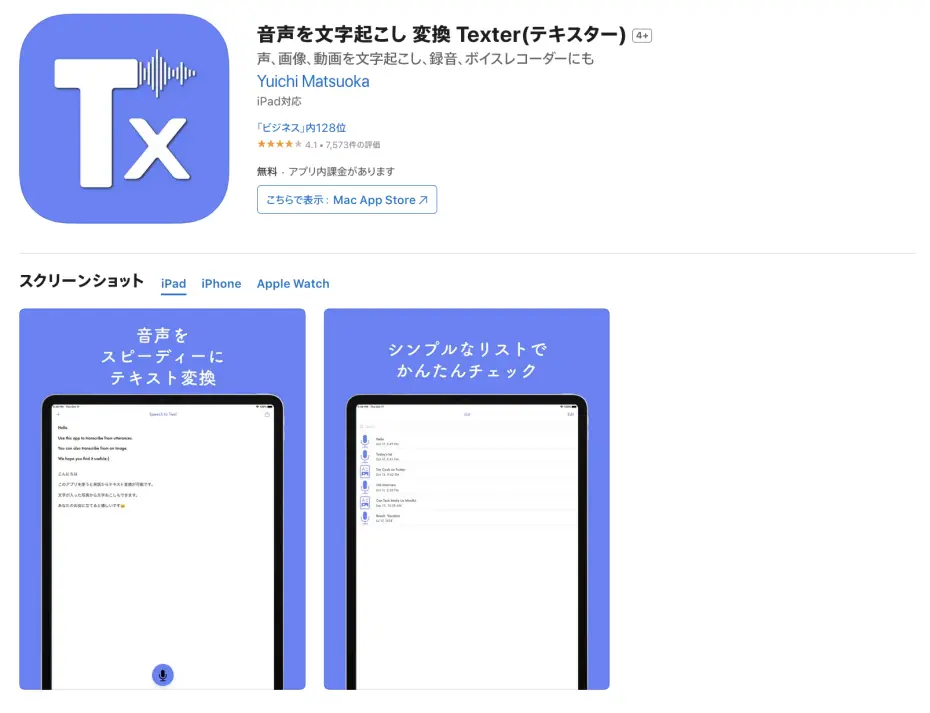
Texter is an AI transcription app compatible with iPhone (iOS).
It allows for easy transcription from iPhone and iPad, and also offers features for importing audio files and editing/sharing transcription results.
The free plan allows you to experience up to 1 minute of transcription per day.
With its simple interface, you can easily start using it on your iPhone or iPad.
In addition to the iPhone (iOS) version, Texter is also available for Android smartphones.
8. LINE WORKS AiNote|Meeting Minutes Transcription App
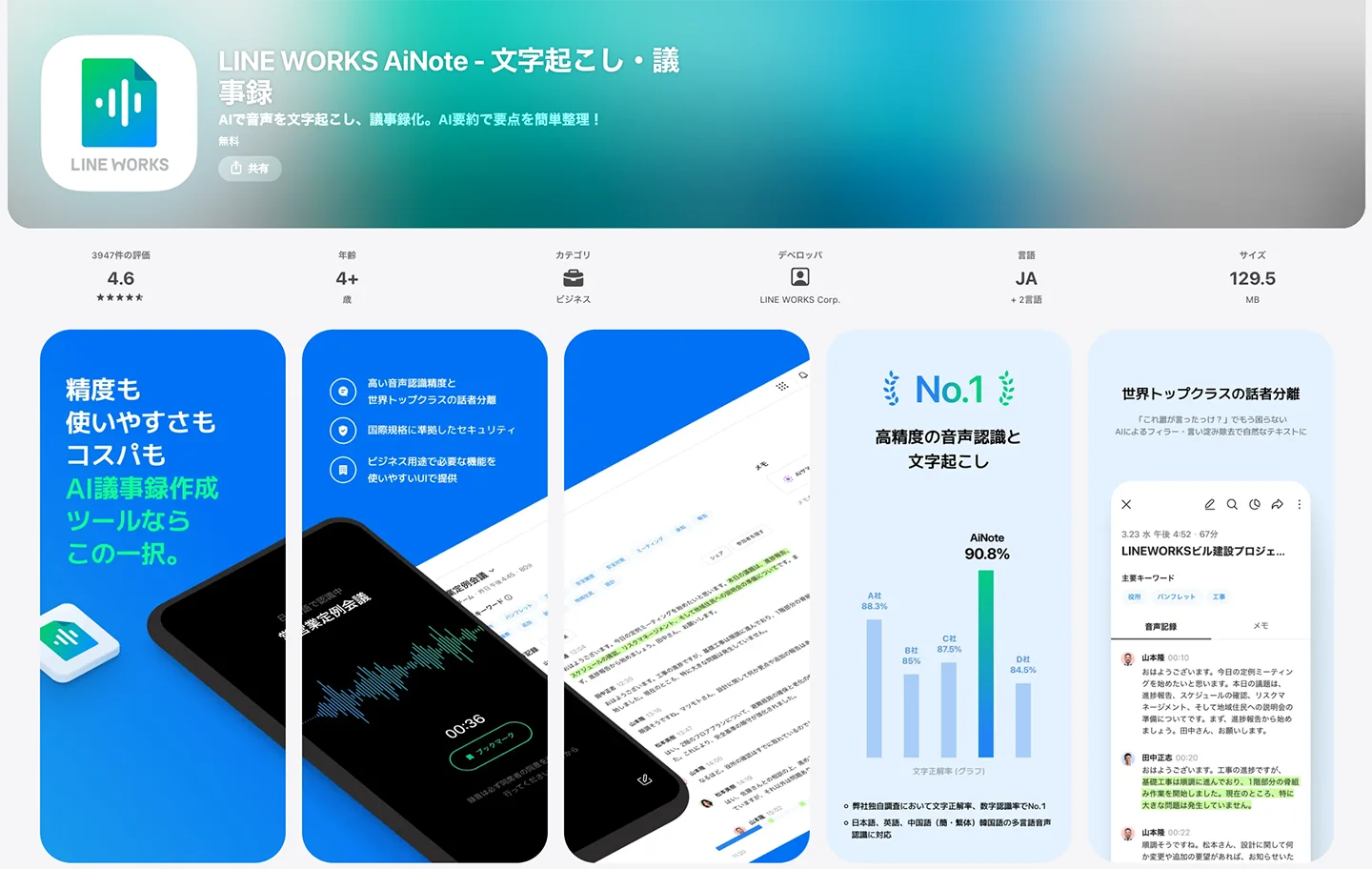
LINE WORKS AiNote is an AI transcription service provided by LINE WORKS Corporation, specifically designed for meeting minutes.
It is the successor to CLOVA Note, which was previously released as a beta version, and can be used via apps on iPhone and iPad (iOS), Android smartphones, as well as through a web browser.
The supported language is Japanese, and it can transcribe meeting minutes.
The free plan allows for up to 300 minutes of transcription per month.
Paid plans start from 1,440 yen per month (for annual contracts).
iPhone/iPad (iOS) Transcription App Related Articles
This article introduces recommended and popular transcription apps for iPhone and iPad iOS.
Please take a look.

[2026 Latest] Definitive Guide to Free iPhone Transcription Apps! 9 Recommended for Long Recordings [With Usage Guide]
A comprehensive guide on how to transcribe iPhone voice memos for free! Introducing 9 carefully selected apps that support long audio recordings, with usage instructions, based on the latest 2026 information. Significantly boost your productivity by efficiently converting audio from meetings and lectures into text.
Introducing Voice-to-Text Conversion Apps for Android Smartphones
Finally, we will introduce apps that can be installed on Android smartphones for voice-to-text conversion.
9. iRecord|Multi-language Transcription App for Android Smartphones
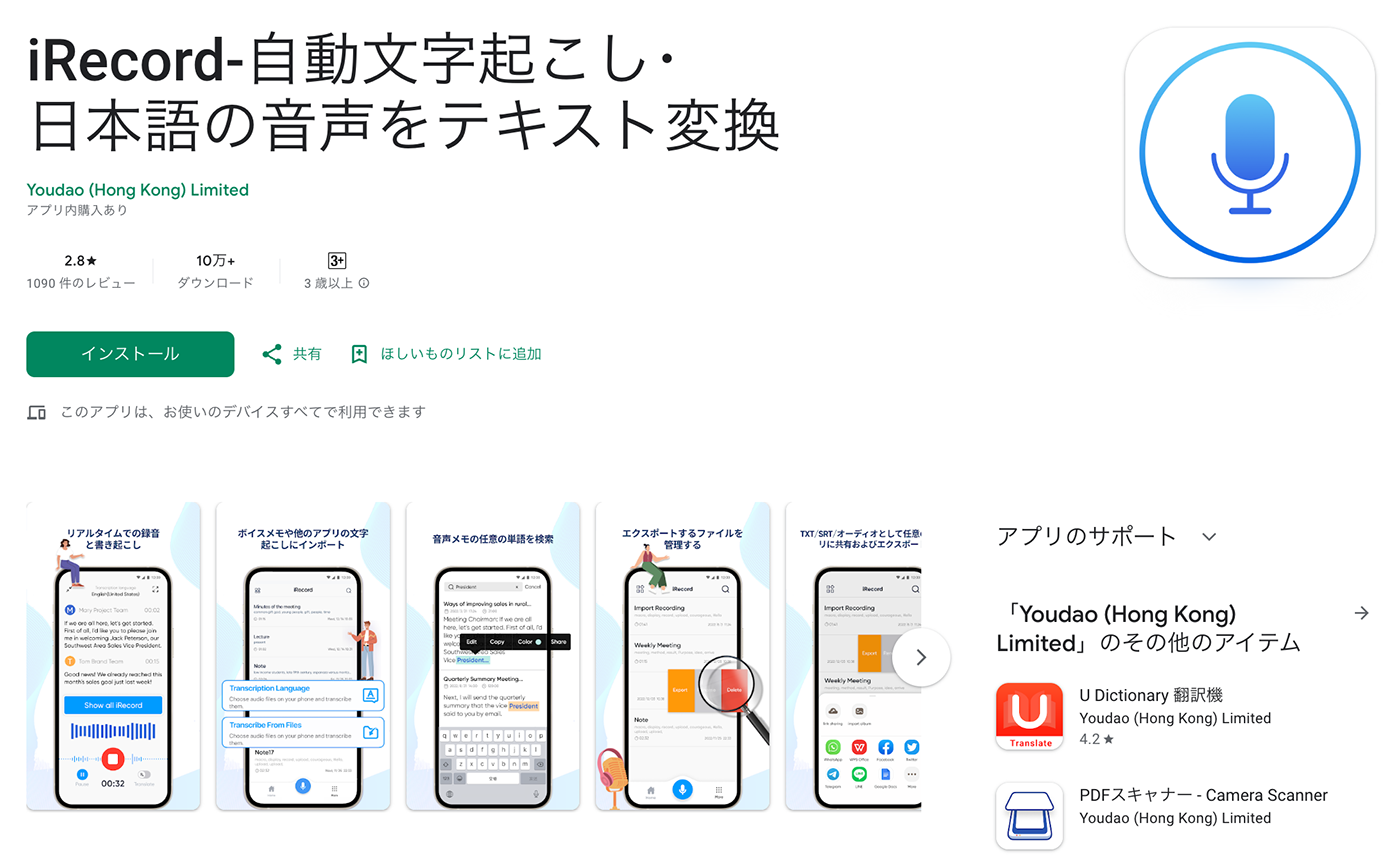
iRecord is a transcription app for Android smartphones.
It includes all the standard features of a voice-to-text conversion app and can transcribe not only Japanese but also English and Chinese.
While real-time transcription is its main feature, it also supports file import, so it can be used to convert audio files recorded with a voice recorder into text.
It's a good option when you want to install an app on your Android smartphone to convert voice files to text.
However, since it is an overseas app, it is recommended to be cautious when using it for business.
10. Speechnotes|Real-time Transcription App for Android
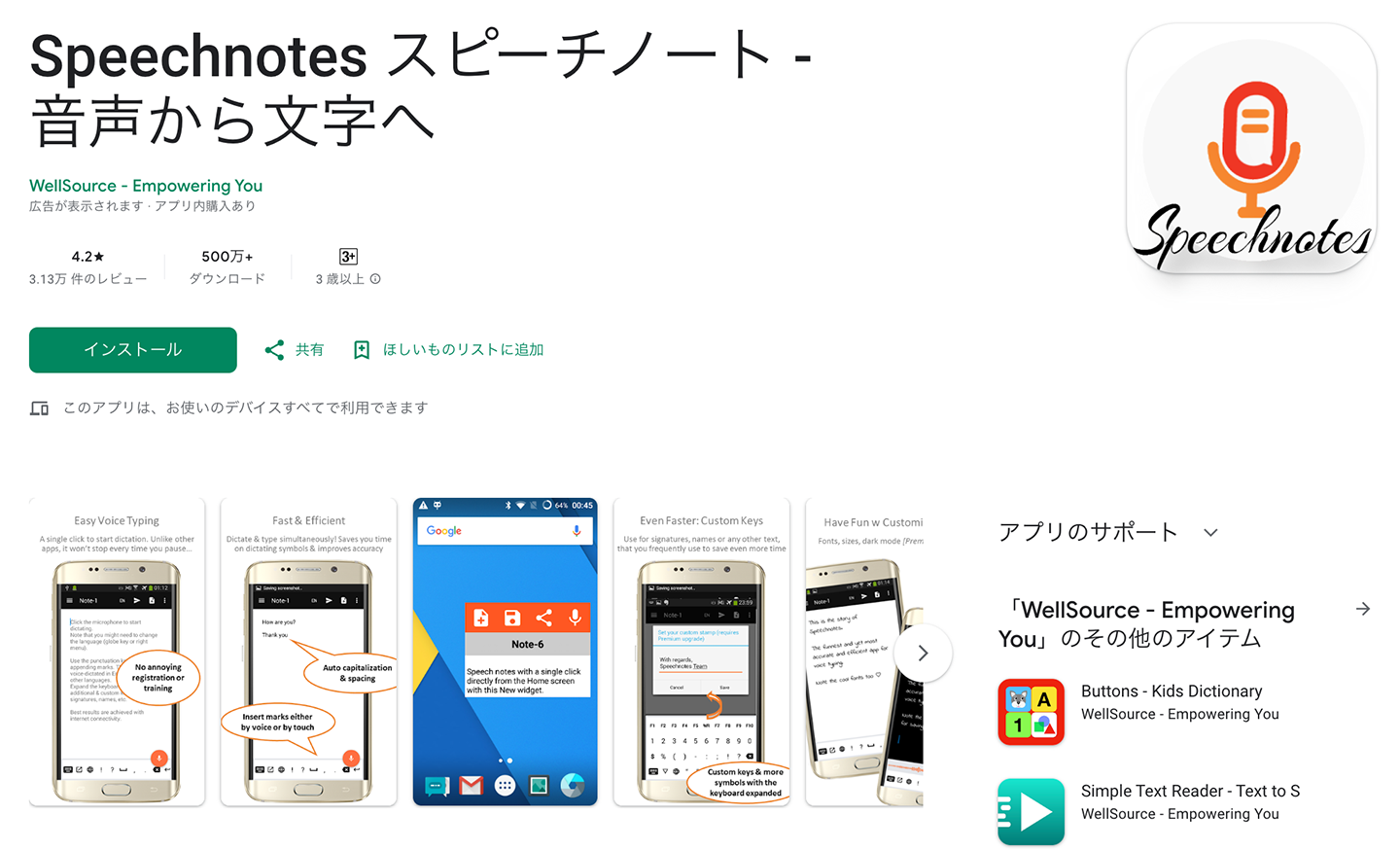
Speechnotes is another transcription app designed for Android smartphones.
It features the ability to convert spoken content into text in real-time.
A key advantage is that it doesn't require login or account registration, allowing you to use it immediately after installation.
However, since this is also an overseas app, it's recommended to get permission before installing it if you plan to use it for professional purposes.
11. Papago - AI Translator & Interpreter|AI App for Android with Strong Korean Language Support
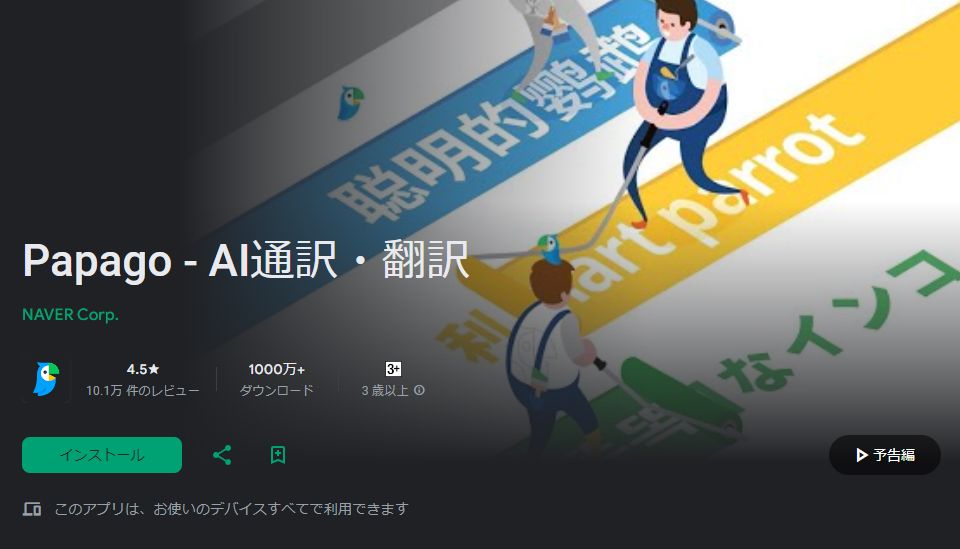
Papago - AI Translator & Interpreter is an AI transcription app developed in Korea.
Although it's a Korean app, it supports Japanese and includes a transcription feature that converts spoken content into text.
Naturally, it also offers translation from Korean to Japanese.
Furthermore, it supports other languages such as English and Chinese.
Developed by Naver in Korea, its performance is high, as expected from a leading IT company in the region.
This app is highly recommended for installation when working with Korean companies.
Related Articles on Popular Android Transcription Apps
This article introduces recommended transcription apps for Android smartphones.
Please take a look.
Top 9 Free Android Transcription Apps: Audio, Video, Meeting Minutes
For those who want to easily transcribe on their smartphone, we've compiled a list of recommended free Android apps by genre. We also explain how to easily try transcription using standard features.
What is the Best Way to Transcribe Voice Files into Text?
Up to this point, we have introduced:
- Web apps
- Apps for iPhone (iOS)
- Apps for Android smartphones
So, what is the most recommended method for transcribing voice files into text?
Web Apps Recommended for Voice File to Text Conversion!
In conclusion, if you want to transcribe audio on your iPhone (iOS) or Android smartphone, a web app is highly recommended!
The biggest advantage of web apps is that you can easily transcribe with high-performance AI.
With the web app Mr. Transcription, you can convert voice files to text immediately just by opening the top page in your web browser.
These days, people often use their smartphones to record audio for meetings and interviews, rather than dedicated IC recorders.
Popular web apps are perfectly suited for transcribing recorded audio from meetings and interviews!
You can easily and smoothly convert recorded voice files to text by simply uploading them.
Web Apps Allow Comfortable Transcription on Any Smartphone (Even Older Models are OK)
Another key point is that web apps allow for comfortable transcription even on older smartphones or those with lower performance.
Web apps process audio on internet servers rather than on the smartphone itself.
Therefore, even if you are using an older smartphone, you can smoothly convert audio to text regardless of its performance.
This is also recommended if you want to use an old iPhone or Android smartphone exclusively as a voice recorder, separate from your main phone.
Ready to Comfortably Convert Audio to Text with a Popular Transcription App?
As you can see, if you're wondering how to transcribe files recorded with your smartphone's voice recorder, using a text conversion web app is the way to go.
Anyone can easily transcribe by using a web app on their iPhone or Android smartphone.
Why not try converting your voice files to text easily and smoothly with the latest AI app, Mr. Transcription?
■ AI transcription service "Mr. Transscription"
"Mr. Transcription" is an online transcription tool that can be used from zero initial cost and 1,000 yen per month (* free version available).
- Supports more than 20 file formats such as audio, video, and images
- Can be used from both PC and smartphone
- Supports technical terms such as medical care, IT, and long-term care
- Supports creation of subtitle files and speaker separation
- Supports transcription in approximately 100 languages including English, Chinese, Japanese, Korean, German, French, Italian, etc.
To use it, just upload the audio file from the site. Transcription text is available in seconds to tens of minutes.
You can use it for free if you transcribe it for up to 10 minutes, so please try it once.

It is "Mr. Transcription" who can easily transcribe from audio, video, and images.
Transcription allows you to transcribe for up to 10 minutes for free.
You can copy, download, search, delete, etc. the transcribed text.
You can also create subtitle files, which is ideal for transcription of interview videos.
HP: mojiokoshi3.com
Email: mojiokoshi3.com@gmail.com
Email: mojiokoshi3.com@gmail.com
Related article
Transcription for audio / video / image transcription. It is a transcription service that anyone can use for free without installation.
- What is Mr. Transcription?
- Transcript images, sounds, and videos with Mr. Transcription
- Free registration
- Rate plan
- manual
- Try other free services






