

【文字起こしさんのエラー報告について】無料の音声文字起こし時間や画像枚数をプレゼント
8 Best English Transcription Apps: Video Support, Free Options
Oct. 9, 2026

How can I transcribe English audio or video?
To transcribe English audio and video, we recommend using an AI transcription site or app!
With an AI transcription site or app, you simply upload an English audio file or video and it is converted to text automatically and with high accuracy.
In this article, we compare 8 recommended apps and sites for transcribing English.
We explain the features of each in detail, including free tools and services with translation functions.
We also share tips for using transcription tools to study English!
In this article, you will learn:
- A comparison of 8 recommended apps and sites for transcribing English
- Key points for choosing an English transcription tool
- How to use transcription tools for listening and pronunciation practice
From transcribing English business meetings to creating English study materials, why not find the site or app that suits you best?
8 Recommended English Transcription Apps and Sites [Comparison Table Included]
Here are recommended apps and sites that can transcribe English audio and video.
First, let's check the features of the 8 sites and apps in a comparison table.
Scroll sideways
| Mr. Transcription | Otter | One Minutes | Sonix | Texter | Google Docs | Notta | Editage | |
|---|---|---|---|---|---|---|---|---|
| Type | Web | Web/App | Web | Web | App | Web | Web/App | Manual |
| Supported languages | 100 languages | A few languages, including English | Multilingual | 54+ languages | Multilingual | Multilingual | 58 languages | English, Japanese-English |
| Supported formats | Audio
Video Images |
Audio | Audio | Audio
Video |
Audio
Video |
— | Audio | Audio |
| Real-time | — | ○ | ○ | — | ○ | ○ | ○ | — |
| Translation | — | — | ○ | ○ | — | — | ○ | ○ |
| Free | 10 min/day | 300 min/month | 7-day trial | 30 min | 1 min | Free | 120 min/month | None |
| Paid | From 1,000 yen/month | From $16.99/month | Contact for pricing | From $22/month | From 1,500 yen/month | Free | From 1,185 yen/month | Quote required |
| Features | High accuracy
AI summaries Speaker separation SRT subtitles |
Strong with English
Speaker identification |
Multilingual translation
AI meeting minutes |
Automatic translation
Subtitle export |
Voice Memos integration | No time limit | Real-time
File support |
Manual
Proofreading included |
Now let's look at the details of each service!
1. Mr. Transcription: A Recommended Free Site (Supports Audio, Video, and Meetings)

If you are not sure which to choose for English transcription, we recommend trying "Mr. Transcription" first.
"Mr. Transcription" is a web app for transcription that uses the latest AI speech recognition engine to convert English and more than 100 other languages into text.
Even long audio files can be transcribed with high accuracy in only about 1 minute.
Besides audio files such as mp3 and m4a, it can also extract text from video files, images, and PDFs, so it is useful in a wide range of situations.
It also includes an AI summary function and automatic meeting minutes creation, which makes it ideal for creating minutes of English meetings.
If you turn on speaker separation, audio from English meetings and interviews is transcribed speaker by speaker.
On the transcription result screen, you can also play the audio section by section and edit the text.
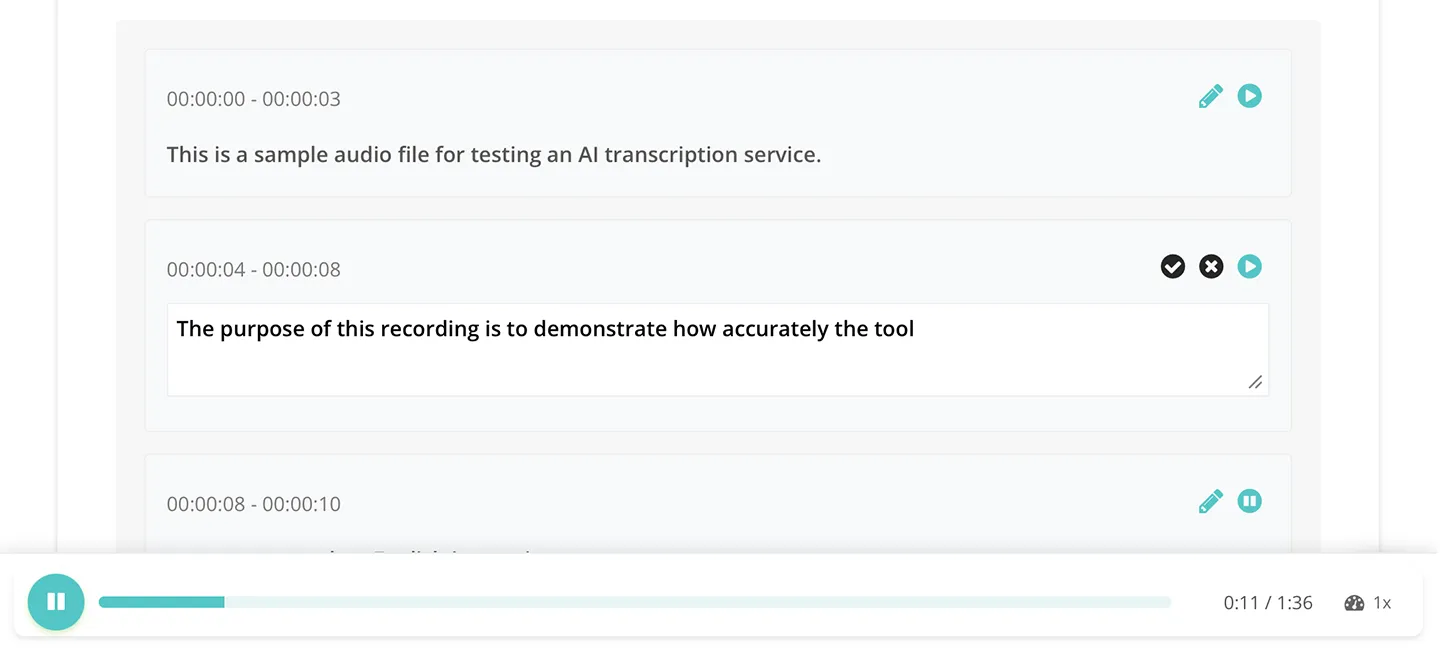
You can listen to the English audio while checking it against the text.
It also supports export to SRT subtitle files, so it is a good choice when you want to add subtitles to an English video.
Because it is a web app that runs in your browser, it works in any environment, including iPhone (iOS), Android smartphones, and PCs.
You can transcribe for free up to 3 minutes a day without registration or login, and up to 10 minutes a day once you register for free.
If you are not sure which to choose for English transcription, why not try "Mr. Transcription" first?
2. Otter: An AI Transcription Service Strong with English Audio and Video
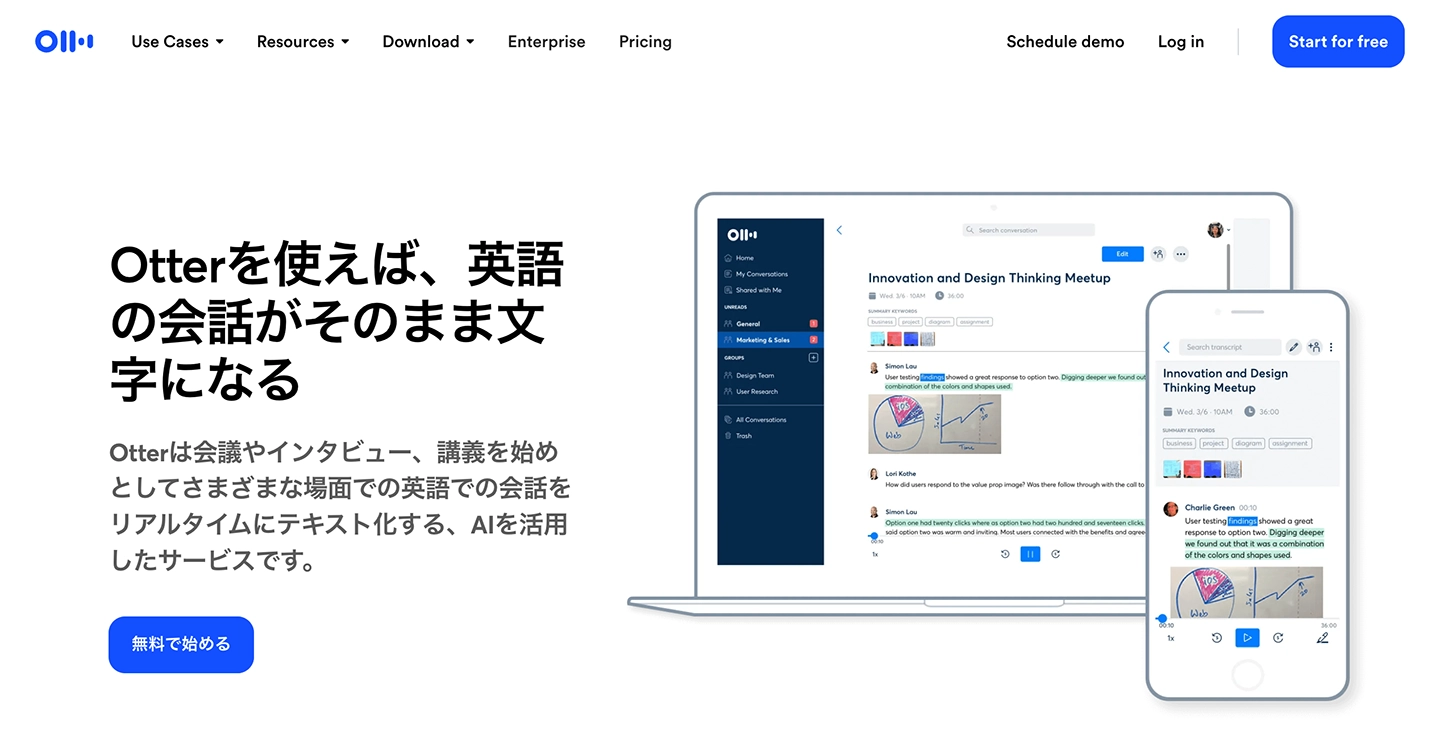
Otter is an AI transcription service that supports English, French, Spanish, Japanese, and other languages.
You can use it both on the website and in the apps for iPhone and Android smartphones.
It has a speaker identification function, which makes it ideal for transcribing English meetings and interviews with multiple participants.
It also offers keyword search and automatically synced playback of audio and text, so it can be used as an English study tool for listening practice and more.
The free Basic plan allows transcription of up to 300 minutes per month, but imports of audio and video files are limited to 3 files in total.
In addition, it supports only a few languages, so choose another service if you want to work with a variety of languages.
3. One Minutes: A Transcription App with Real-Time Multilingual Translation
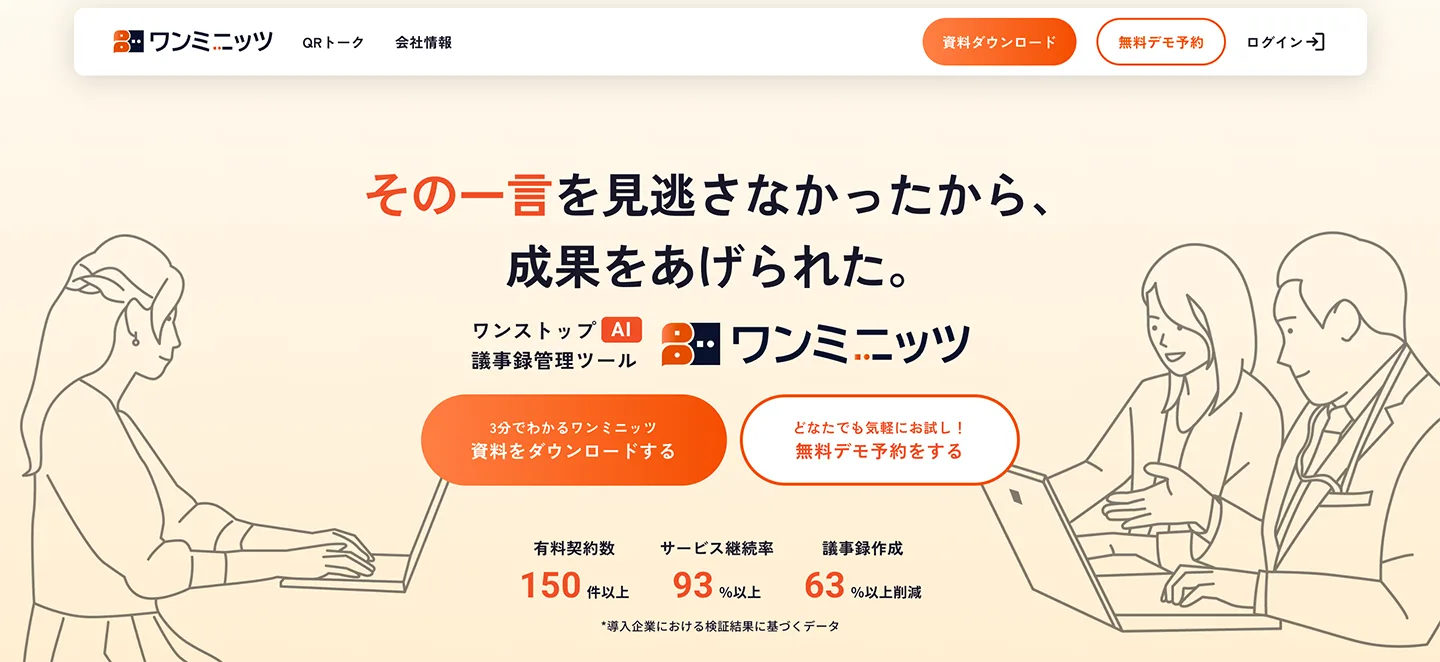
One Minutes is an AI tool capable of real-time transcription and multilingual translation.
While transcribing an English meeting in real time, you can translate it into Japanese on the spot.
It also has automatic AI meeting minutes creation, so it is recommended for people who attend many English online meetings.
It also supports uploading recorded audio files.
Pricing is not published, and you need to make an inquiry to use it.
There is a 7-day free trial, and no credit card registration is required.
It is a convenient service when you want to handle translation and transcription together in an English-language environment.
4. Sonix: A Multilingual Transcription App

Sonix is an AI transcription service from overseas that supports more than 54 languages.
Simply upload an audio or video file to transcribe it with high accuracy.
Its biggest feature is the automatic translation function.
You can translate English transcription results as they are into Japanese or other languages.
It also supports subtitle file export in formats such as SRT and VTT, so it is well suited to adding subtitles to English videos.
There is a 30-minute free trial for first-time users, and paid plans start at $22 per month.
It is recommended for those who want to handle English transcription and translation together.
5. Texter: An English Transcription App for iPhone and Android Smartphones
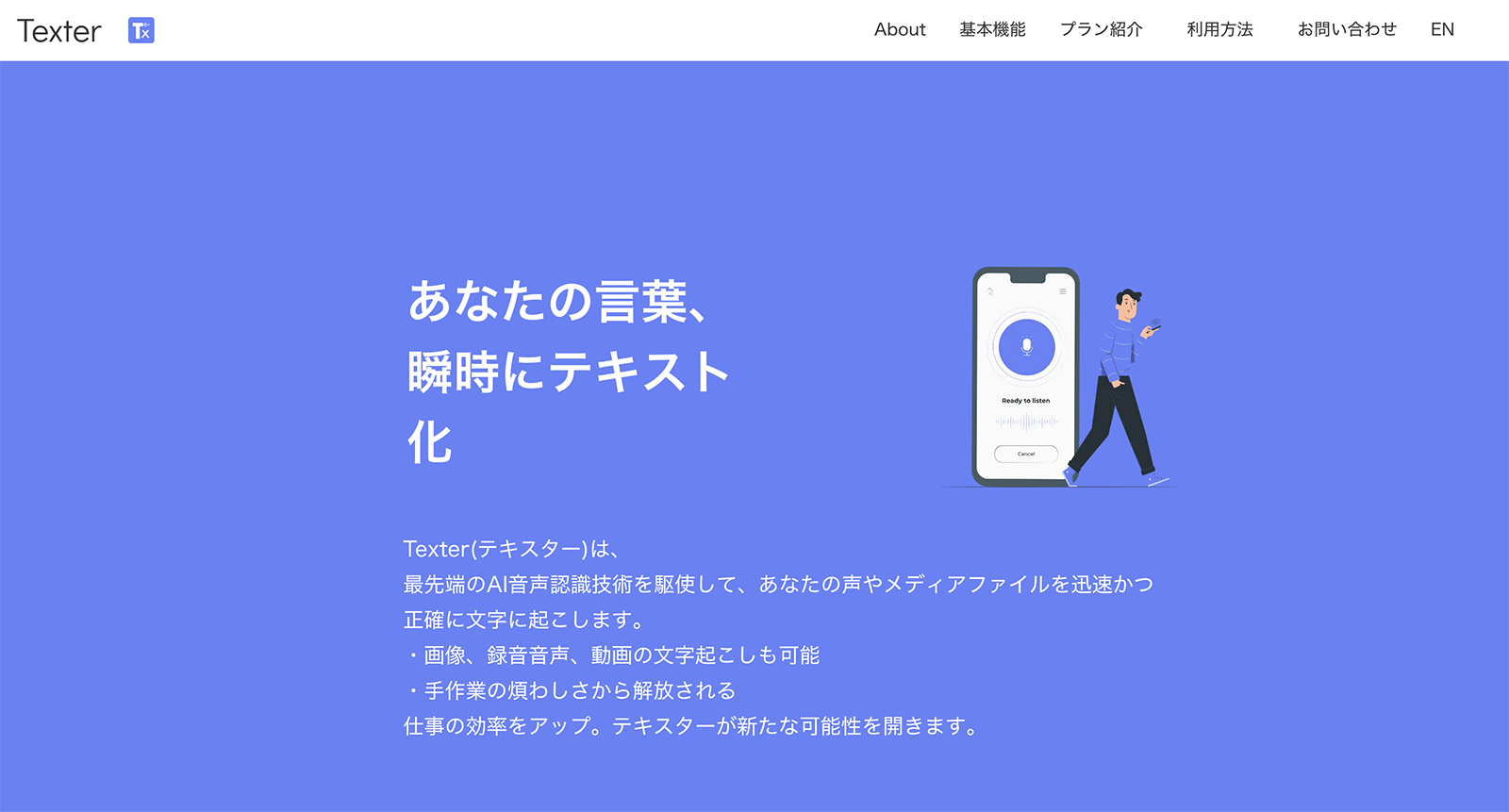
Texter is an AI transcription app for iPhone and Android smartphones.
It supports both real-time transcription within the app and transcription of audio and video files uploaded from your smartphone.
You can also import files from the iPhone Voice Memos app and transcribe them.
It is an app recommended for those who want to complete English transcription on a smartphone alone.
However, the free plan is rather restrictive, with real-time transcription limited to 1 minute.
For serious use, you will need a paid plan (from 1,500 yen per month).
6. Google Docs Voice Typing: A Web App for Free English Transcription

With the voice typing function in Google Docs, you can transcribe English for free.
Anyone with a Google account can use it, and there is no time limit.
To use it, just open Google Docs and select "Voice typing" from the "Tools" menu.
When you speak English into the microphone, it is converted to text in real time.
However, it does not support uploading audio or video files.
It only accepts real-time input from a microphone, so use another service if you want to transcribe recorded English audio.
Also, because punctuation is not inserted automatically, you should be aware that you will need to edit the text manually after transcription.
7. Notta: Also Supports Real-Time English Transcription
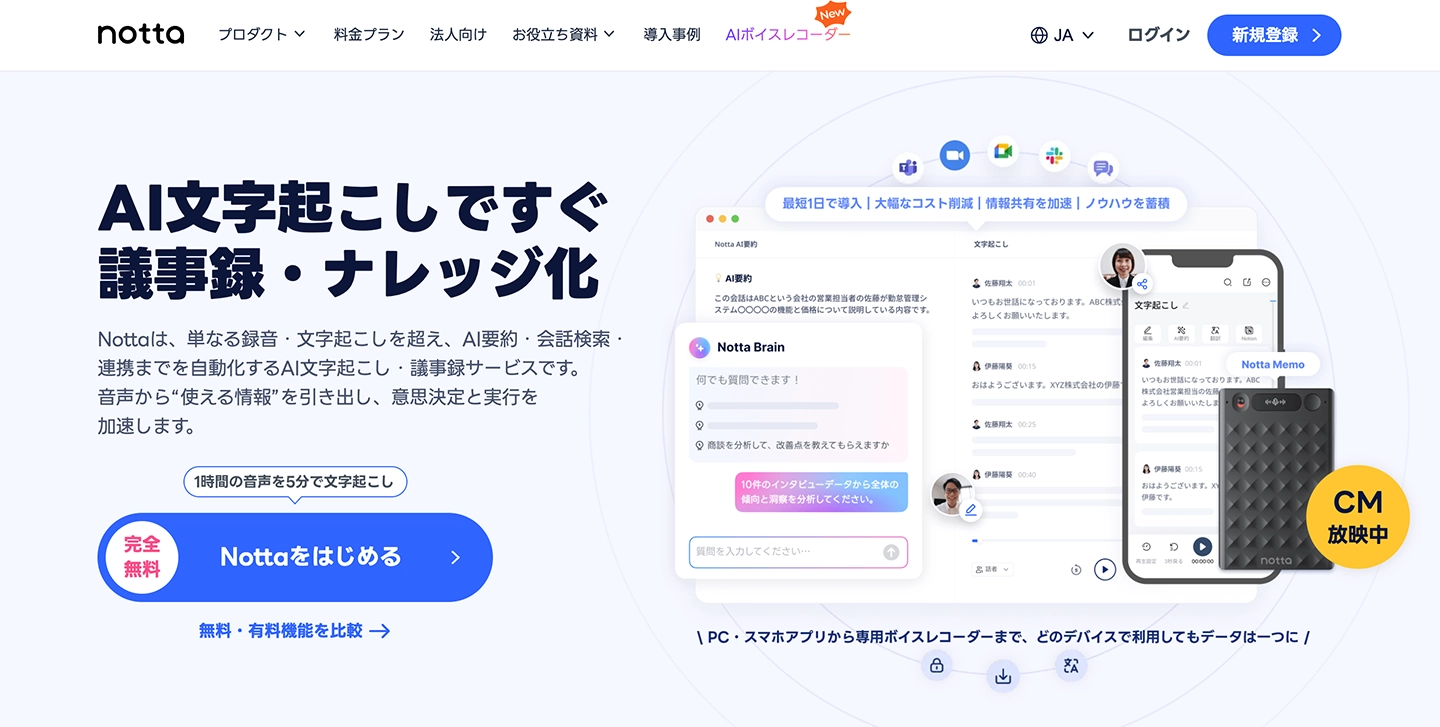
Notta is an AI transcription service that supports both real-time transcription and file uploads.
It supports 58 languages, and of course it can transcribe English.
It integrates with web meeting tools (Zoom, Google Meet, and Microsoft Teams), which is convenient when you want to transcribe English meetings in real time.
The free plan allows up to 120 minutes of transcription per month, but with a limit of 3 minutes per session.
Also, the free plan limits the number of transcriptions by file upload, so be careful if you want to transcribe recorded audio files often.
8. Editage: A Transcription Service Handled by English-Specialist Writers
Editage is a service in which writers transcribe manually by keyboard.
Because it is provided by a company that runs an English proofreading service, its major feature is accurate and careful handling.
It performs at least a two-stage transcription and also proofreads the manuscript before delivery.
It supports not only transcription from English audio (including mixed Japanese-English speech) but also translation of the transcribed text.
However, it is more expensive than AI transcription sites and apps, and the turnaround time is longer.
It is a service for situations that require the accuracy of human work, such as academic papers and legal documents.
How to Choose a Tool for Transcribing English

Here, we briefly explain the points to check when choosing a tool.
Does it support uploading audio files and video?
There are probably many situations where you want to record an English meeting or interview and transcribe it later.
In that case, we recommend choosing a service that supports uploading audio files (mp3, m4a, etc.) and video files (mp4, etc.).
Note that a service that supports only real-time input cannot transcribe audio that has already been recorded.
With a service that supports video uploads, you can transcribe recordings of English lectures and meetings as they are.
Tools you can use for free are recommended
The best way to evaluate an English transcription tool is to actually try it and check its accuracy and usability.
A service you can try for free without user registration makes it easy to get started.
The length and number of free transcriptions differ by service, so please check the comparison table above.
Also check useful functions such as AI summaries and subtitle export
Choosing a service with useful functions such as AI summaries and automatic meeting minutes creation, in addition to transcription, makes the work after an English meeting much easier.
If you want to add subtitles to an English video, it is also important to check whether the service supports subtitle export in SRT format.
If you want to turn English transcription results directly into Japanese, you should also check whether the service supports translation.
We introduce transcription tools that can also translate in this article: "Free Options Available: 5 Transcription Apps and Services That Can Also Translate [With a Bonus Trick]". Please take a look as well.
Security measures
For business use, how uploaded data is handled is also important.
When transcribing audio from work meetings or internal documents, it is reassuring to check how long uploaded data is kept on the server and whether encrypted communication is supported.
How to Transcribe English Audio with Mr. Transcription
Transcribing English audio with "Mr. Transcription" is very easy.
Here, we explain step by step how to transcribe an English audio file.
Step 1. Open the top page
First, open the Mr. Transcription top page in your browser.
You can use either a PC or a smartphone.
Step 2. Set the language to "English"
Set the language to "English".

Step 3. Upload the audio file
Click the "Select" button on the top page, or drag and drop a file, to upload your English audio file.

Mr. Transcription supports not only audio files such as mp3, m4a, and wav, but also video files such as mp4 and mov.
The upload starts automatically once you select the file.
When the upload finishes, the latest AI automatically converts the English audio into text.
Step 4. Transcription complete
Even long audio files are transcribed in about 1 minute.
When processing finishes, the screen switches and the result is displayed.

You can download the transcription result as a text file or an SRT subtitle file.
The latest AI can also summarize, analyze, and create meeting minutes (see here for details).
You can also play back section by section,
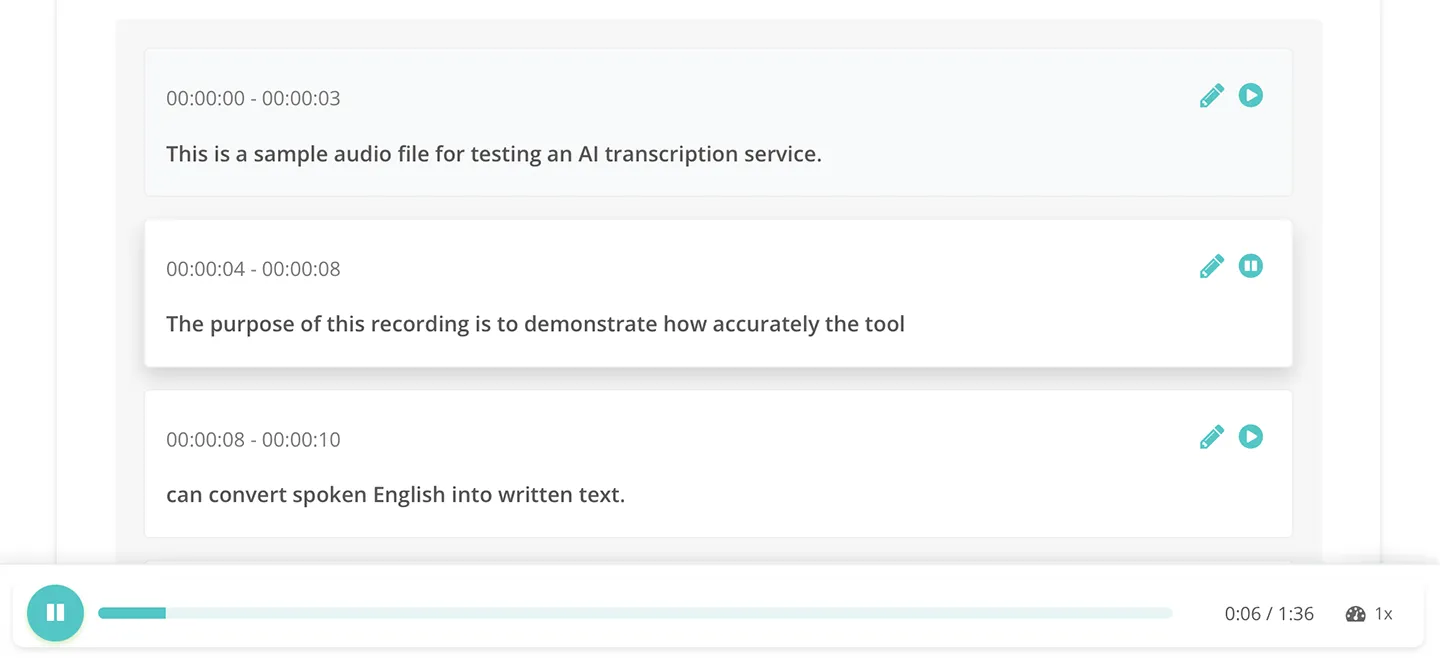
and edit the text on the spot.
When you play the audio with the player at the bottom of the screen, the displayed text switches automatically in step with the audio, so you can easily check the transcription result.
As you can see, with "Mr. Transcription", English transcription is completed just by uploading a file.
Why not try transcribing English for free with Mr. Transcription?
What Is the Recommended Way to Transcribe English Meetings?

In business settings, you probably want to record the content of English meetings accurately.
For that, we recommend AI transcription tools!
With AI apps and AI sites, you can easily transcribe English meetings.
Transcribe an audio file recorded at an English meeting
To transcribe the content of English meetings with high accuracy, we recommend recording the meeting and transcribing the audio file.
Just upload the audio file (mp3, m4a, etc.) recorded with an online meeting tool such as Zoom to "Mr. Transcription".
Because you upload the recording file, the AI can grasp the entire audio and transcribe it with high accuracy.
In addition, you can automatically create an AI summary and meeting minutes from the transcription result, which greatly reduces the effort of writing minutes after an English meeting.
Real-time transcription of English meetings is also possible
If you want to follow the content in real time during a meeting, you can also use a tool that supports real-time transcription.
You can check in text, in real time, any parts of the English you could not catch, which helps you avoid missing things during the meeting.
However, real-time transcription depends on the connection and microphone quality, so for important meetings, we recommend combining a recording with transcription afterward.
Also recommended for transcribing overseas reporting and interviews
English transcription tools can also be used for transcribing overseas reporting and interviews.
Just upload the English interview audio you recorded on location, and the transcription is done.
You can use audio files recorded with an IC recorder or a smartphone's Voice Memos app as they are, so you can convert them to text right after the interview.
It is also recommended when you want to accurately record interviews with overseas experts or presentations given in English.
[Listening and Pronunciation] Tips for Using Transcription Tools to Study English


Can transcription tools also be used for studying English?
In fact, transcription tools are very useful for studying English too.
Here, we introduce techniques for using transcription tools to study listening and pronunciation.
How to use English transcription sites and apps for listening practice
1. Create subtitles for English videos on YouTube or TED
This method is recommended for listening practice with English videos such as those on YouTube or TED.
Just transcribe the audio of an English video on a topic you like, and watch it while comparing the subtitles with the audio.
Even for videos without subtitles, a transcription tool lets you easily create English subtitles.
If listening is difficult, it is also a good idea to use the playback speed setting of the video site and play it back slowly.
*Downloading from video sites can be illegal even for personal use, so we recommend recording with the Voice Memos app on your smartphone or PC and transcribing the recording.
2. Listen to English lyrics and transcribe them
If you like Western music, listening to the lyrics of your favorite songs with a transcription tool is also a recommended way to study.
Record the song with a voice memo app while it plays, then upload it to "Mr. Transcription" and transcribe it, and you will get the lyrics as text.
You can listen to a favorite song as many times as you like, so you can build your listening skills while enjoying yourself.
*Please note that, depending on the song, such as songs with many passages without vocals, music may not be transcribed correctly.
3. Use copyright-free English audio such as speeches and lectures
There are sites on the internet that publish audio files you can use for studying English.
For example, on this site, you can download mp3 audio files of historical speeches, such as those by past American presidents and Martin Luther King Jr.
Upload the downloaded audio file to "Mr. Transcription" and convert it to text.
If you play the audio while reading the transcribed text, you can practice listening.
It is a study method that kills two birds with one stone, because you can also learn famous quotes and idioms that every American knows.
4. Review parts you could not catch at work, in conversation, or in class
A study method recommended for those who have many opportunities to use English in daily life is to transcribe and review the parts you could not catch at work, in conversations with foreign friends, or in English classes.
Just record an audio file with your smartphone's Voice Memos app during the conversation or class, and transcribe it later with "Mr. Transcription".
Not only does it improve your listening ability, but you can also learn new expressions.
*When recording with the Voice Memos app, make sure beforehand that recording is acceptable.
How can you use transcribed English audio for pronunciation practice?
There is also a study method in which you use a transcription tool to test your own English pronunciation.
It is reassuring if your pronunciation is good enough for an automatic transcription tool to recognize it accurately.

1. Read an English text aloud and compare it with the transcription result
Here is a pronunciation practice method you can do alone.
Open the Voice Memos app on your smartphone, then read an English text aloud and record it.
Upload the recorded audio file to "Mr. Transcription" and convert it to text.
Compare how closely the transcription result matches the original English text.
If the English text is transcribed accurately, your pronunciation is excellent!
Parts with incorrect pronunciation are transcribed as different words, so you can also check which sounds you find difficult.
2. Record an English conversation lesson with Voice Memos and transcribe it
This is a pronunciation practice method recommended for people who attend English conversation lessons.
During your English conversation lesson, record the content with your smartphone's Voice Memos app.
After you get home, just upload the audio file recorded with Voice Memos and transcribe it.
By looking at the transcription result, you can see how accurate your pronunciation is.
*When recording with the Voice Memos app, get permission from your instructor in advance.
Languages other than English can be converted to text in the same way with AI transcription services.
For details on Korean transcription and Hangul OCR, see this article. Please take a look as well.
For services that support Chinese, and points to note such as the difference between Simplified and Traditional characters, see this article. Please take a look.
Summary: English Transcription Sites and Apps
In this article, we introduced apps and sites that support English transcription, how to choose a tool, and tips for using them to study listening and pronunciation.
The English transcription sites and apps introduced in this article are the following 8.
- Mr. Transcription (100 languages, free option, file upload supported)
- Otter (strong with English, speaker identification)
- One Minutes (real-time multilingual translation, AI meeting minutes)
- Sonix (automatic translation in 54+ languages, subtitle export)
- Texter (smartphone app, Voice Memos integration)
- Google Docs (free, real-time only)
- Notta (real-time plus file support)
- Editage (manual transcription by writers)
In business, a small mishearing or missed detail can cause unexpected trouble.
To avoid such trouble, we recommend using an AI transcription site or app to verify the content.
As introduced in the latter half of the article, transcription tools are also very useful for improving listening and pronunciation skills.
With "Mr. Transcription", you can try English transcription for free without registration, so why not give it a try?
■ AI transcription service "Mr. Transscription"
"Mr. Transcription" is an online transcription tool that can be used from zero initial cost and 1,000 yen per month (* free version available).
- Supports more than 20 file formats such as audio, video, and images
- Can be used from both PC and smartphone
- Supports technical terms such as medical care, IT, and long-term care
- Supports creation of subtitle files and speaker separation
- Supports transcription in approximately 100 languages including English, Chinese, Japanese, Korean, German, French, Italian, etc.
To use it, just upload the audio file from the site. Transcription text is available in seconds to tens of minutes.
You can use it for free if you transcribe it for up to 10 minutes, so please try it once.

It is "Mr. Transcription" who can easily transcribe from audio, video, and images.
Transcription allows you to transcribe for up to 10 minutes for free.
You can copy, download, search, delete, etc. the transcribed text.
You can also create subtitle files, which is ideal for transcription of interview videos.
HP: mojiokoshi3.com
Email: mojiokoshi3.com@gmail.com
Email: mojiokoshi3.com@gmail.com
Related article
Transcription for audio / video / image transcription. It is a transcription service that anyone can use for free without installation.
- What is Mr. Transcription?
- Transcript images, sounds, and videos with Mr. Transcription
- Free registration
- Rate plan
- manual
- Try other free services






